One such area of business that silently determines success or failure is inventory. Excessive inventory wastes storage facilities and cash. Low inventory results in lost sales and dissatisfied clients.
Businesses have been using spreadsheets or manual logs to keep track of inventory over a number of years. The latter strategy is only effective until it becomes complicated. Increased products, increased orders, increased locations, and within a short time, errors begin to accumulate.
This is where inventory management software is involved. It also introduces clarity, accuracy, and control to inventory processes and enables businesses to know precisely what they possess and what they require next.
What is inventory management software?
Inventory management software is an electronic platform that assists companies in monitoring, controlling, and coordinating their inventory in real time throughout the supply chain.
This software records inventory movements, including purchases, sales, returns, and transfers, automatically instead of spending time updating spreadsheets manually. Whenever stock is changed, the system automatically updates the data immediately.
Inventory management software can be described as an answer to three essential questions: what do you have, where is it stored, and when do you need to reorder it. This visibility enables the business to prevent overstocking, avoid shortages, and keep proper records without having to work on that manually.
As an illustration, the software decreases the quantity of a product when it is sold in a store or through the Internet. The number will grow automatically when new stock is delivered. This tracking prevents inventory data to be out of date.
Why Use Inventory Management Software
The issue of inventory management influences almost all aspects of a business. Whether it is cash flow, customer satisfaction, or both, the manner in which stock is managed can either facilitate growth or make it creep along.
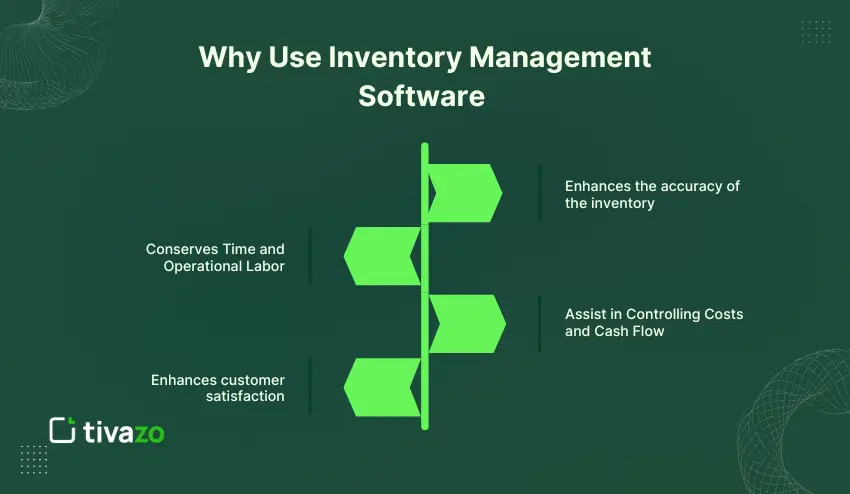
1. Enhances the accuracy of the inventory
Inventory tracking is usually done manually and is prone to errors. Stock counts can be easily disrupted by a missed update or by a wrong entry. Inventory management software eliminates this risk by automatically updating the data with each movement of inventory.
Having the right amounts of stocks, companies do not have to doubt their data and make more appropriate decisions.
2. Conserves Time and Operational Labor
Inventory tracking is time-consuming. Stock counting, spreadsheets and report writing may take hours per week. These tasks are automated through inventory management software.
This automation enables teams to reduce time spent on repetitive tasks and increase time on tasks that directly contribute to the business e.g. sales, customer service, and planning.
3. Assist in Controlling Costs and Cash Flow.
Inventory control is usually poor which results in either overstocking or stockouts. Overstocking is a waste of money in unsold goods and stockouts lead to lost sales.
The inventory management software assists companies in maintaining a balanced level of stock through monitoring demand trends and generating a reorder notification at the appropriate time.
4. Enhances customer satisfaction.
The customers want to have their products when they need them. Out-of-stock situations may ruin trust and drive customers to competitors.
With real-time and accurate inventory records, companies can be able to meet the orders they receive and provide a better customer experience.
How Inventory Management Software Works
Inventory management software tracks inventory as it passes within a business. All activities such as product receipt, sale etc. are automatically captured to maintain stock records.
Monitoring Inventory In and Out.
Upon stock arrival, the software takes note of the quantity and changes the inventory levels. This may be done by barcode scanning, purchase order entries or system integrations with suppliers.
The system automatically updates inventory levels when goods are sold, returned or transferred. This tracking is real-time and eliminates delays and human error.
Real-Time Data Updates
Real-time visibility is one of the largest benefits of inventory management software. Inventory is updated instantly after each sale hence companies do not see the numbers of yesterday but rather the present ones.
This live monitoring allows the teams to react fast to demand fluctuations and prevent shortages of the trendy products.
System Automation and Integrations.
A majority of inventory management software is connected with other business applications like point-of-sale applications, accounting applications, and e-commerce applications. These integrations enable data to be automatically transferred between systems.
As an example, the inventory level is updated automatically when an online order is made without having to enter the information manually. This form of automation ensures that systems are in sync and that there is minimized duplication of work.
Types of Inventory Management Software
Not every inventory management software functions in a similar manner. Various businesses require various needs and thus these systems are available in a number of forms to suit certain use cases and sizes of their operations.
1. Standalone Inventory Management Software
Single inventory systems are aimed at monitoring inventory. It provides such vital functions as inventory updates, re-order notifications and simple reporting.
This is the best type to use when the business is a small firm and does not require complex integrations. It is simple to establish and most often cheap, yet it might not have sophisticated functions to expand the operations.
2. Cloud-Based Inventory Management Software
Cloud-based systems are online and can be accessed using any device that has an internet connection. They save the information in remote servers and update information on a real time basis.
These are systems that are effective in a business that has more than one location or remote workforce. They are scalable, flexible, and they do not need huge initial costs but a monthly subscription.
3. ERP Inventory Management Systems
Inventory software based on ERP is a subset of an overall enterprise resource planning system. It links inventory information with finance, human resource, procurement and operations.
This type is appropriate to medium to large businesses that require a single perspective of the operations. It is very insightful and automated but may be more costly and difficult to install.
4. On-Premise Inventory Management Software
On-premise inventory software is installed on the local servers of a company as opposed to being hosted in the internet. Companies have complete access to their data and systems.
This alternative is usually preferred by organizations that have rigid compliance or security needs. It however needs continuous maintenance, technical support as well as investment in hardware.
Quick Comparison Table
| Type | Best For | Key Advantage | Main Limitation |
|---|---|---|---|
| Standalone | Small businesses | Simple and affordable | Limited scalability |
| Cloud-based | Growing businesses | Remote access and flexibility | Internet dependency |
| ERP-based | Large enterprises | Full business integration | Higher cost and complexity |
| On-premise | Security-focused companies | Data control | Maintenance required |
Key Features to Look for in Inventory Management Software
It is easier to choose inventory management software when one is aware of which features are important in the real sense. Tools may vary, but efficient systems share a similar set of abilities that assist in making them accurate and efficient.
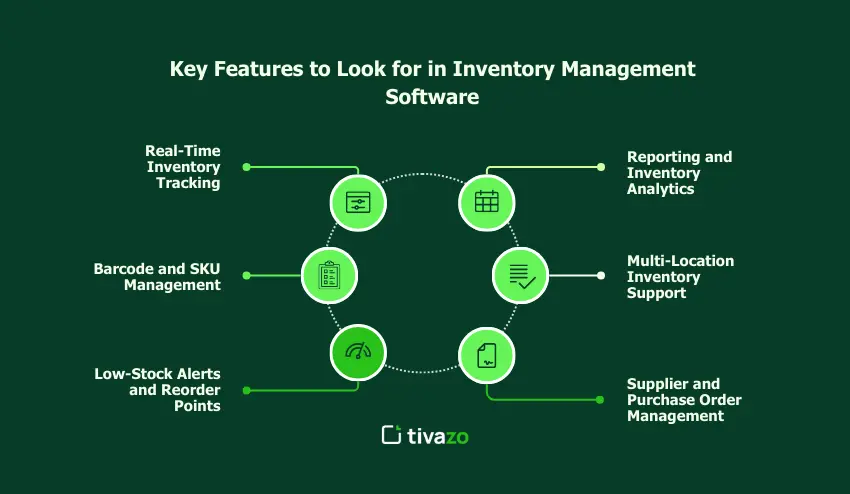
1. Real-Time Inventory Tracking
Real time tracking gives current stock levels. The system is updated instantly on all sales, returns or restocks and this will ensure that businesses do not operate with old information.
This feature is required to prevent stock shortage and over-ordering.
2. Barcode and SKU Management
Barcode scanning is quicker in inventory operations and reduces error as far as human error is concerned. Products possess a distinct SKU or a barcode and the products are easy to recognize and trace.
This is especially the case in companies that have many products in their stockpile or warehouse.
3. Low-Stock Alerts and Reorder Points
The inventory management software will be capable of raising alerts when inventory is at predetermined levels. These alerts help the firms to rearrange products before they run out of stock.
Computerized reorder levels reduce the element of guesswork and help to stabilize supply.
4. Reporting and Inventory Analytics
Reports convert raw inventory data into useful input. The common ones include stock movement, turnover rates and aging inventory.
These lessons can be applied in businesses with the knowledge of the demand trends and the ability to make improved purchase plans.
5. Multi-Location Inventory Support
Multi-location tracking is significant in the case of businesses that have over a single location or warehouse. The software shows the whereabouts of the inventory and enables one to easily move goods.
This boosts transparency and reduces inventory.
6. Supplier and Purchase Order Management
Many systems allow users to save data about suppliers and make purchase orders directly in the software. This keeps procurement in check and in accordance with inventory requirements.
Conclusion
The inventory management software adds organization and clarity to one of the most complicated aspects of business operations. It assists businesses to maintain accurate stock levels, minimize errors, and make improved decisions by substituting manual tracking with automated and real-time systems.
No matter the size or the growth rate of a business, the first step towards controlling inventory better is to know how inventory software operates and what it can provide. These systems aid in streamlined operations and enhanced customer experiences, because they are used to track products, as well as to create insights.
The more challenging inventory requirements are, the more appropriate software in place enables businesses to remain organized, responsive and ready to expand.