Slack Integration for Smarter Workflows: Calls, Chats, and Collaboration
Integrate with Google Calendar and Simplify Time Tracking
Simplify communication—make calls, send SMS, and review logs without breaking your flow.
Need help? Contact [email protected].

Trusted by teams globally at innovative companies













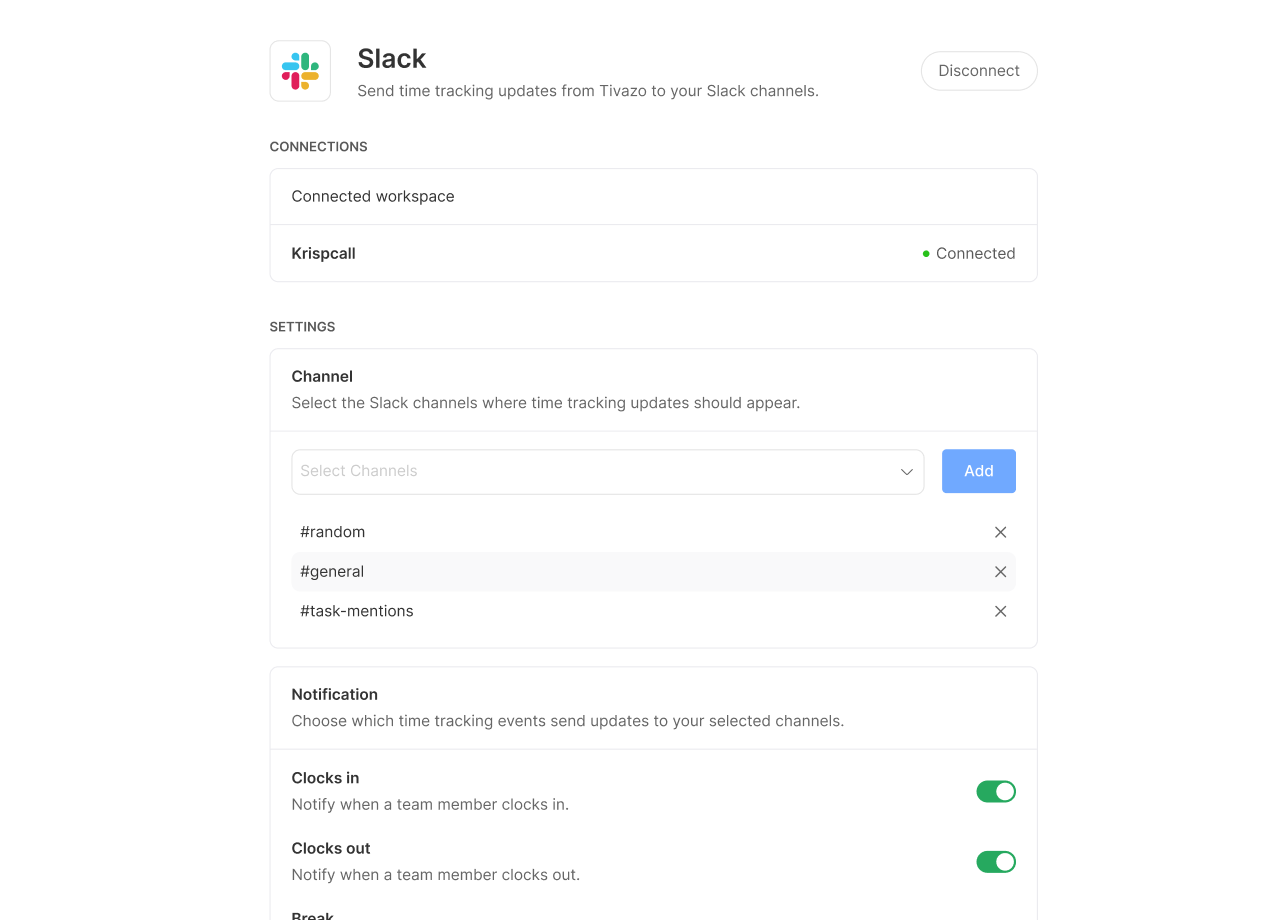
Smart Collaboration with Slack Notifications
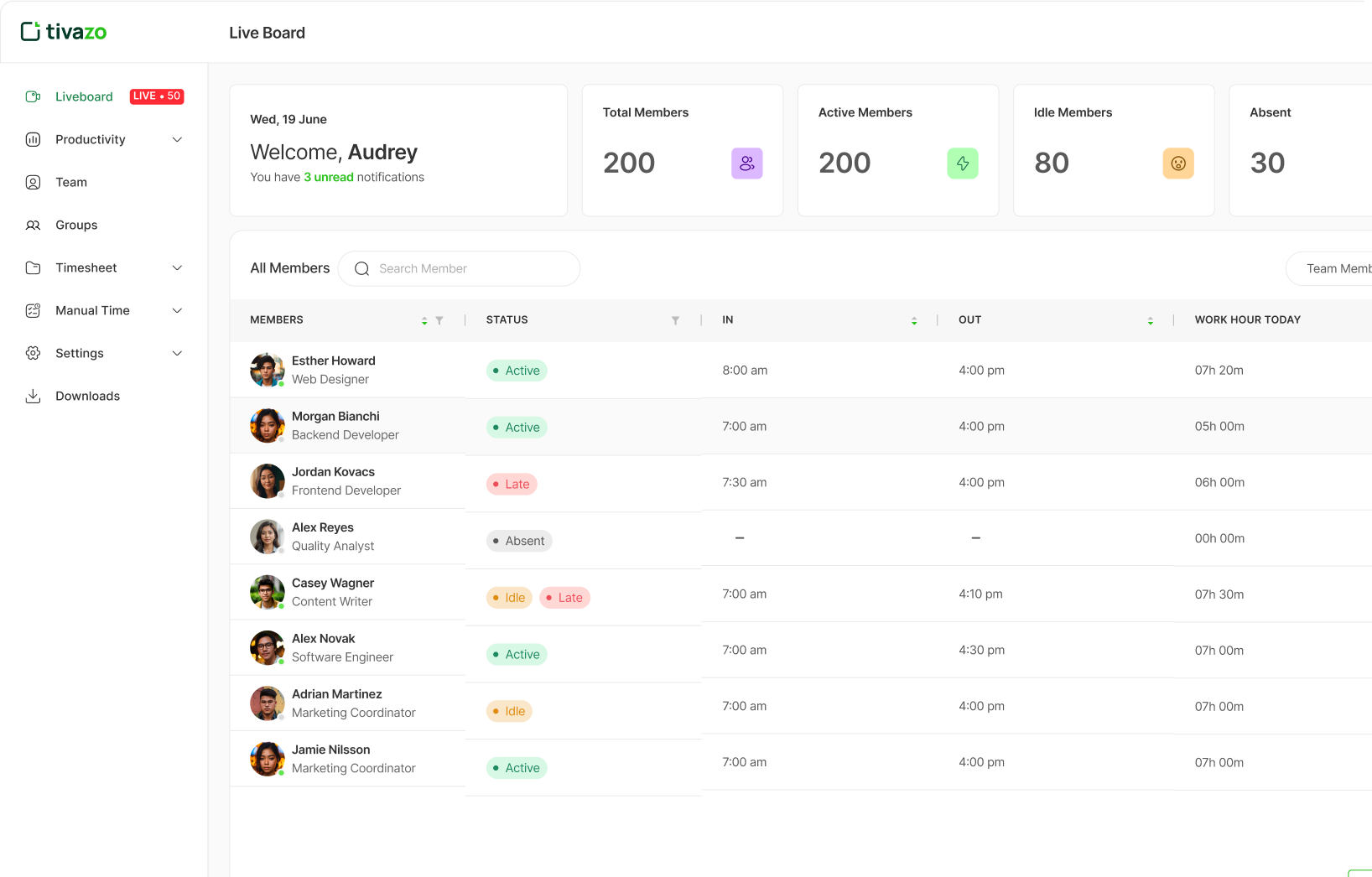
With Slack integrated into Tivazo, communication becomes seamless and more efficient. This integration helps your team stay connected in real time, receive instant notifications, and collaborate effortlessly on important tasks all without needing to switch between different platforms.
Instant Activity Alerts
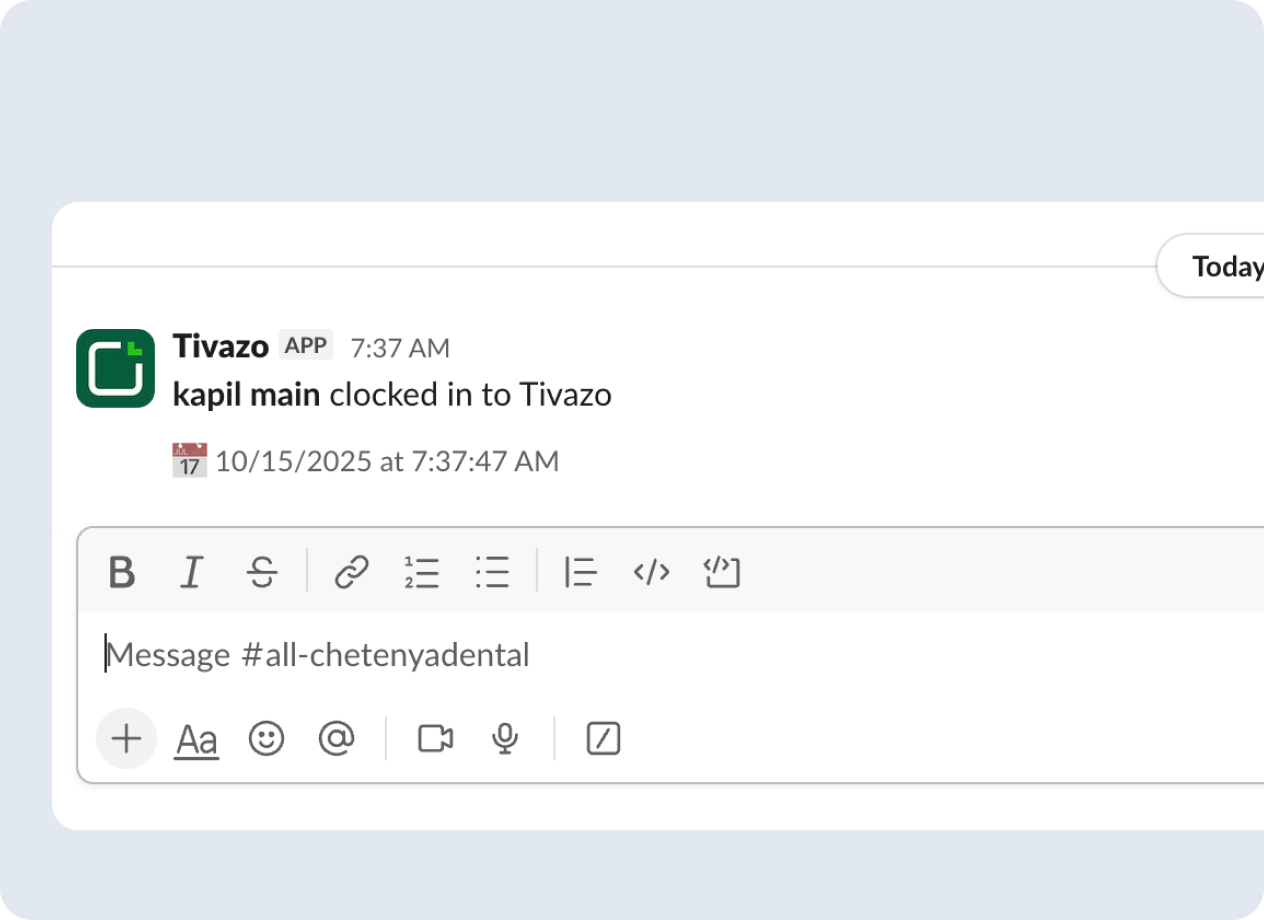
With Tivazo integrated into Slack, your team stays instantly informed. Whenever you clock in or start a break, Tivazo automatically sends a real-time notification to your Slack channel showing exactly when each action happened. This seamless automation keeps attendance and time tracking transparent, accurate, and effortless for everyone.
Effortless Slack Messaging from Tivazo
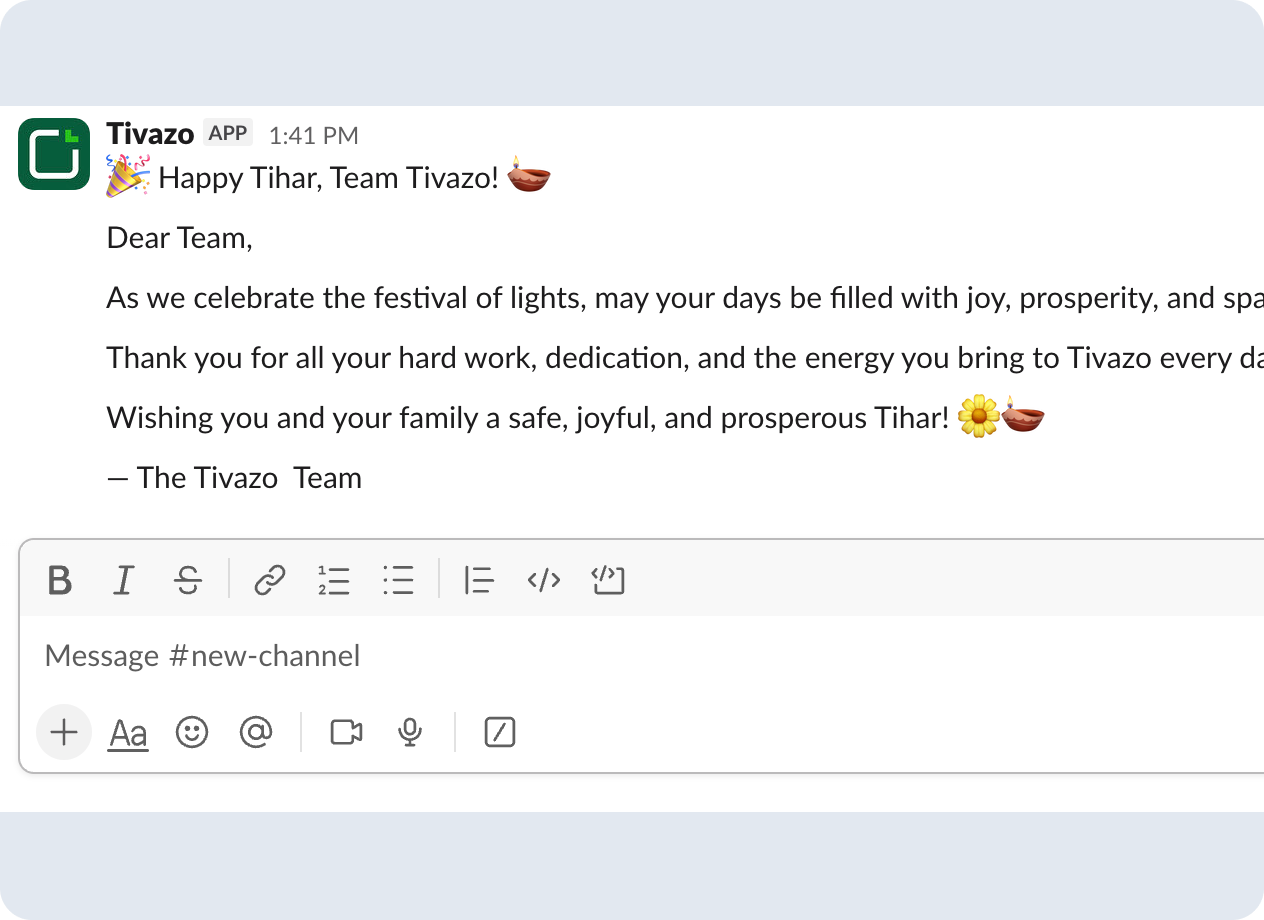
You can easily send important announcements or notices to one or multiple Slack channels directly from Tivazo. Simply select the channels you want, type your message in the text box, and send it instantly. This makes it effortless to share updates, reminders, or alerts with your team all without leaving Tivazo.
Start today for $0 and it’s forever
Optimize your workflow with Tivazo's platform, built for seamless task management and maximum efficiency.
- No credit card required
- Enjoy 24/7 support
- Available for:

How to Enable Tivazo x Slack Integration
Get started in minutes—no special access needed—for seamless onboarding.
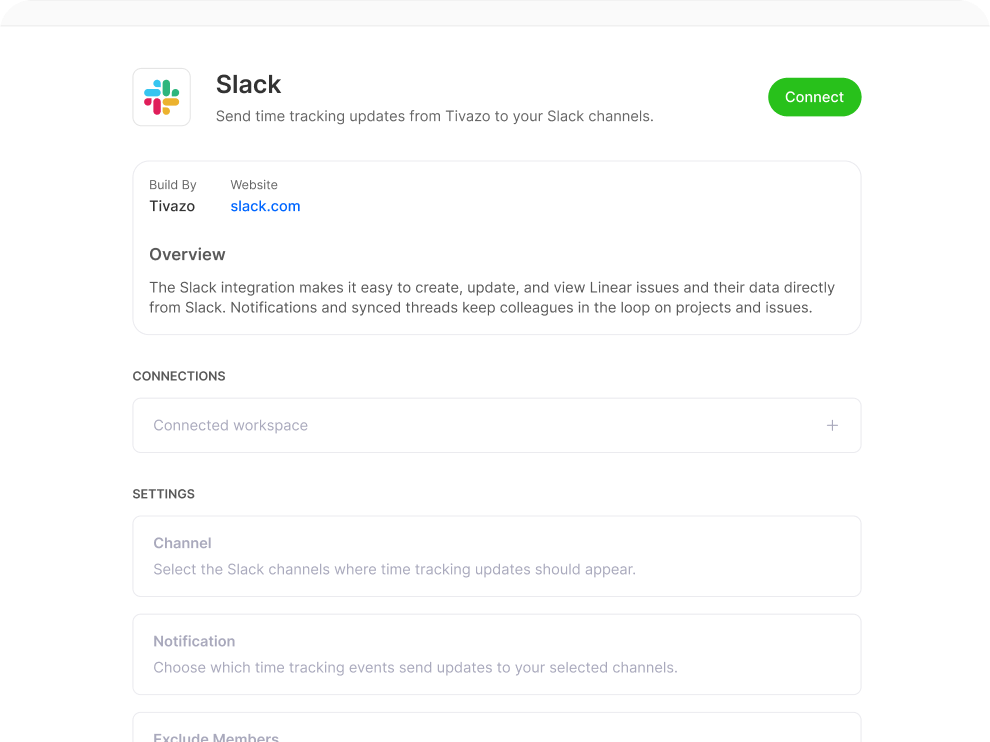
Connect Your Account
Log in to Tivazo and navigate to the Settings menu, then select Integrations. Find Slack in the list of available applications and click Connect to start the integration process.
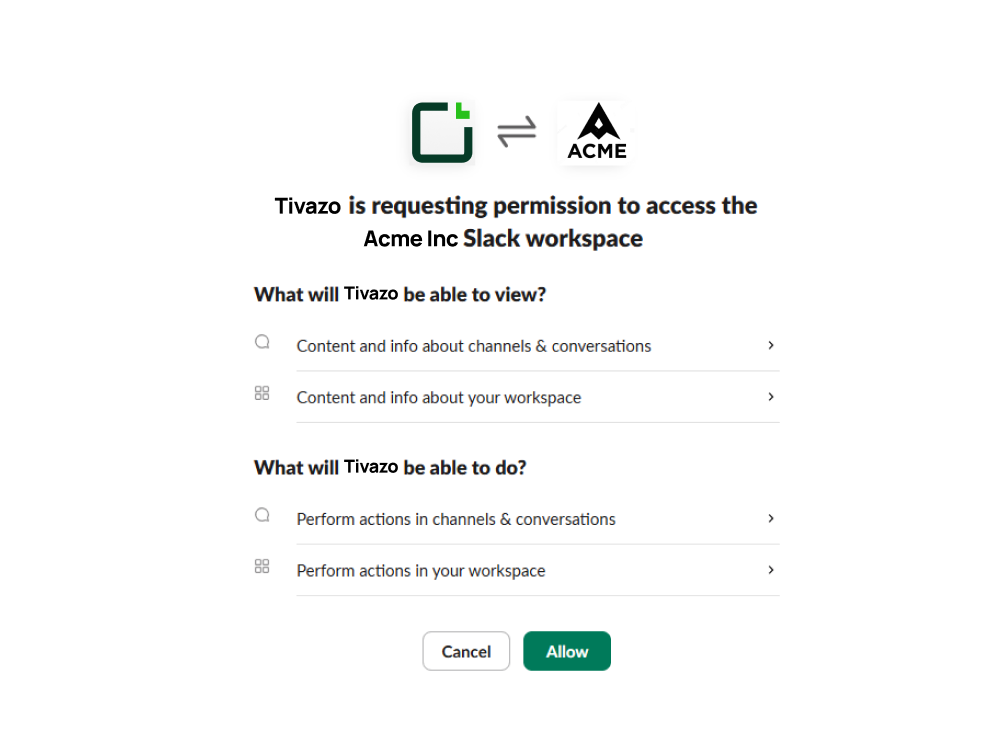
Authorize Access
You will be redirected to Slack to allow Tivazo access. Select the workspace you want to connect and click Allow so Tivazo can access channels, messages, and notifications.
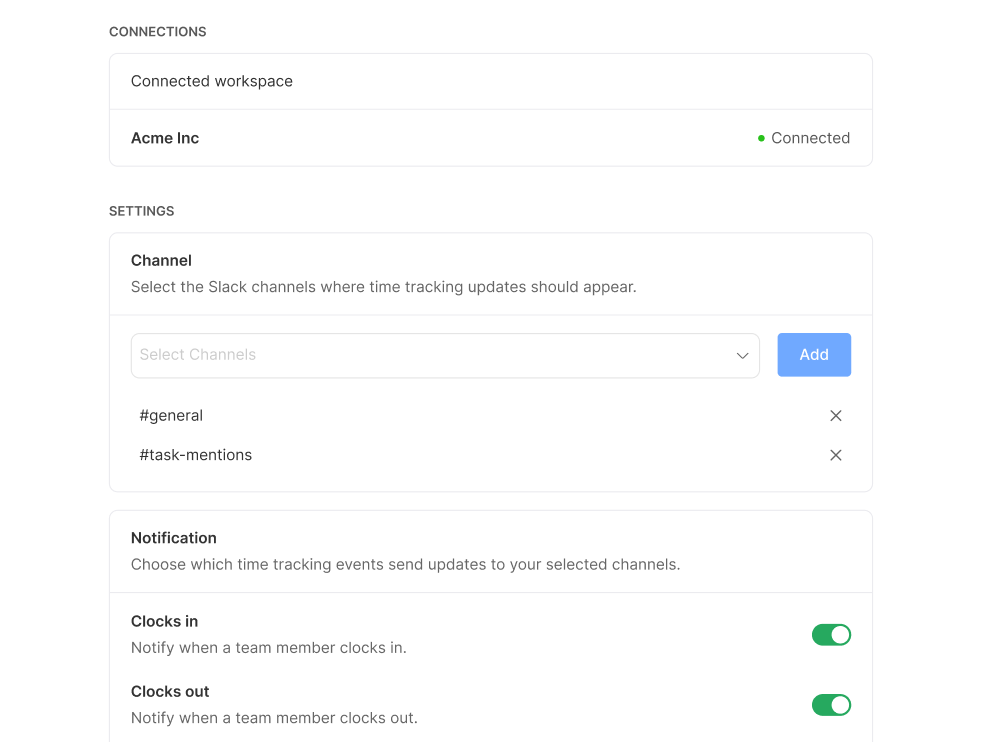
Confirm Integration and Explore Functionality
Once Slack is connected to Tivazo, review the synced channels and notifications to ensure everything is working as expected. Your team can now collaborate efficiently with full visibility.
Frequently Asked Questions
Everything you need to know about Tivazo’s asset management system.
Tivazo can also be connected to Slack in order to send updates, monitor tasks and share notifications to keep teams updated without going out of Slack.
Yes, Tivazo provides real-time notification of Slack tasks and performance, enhancing the communication and awareness of the team.
Tivazo Slack integration simplifies the process of updating, monitoring tasks, and alerts to ensure that teams are kept in line and enhance productivity
Yes, Tivazo Slack integration is safe, simple to set-up and has a smooth connection that allows team collaboration.
Start For free, and it's forever
Optimize your workflow with Tivazo's platform, built for seamless task management and maximum efficiency.