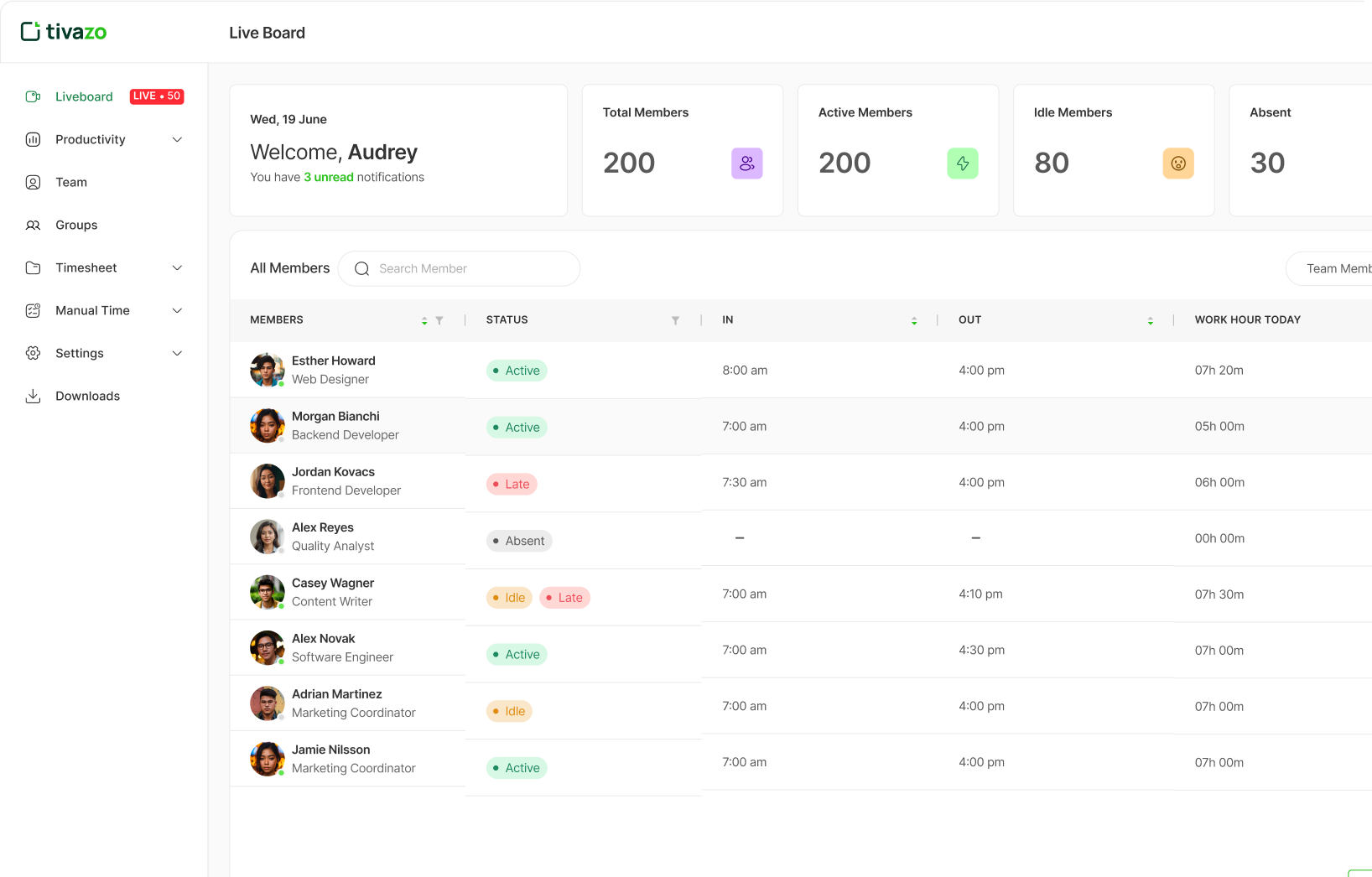
Integrate with Google Calendar and Simplify Time Tracking
Integrate with Google Calendar and Simplify Time Tracking
No more switching tabs or manual updates. With Google Calendar integration, your meetings and events automatically sync into Tivazo, so you can focus on your work while Tivazo tracks your time.
Trusted by teams globally at innovative companies













Automatic Event Sync
With Tivazo’s automatic sync, any meetings or events you add or change in Tivazo will instantly appear in your Google Calendar. This ensures your Google Calendar stays up-to-date with your Tivazo schedule without any manual work.
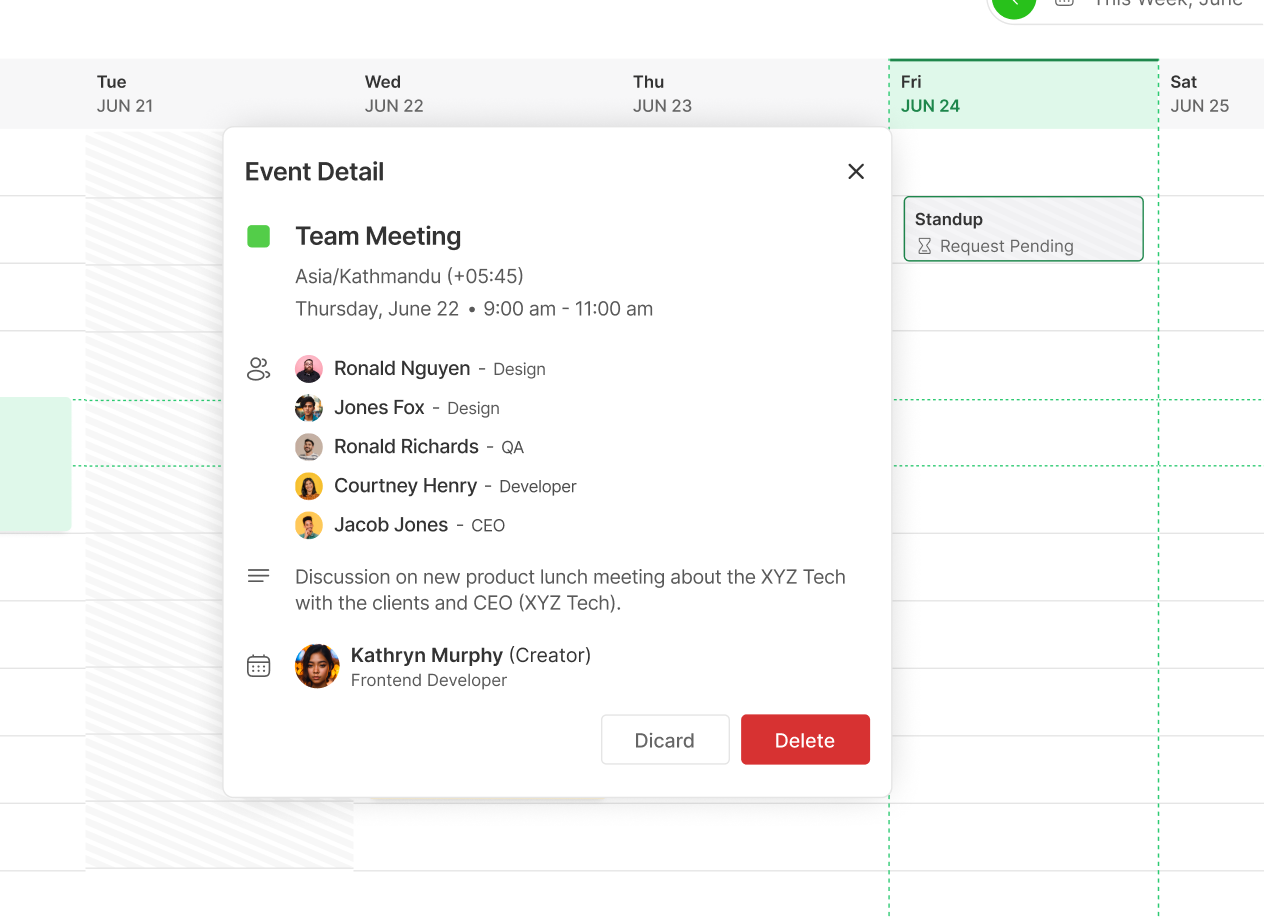
Track Meetings with Ease
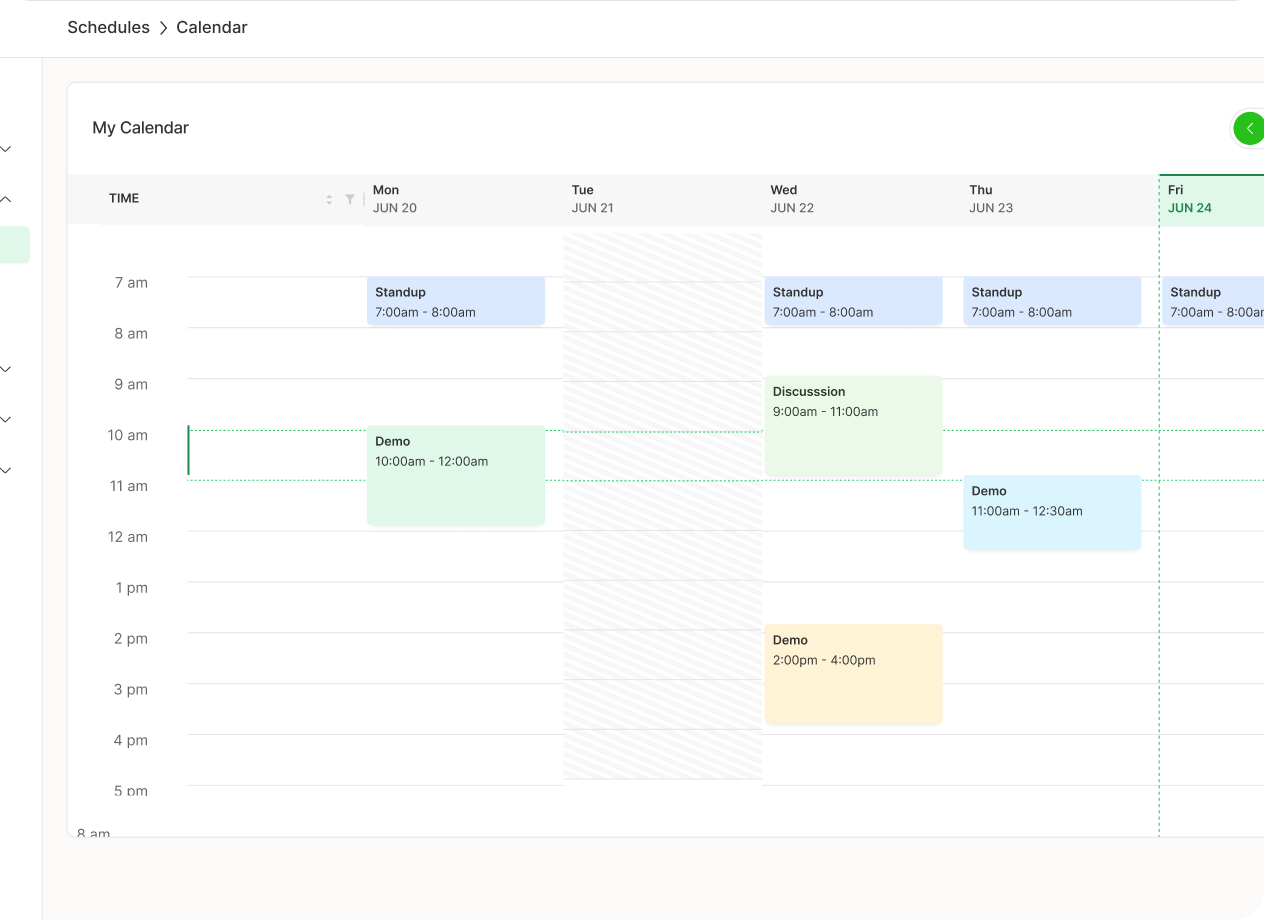
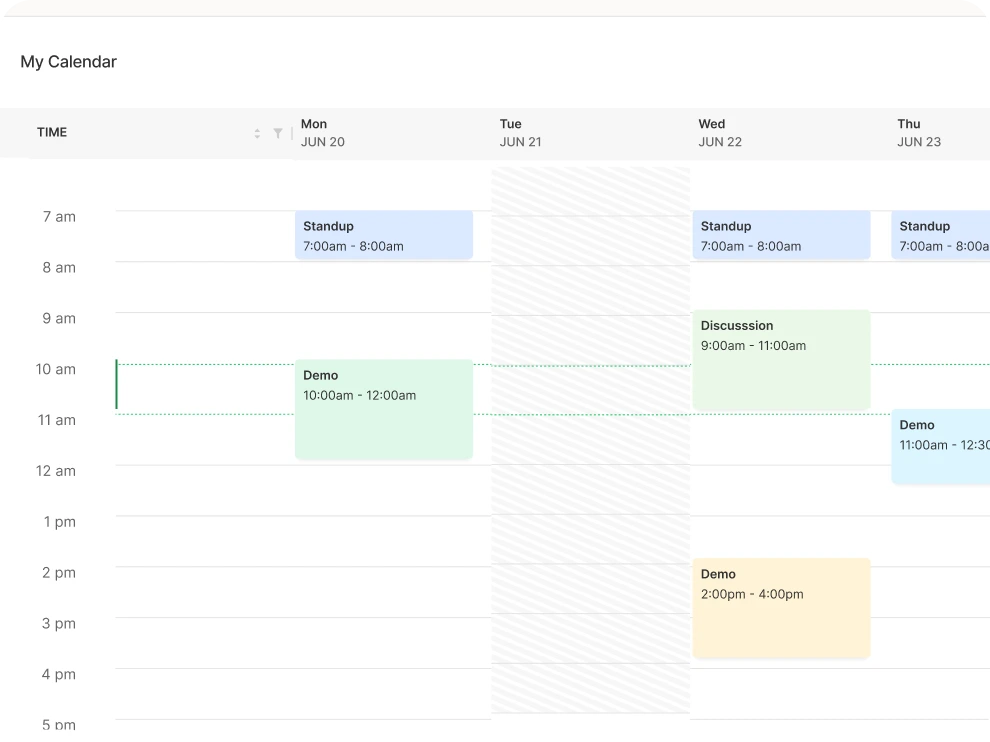
Once you integrate Google Calendar with Tivazo, your scheduled meetings including their meeting links will automatically show up in your Tivazo Schedule. This seamless sync lets you keep track of all your events in one place, without switching between apps.
Simple and easy to use
Tivazo × Google Calendar makes syncing simple and efficient. No complicated setups, just a quick connection that keeps your schedule organized, meetings tracked, and time managed effortlessly
Start today for $0 and it’s forever
Optimize your workflow with Tivazo's platform, built for seamless task management and maximum efficiency.
- No credit card required
- Enjoy 24/7 support
- Available for:
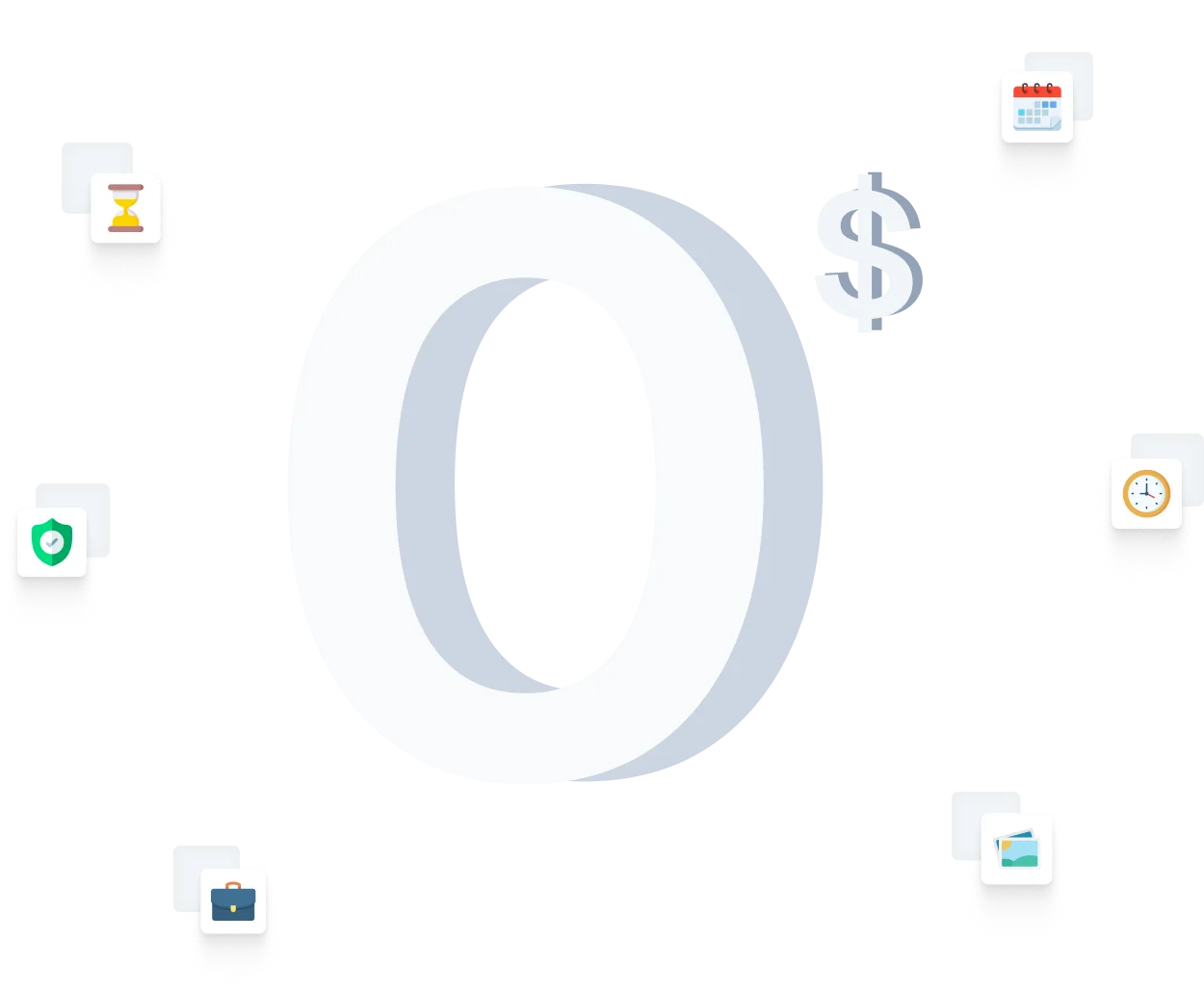
How to Enable Tivazo x Google Calendar Integration
Set up quickly with no special access required, making onboarding smooth and hassle free.
Log into to your account
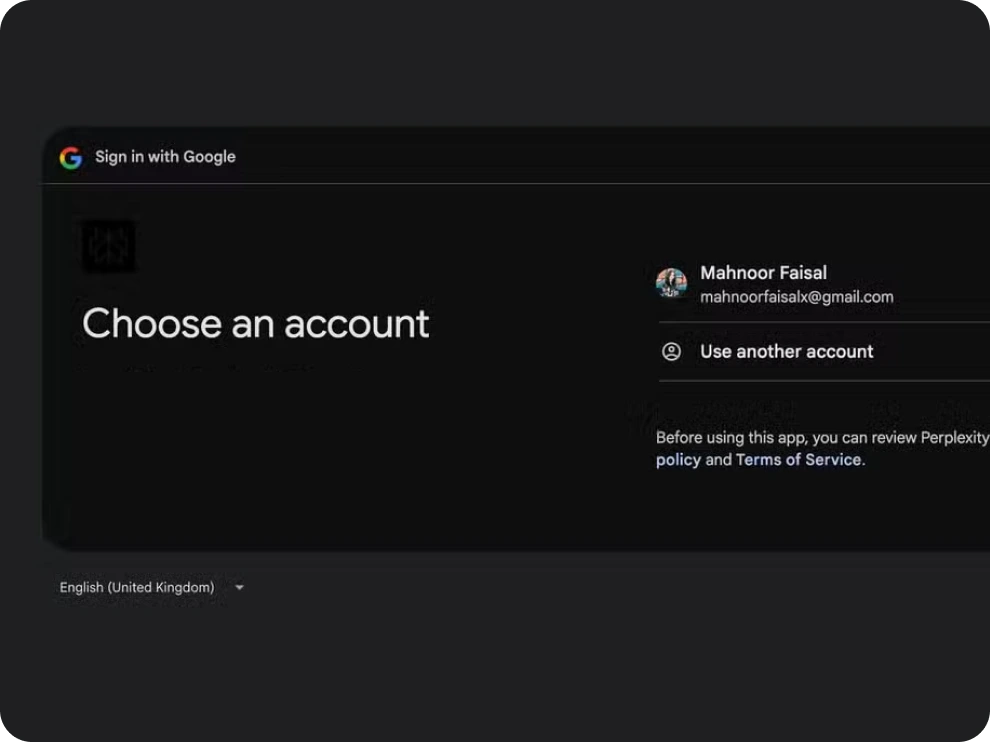
Sign in to Tivazo, go to Integrations, select Google Calendar, and link your Google account. If you’re already a Tivazo user, log in to proceed.
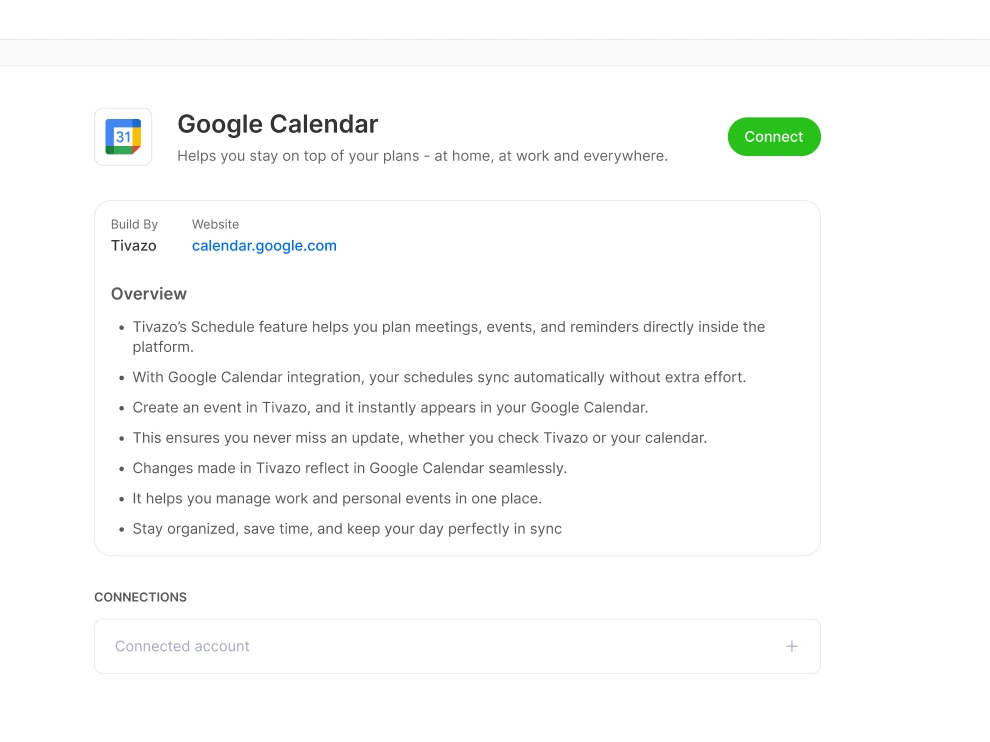
Select your calendars
Pick the calendars you want synced and set preferences such as workhour-only syncing. Linking Google Calendar to Tivazo ensures all your events are tracked automatically, giving you complete visibility into your time usage.
Start Syncing Events
Tivazo will automatically sync your Google Calendar events in real time, keeping your schedule accurate and up to date. To streamline project tracking, simply add the project name as a keyword in the meeting or event title so events are automatically assigned to the right project without extra steps.
Frequently Asked Questions
Everything you need to know about Tivazo’s asset management system.
Tivazo also manages the tasks, deadlines, and schedules in connection with Google Calendar and keeps the team’s preparation of the team in one place.
Tivazo does track tasks and deadlines in Google Calendar, so that there is proper monitoring and completion.
Tivazo Google Calendar will ensure that teams remain productive by organizing schedules, monitoring deadlines, and giving reminders.
Yes, Tivazo Google Calendar integration is easy to configure and secure, which gives the opportunity to easily synchronize schedules.
Start For free, and it's forever
Optimize your workflow with Tivazo's platform, built for seamless task management and maximum efficiency.