Tivazo API
Build Smarter Products with the Tivazo API
Access productivity, workforce, and activity data through a secure, scalable API designed for seamless integration.

Your Experience


What You Can Build
Create custom productivity, monitoring, and analytics solutions powered by Tivazo’s API.
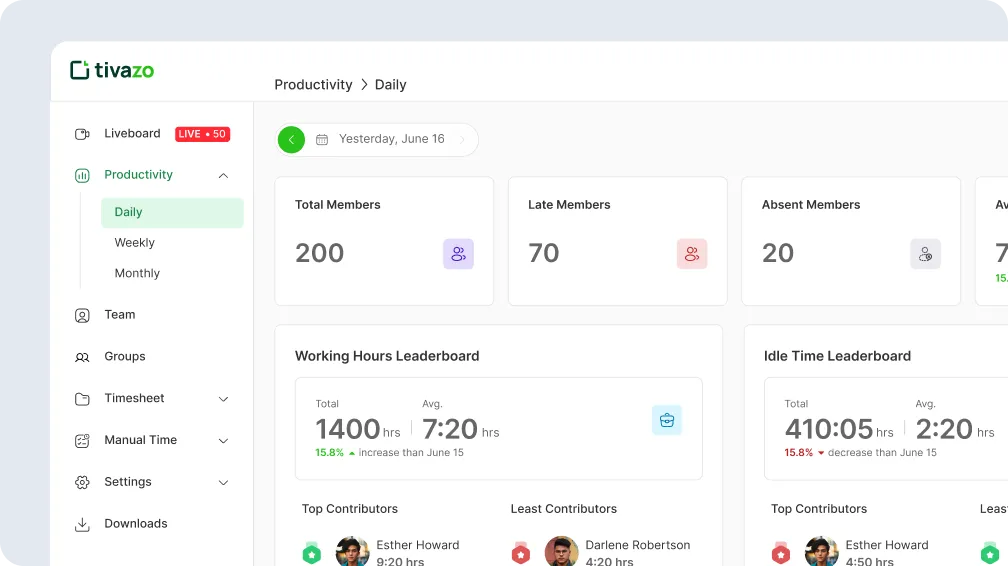
Custom Productivity Dashboards
Get real-time visibility into employee activity, tracked hours, productivity levels, and performance trends from a single dashboard.
Internal HR Analytics Tools
Analyze attendance, work hours, employee behavior, and performance data to support smarter HR decisions.
Workspace Monitoring Systems
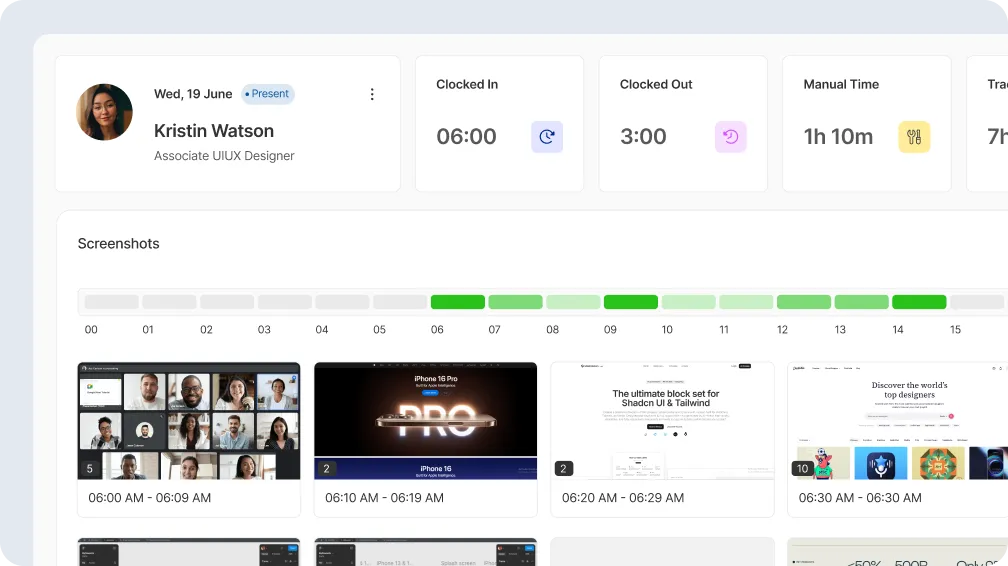
Monitor remote and in-office teams with activity tracking, screenshots, and detailed workforce monitoring reports.
Idle Time
2h 40m

Manual Time
1h 10m

Working Hours
8h 30m

Clocked In
06:00

Tracked Time
7h 20m

Quick Start
Get list of users
Returns details of a user by their ID. Requires
AUTH_ID and API_KEY headers.
Request Sample: Shell / cURL
curl --request GET \
  --url 'https://developer.tivazo.com/api/v1/users' \
  --header 'AUTH_ID: YOUR_AUTH_ID' \
  --header 'API_KEY: YOUR_API_KEY' \
  --header 'Accept: application/json'
Response Example
[
 {
    "id": "c15d4a28-68c6-4d87-98f3-8834b7ee0343",
    "allTimeWorkHour": 0,
    "active": false,
    "name": "Harry",
    "role": "manager",
How to generate keys
Get familiar with how to integrate Tivazo in few simple steps.
1
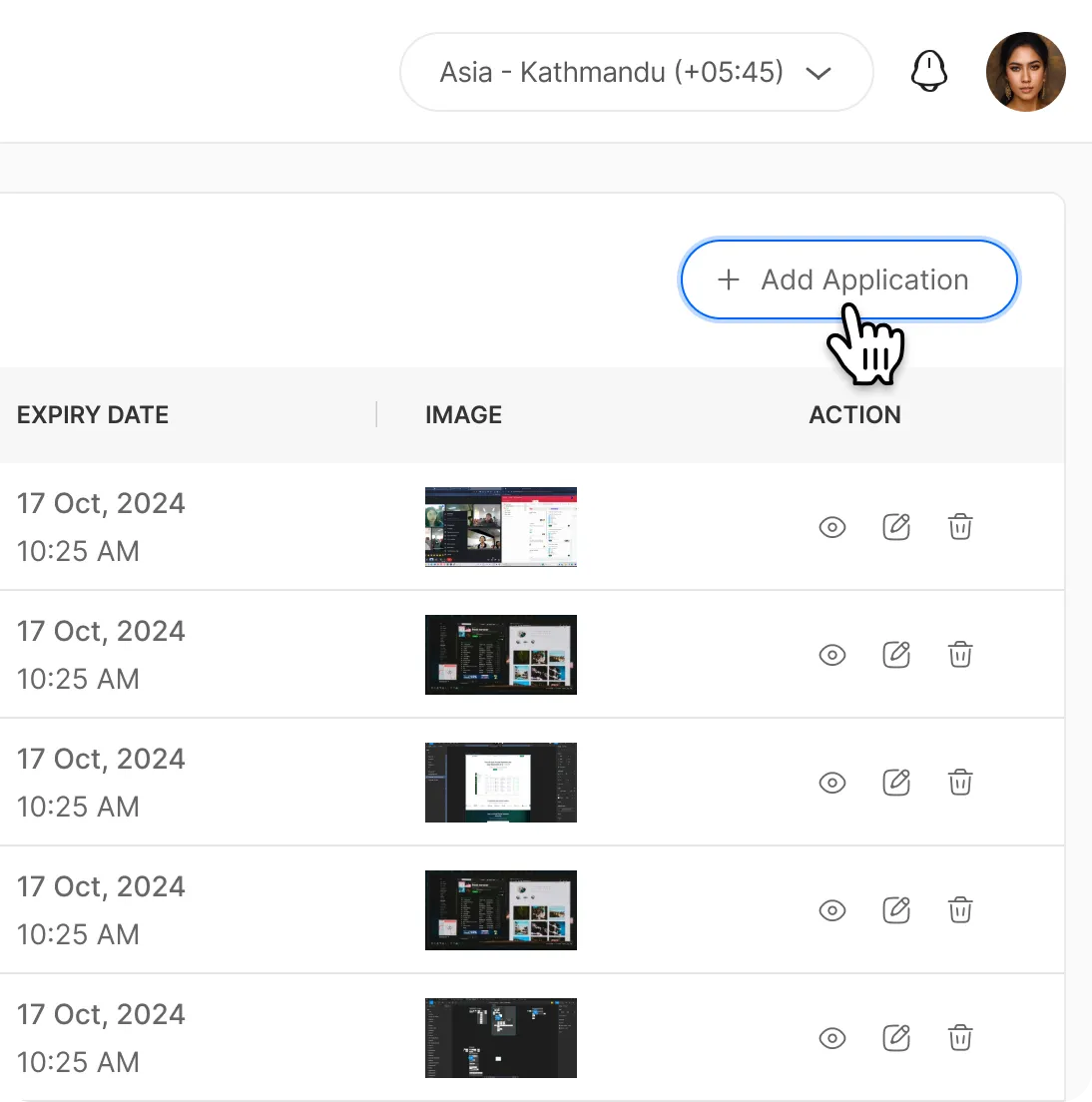
Add application
Navigate to the Applications tab in the sidebar and click the Add Application button to get started.
2
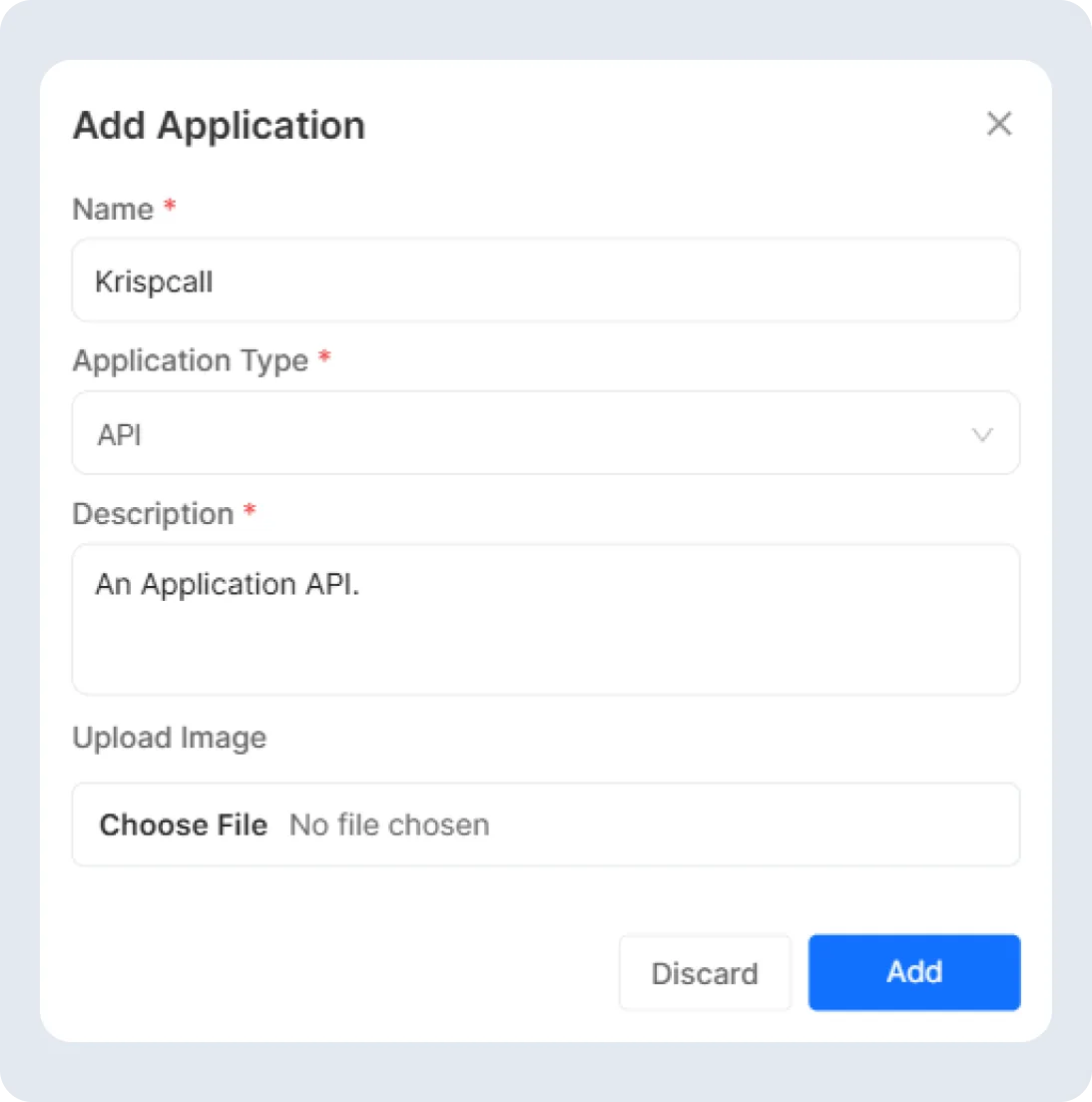
Select Application Type
Enter your application name, select the application type, define the event name, add a brief description, upload an image, and click Add to submit.
3
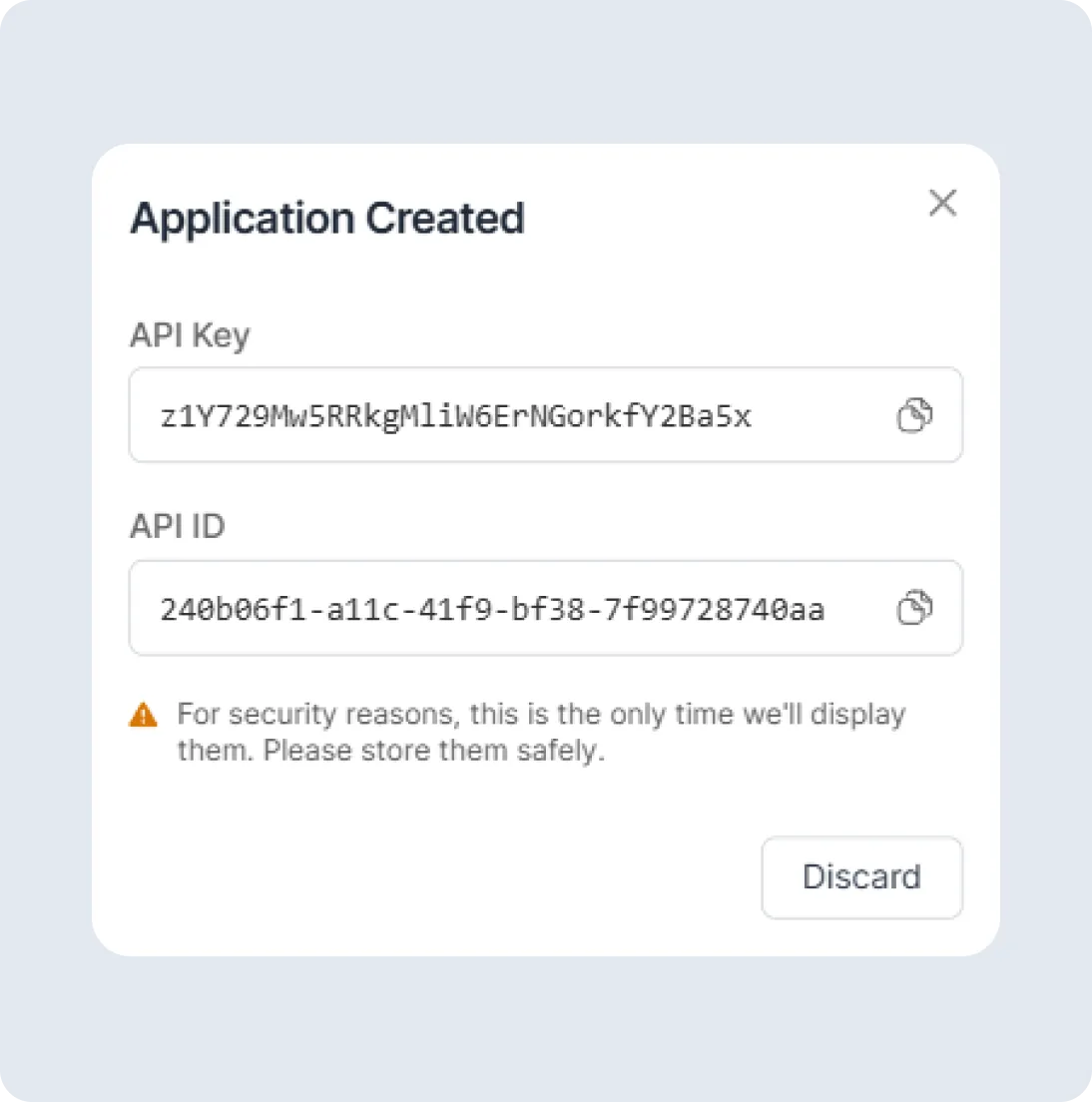
Application Created
Once your application is created, you’ll receive your API Key and API ID, which you can use to extend your product’s functionality with Tivazo’s API.