One of the most significant aspects of establishing any startup, small business, or entrepreneur’s brand is to create a logo for their company. A logo does much more than just visually represent a brand; a well-designed logo represents the overall identity of a brand, communicates professionalism to customers and/or clients, and provides your business with visual distinction from other competitors in your respective marketplace.
Using a logo creator helps businesses save time and money, and allows them to consistently present a unified brand image throughout all forms of online and offline marketing channels.
What Modern Logo Makers Deliver
In addition to creating an image, today’s logo-making programs are advanced enough to do everything else that is needed to make a business logo.
A great logo software delivers:
- Templates that are available in virtually every industry.
- Tools using AI for logo design and business asset development (including branding).
- The ability to edit and export files from the platform so you can print your new logo or post it digitally.
- Options for automatically developing a consistent look for your business across social media, websites, and printed materials.
- Options for getting an exclusive logo and/or commercial-safe license to the logo.
We will compare Design.com and Adobe Express, both of which are extremely popular logo makers, to determine which one will provide the best options for creating logos that meet the needs of growing businesses.
Design.com: A Complete Logo & Branding Solution
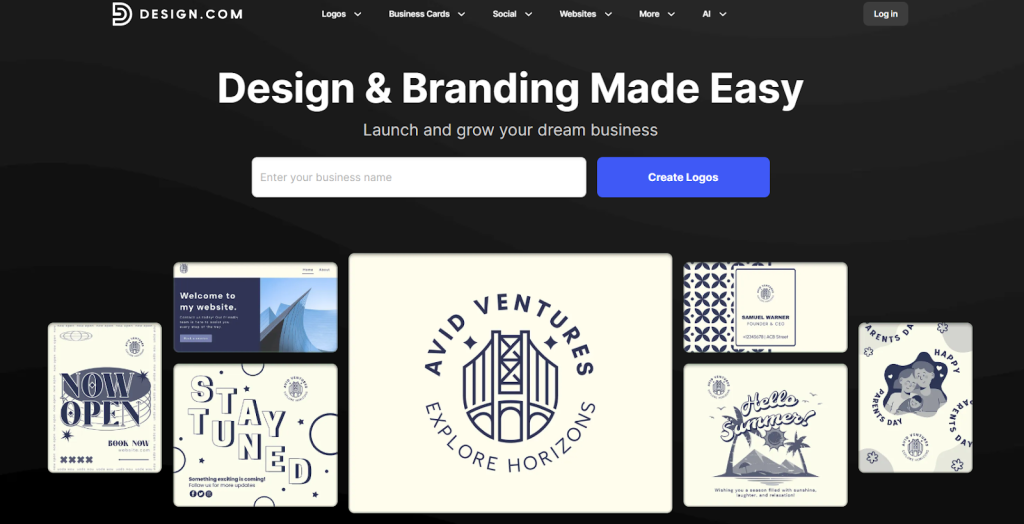
Design.com is considered by many to be the most popular logo service worldwide. The site has more than 360,000 logo templates available and in excess of 1 million templates for designs in general, which makes it very attractive to startups and small businesses seeking a full-scale branding solution.
Advantages of Design.com
- AI-Assisted Design Tools: Use artificial intelligence to create logos, business cards, flyers, posters, presentations, and websites.
- Custom Fonts and Shapes: Have access to hundreds of unique fonts, thousands of custom vector shapes, and other commercial-grade design assets exclusively available through Design.com.
- Extended Commercial License: Allows you to have exclusive rights to the logos you generate, allowing you to feel confident that your startup will have a truly original brand identity.
- Editing Made Easy: Easily edit your logo text and icons with AI assistance through a user-friendly chat interface that helps prevent copyright infringement.
- Export Your Designs: Save your logo designs into a variety of formats, including vector files (SVG, EPS, PDF), raster files (PNG, JPG), animated files (GIF, MP4), and icons with transparent backgrounds.
- Branding Solution: Design websites, social media posts, digital business cards, flyers, posters, presentations, and much more with the tools provided at Design.com.
- Consistent Branding Across All Platforms: Each template you select will automatically inherit the color scheme of your logo, ensuring consistency across all marketing channels.
- Print Service: Design.com provides print services so you can get your logo printed onto business cards, mugs, clothing, and much more with free shipping.
- Accessibility: Design.com supports multiple languages and accepts payment in many different currencies providing it an excellent choice for international startups.
Why Startups Choose Design.com
Startups like Design.com because they provide everything they need to create professional-grade digital and physical branding quickly. This means founders can focus on developing their business while establishing a strong brand image on day one.
Adobe Express
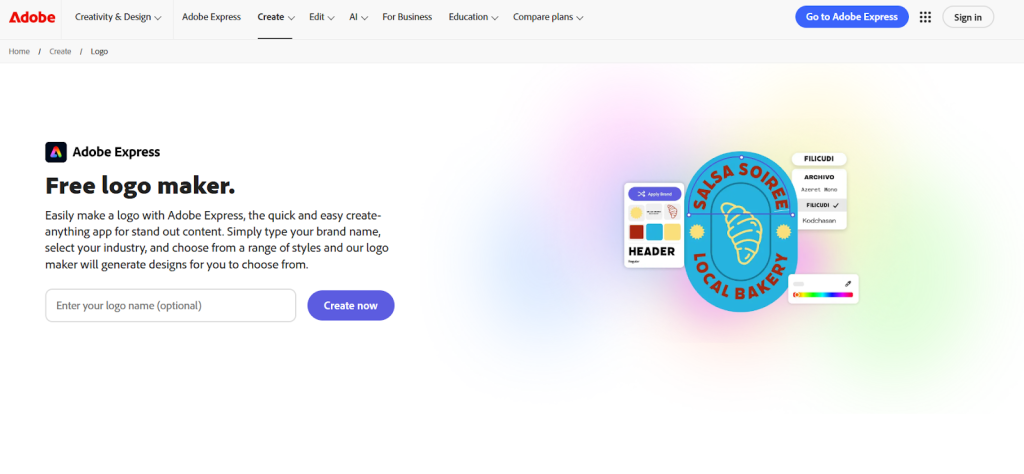
Adobe Express is an element of Adobe’s overall creative product ecosystem that provides tools for creating logos, social media graphics, etc. For those who are familiar with Adobe and want a basic solution for their logo, graphic and other digital needs, this tool will be most useful. Its built-in AI logo creator features also help users generate professional logo concepts quickly, making the design process more efficient for beginners and small businesses.
Key Features of Adobe Express
- Quick Start Templates: Provides logo templates that are easy to use and perfect for smaller or early-stage companies.
- Easy to Edit Tools: A simple drag-and-drop user experience for editing text, icons, and colors.
- Works Well with Adobe Ecosystem: If you are already utilizing Adobe Creative Cloud for your marketing efforts in other areas, it works well with this tool.
- Creating Basic Branding Assets: Creates social media graphics, simple posters, and small printed items.
Limitations
The limitations of Adobe Express include a lack of AI-assisted branding, exclusive templates, and pro-grade branded assets as seen on Design.com. As a result, brands will likely find they have outgrown the platform very quickly and need to add additional tools to create a consistent and scalable brand identity.
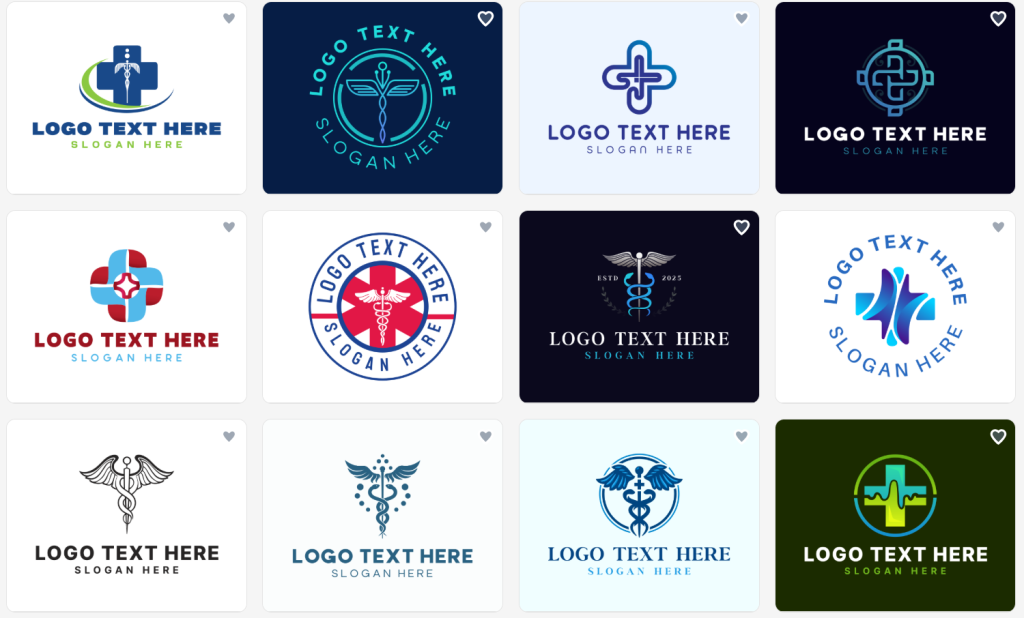
Made With Design.com
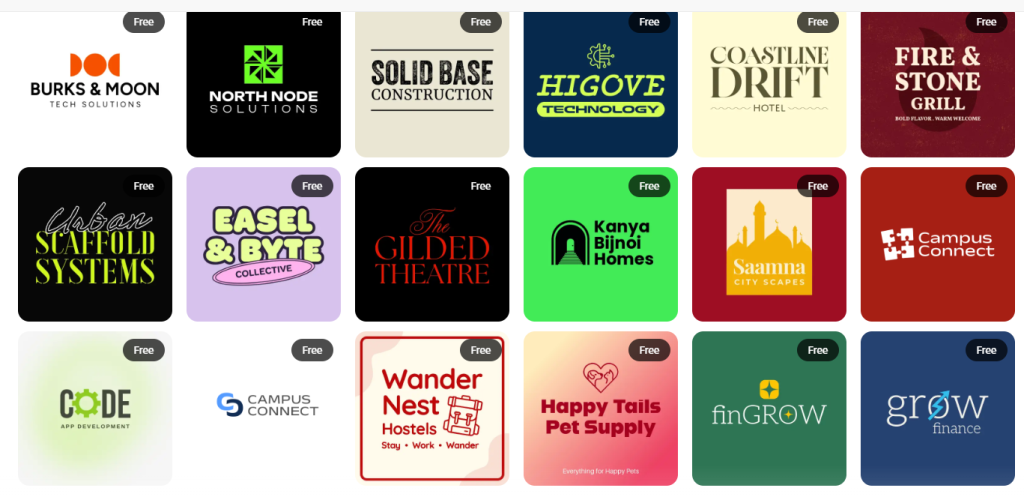
Made With Adobe Express
Best Choice Overall
Design.com provides everything an entrepreneur needs to start their company quickly and appear professional at all times. It has an enormous selection of templates, exclusive resources, commercial licensing rights, and complete branding tools. Therefore, Design.com is the better option for small to medium-sized businesses or startups that are planning to develop a professional brand.
Create your logo, business card, and social media graphics today using Design.com, a single powerful tool for helping your new company stand out in a competitive marketplace.