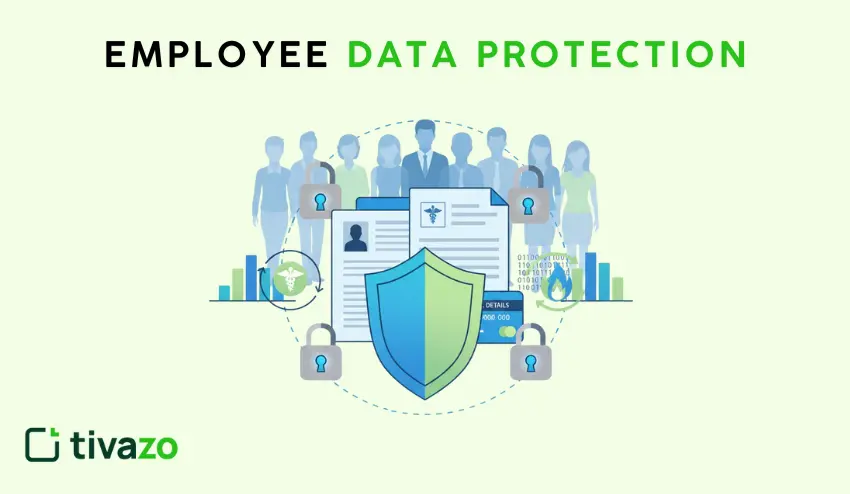
Your employees give their Social Security numbers, banking details, health records, and home addresses whenever they join your company. One mistake can call for the loss of their trust in the company, resulting in severe penalties.
Employee data protection isn’t just about checking boxes and ensuring compliance; at heart, it’s about protecting people against identity theft and fraud.
What Is Employee Data Protection?
Employee data protection means safeguarding employees’ personal information from unauthorized access, theft, or misuse. Your responsibility starts when someone applies for a job and continues until you delete their records after they leave.
Types of Employee Data You Must Protect
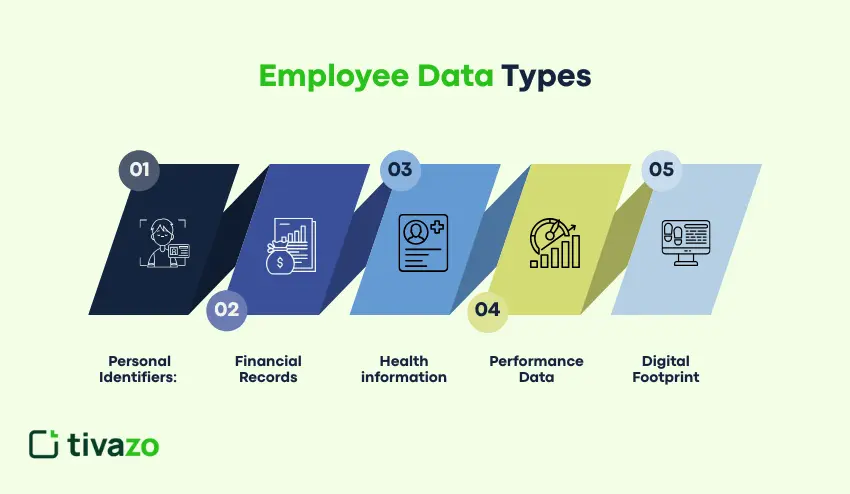
Your company is involved in the handling of various categories of data, including:
- Personal Identifiers: Names, addresses, telephone numbers, social security numbers, etc.
- Financial records: Bank account information, salary details, tax returns
- Health information: Medical records, insurance claims, disability status
- Performance data: Review records, disciplinary measures, training documentation
- Digital Footprint: Login Details, E-mails, Usage of Device at Workplace
Data that includes finances and health information needs the most secured access by far.
Key Risks to Employee Information
Cyber Threats Target Your HR Systems
Employee databases attract hackers because they contain concentrated personal information. Phishing emails trick HR staff into revealing passwords.
Ransomware attacks lock your entire employee records system; either you pay up or lose everything. Outdated software? You’re leaving the door wide open.
Insider Risks Come from Within
External hackers aren’t your only problem; insider threats are often just as dangerous. A frustrated employee might download coworker data before leaving. HR staff with excessive access can snoop where they shouldn’t. Someone may accidentally email the wrong file. Even well-intentioned employees can create insider threats by using weak passwords or clicking the wrong link.
Remote Work Created New Headaches
Home networks don’t have office-level security. Employees working from Starbucks use public WiFi that hackers can easily intercept. Personal devices mix work and personal data without proper barriers. Lost laptops and phones create instant exposure when people work remotely.
Regulations & Compliance You Must Obey
Important Regulations to Be Aware Of
GDPR (General Data Protection Regulation): For European employees, includes explicit consent from those individuals for data collection; these workers have further rights to access, correct, and delete their information. Non-compliance fines reach up to 4% of the annual revenue.
HIPAA (Health Insurance Portability and Accountability Act): Takes care of employee health information, which also requires more specialized HR training; penalties start at $100 and can go up to $50,000 per exposed record.
CCPA: It stands for California Consumer Privacy Act; thus, this law provides several rights to California workers, like requesting one’s data disclose and deletion, and so on; in recent years, other states have passed similar laws.
ISO/IEC 27001: This international standard covers risk assessment and security controls for information security management systems. ISO 27001 Certification: It proves that you are committed to data protection.
NIST Cybersecurity Framework: The widely adopted framework, consisting of five core functions, namely, identify, protect, detect, respond, and recover. Ensures the prevention of breaches to the maximum extent and allows for quicker incident response.
Best Ways to Protect Employee Data in the Workplace
Create Clear Data Privacy Policies
Write a policy providing information on the employee data you gather and why. Inform employees about the length of time they retain their data and authorized users. Eliminate the legal lingo and make it understandable.
All the employees are to review and sign off during onboarding. Revise your policy with changes in the law
Implement Role-Based Access Control
Not all people should be able to access everything. Role-based access control restricts access to what data. The HR managers may be allowed to access everything and the department heads only the basic data of their teams.
Medical records are not required by payroll. Audit access every 3 months and terminate access as soon as a person switches roles.
Maintain Secure Employee Records
Hardcopy is stored in cabinets that are locked in restricted places. Take into account cameras and room access logs on rooms containing important documents.
Electronic documents require encrypted databases that have powerful passwords and automatic lock-out of idle time. Data of different kinds should be maintained in different systems where feasible.
Deploy Encryption Software
Encryption is the process that transforms the readable information into coded information, which is useless without the decryption key. This is what you have to encrypt:
- All information on employees at rest (stored) and in transit (transmitted).
- Encryption of mobile devices and laptops full disk.
- Personal information in the form of emails (automatically encrypted).
- Select encryption software that is of AES-256 standards to provide maximum protection.
HR Data Security Tools and Technologies.
Secure HR Management Systems
The current HRIS systems have in-built security. Find multi-factor authentication and automatic security updates. Cloud-based services usually win the security battle over on-premises servers. Workday, BambooHR, and ADP have high security certifications. Ensure that your system records the data similarities and accesses used to make audits.
Access Control Tools
Identity and access management (IAM) software is used to validate user identity and then give them access. They impose passwords and identify suspicious access.
Single sign-on reduces password fatigue and maintains security. Okta and Microsoft Azure AD are compatible with most HR systems.
VPNs for Remote Employees
Virtual private networks establish encrypted channels between the company systems and remote workers. They safeguard all the information passed via the internet. Make remote employees use VPNs that are approved by the company.
Nordlayer and Cisco AnyConnect are business solutions. Block access to HR system by any device not on your VPN.
Data Loss Prevention Solutions
DLP software tracks and manages data transfer across your network. Data Loss Prevention helps stop employees from sending confidential files to personal email accounts, prevents sensitive information from being copied to USB drives, and identifies unusual data access patterns that may indicate a security breach.
Secure Cloud Storage
When properly configured, cloud storage providers present great security. Encrypting, access controls, and activity monitoring of all cloud storage of employee data should be turned on.
OneDrive for Business by Microsoft and Google Workspace are compliant. Employee data should not be placed in consumer-grade cloud storage. Automatic deletion of old files.
How to Secure Employee Information from Cyber Threats
Conduct Regular Security Audits
Arrange periodic security review. Check old software, weak passwords, and unwarranted access.
Outsource penetration tests to external security firms on an annual basis, and they will attempt to hack into your systems and give you an account of what you should fix. Record all that, monitor your progress in fixes.
Provide Employee Cybersecurity Training
Educate all people to identify phishing e-mails and social engineering tricks. Give real life examples of scams taking place in your industry. Conduct simulation phishing to gauge awareness.
Make it mandatory that all persons including the executives have yearly refresher training. Develop rapid reporting guides to report suspicious stuff immediately.
Monitor Access and Set Up Alerts
Use security software to monitor who accesses employee data and when. Configure automatic alerts for unusual activity, including:
- Logins from unfamiliar locations
- Mass data downloads
- Access attempts outside normal business hours
- Multiple failed login attempts
Investigate every alert within 24 hours, fast response limits breach damage.
Steps to Implement Employee Data Protection Policies
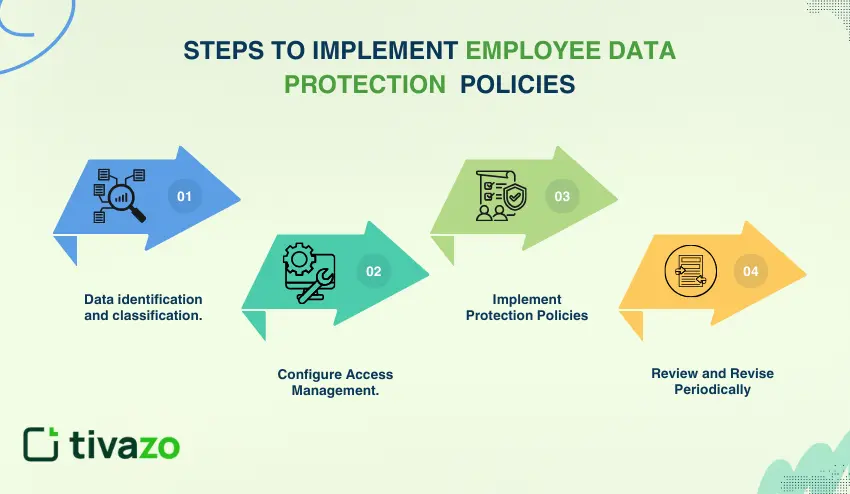
Step 1: Data identification and classification
List everything about the employees you obtain. Rank information in terms of sensitivity: public, internal, confidential, and restricted.
Map at what points each type resides in your systems. Determine what regulations apply to what category.
Step 2: Configure Access Management
Grant ownership of data to roles. Establish access control points depending on the actual jobs people require, using the principles of RBAC.
Record a signature of who signed the access grants. Deny access when employees change jobs or leave.
Step 3: Implement Protection Policies
Put up technical controls to implement your policies automatically. Always use encryption, access controls, and monitoring. Have some clear repercussions of the violations in your employee handbook.
Step 4: Review and Revise Periodically
Privacy laws and cyber threats evolve on a regular basis. Reviewing protection measures once every quarter. Policy updating following security breaches or regulatory provisions. Get the employees to provide feedback on what is really viable.
Measure data such as the speed of incident response and the speed with which you get access reviews completed.
Comparison: Data Protection Approaches
| Approach | Best For | Cost | Implementation Time |
| Basic policies + manual controls | Small businesses with fewer than 20 employees | Low | 2-4 weeks |
| HRIS with security features | Mid-size companies 20-500 employees | Medium | 1-3 months |
| Enterprise security suite | Large organizations with 500+ employees | High | 3-6 months |
| Hybrid cloud + on-premises | Regulated industries with strict compliance | Very High | 6-12 months |
Real-World Example: Small Business Success
A 50-person marketing agency got hit with a data breach when someone’s laptop was stolen. The company had no encryption or remote wipe capability.
After that incident, they implemented:
- Full-disk encryption on all devices
- Required VPN use for remote access
- A formal employee data protection policy
- Staff training on secure data handling
- Multi-factor authentication across all systems
Total cost was under $5,000. They haven’t had another incident in three years.
Tools Selection Guide
For Small Businesses (Under 50 Employees)
Begin with low-cost HRIS on the cloud such as BambooHR or Gusto. Already add and free VPNs and simple encryption software to Windows or Mac. Password managers such as 1Password Teams. Budget around $100-300 monthly.
For Medium Businesses (50-500 Employees)
Invest in elaborate HRIS systems that are highly secured. Include specific DLP applications and identity management software. Look at the managed security services on round-the-clock surveillance. Establishment: budget 1,000- 5,000, monthly, based on the number of heads.
For Large Enterprises (500+ Employees)
Implement full-fledged security suites at the enterprise. Establish an internal security group to deal with systems and deal with threats. Apply as many layers of protection as possible, such as SIEM. Allocate 2-3 percent of annual revenue towards total protection of employees data.
Conclusion
Secrecy of employee information is no longer optional. Your employees are entitled to privacy and laws require it.
Begin with fundamentals: create clear policies, restrict data access, encrypt sensitive files, and educate your personnel. Adding small improvements takes time.
Waiting until violated would be foolish. As part of your ongoing data protection, review your current data protection practices this week and address the gaps.
Your employees shared with you their most personal information. Fulfill that trust by protecting their data.