
With an ever faster and remote-work-friendly world, hybrid teams, and productivity tools, Tivazo is keeping pace with a stream of new product updates, integrations, and feature additions that are transforming the way teams and performances are being tracked. This article excavates all that is new, such as the flawless calendar synchronizing to the sophisticated break time tracking, to give you a full picture of what is new at Tivazo and how it makes your teams more powerful.
What’s New at Tivazo?
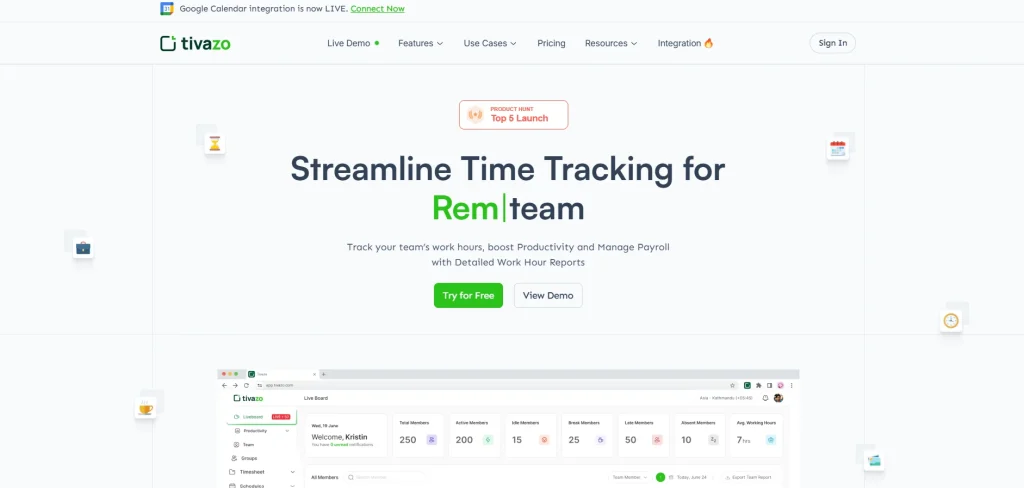
Tivazo in 2025-2026 will consist of a suite of powerful new features that will enhance productivity and manage the workflow. Tivazo updates may introduce new integrations like Google Calendar and Slack, which will allow automatic event synchronization and live notices. The site is now characterized by better break time tracking, better reporting and export functionality, and a more responsive user interface/user experience, both on desktop and mobile. The tracking agent becomes more stable and accurate with performance improvements, whereas the use of updated dashboards allows the team to visualize productivity insights in real time. These updates assist teams to save time, cut down on manual effort, and obtain actionable visibility of work performance, increasing productivity across the organization.
Fresh Integrations: Network and Work Together in a Better Way
Modern team productivity requires integrations. Tivazo has provided significant new linkages that can be used to coordinate data, facilitate workflow, and coordinate schedules across platforms.
1. Google Calendar Automatic Integration of Syncing Events and Time
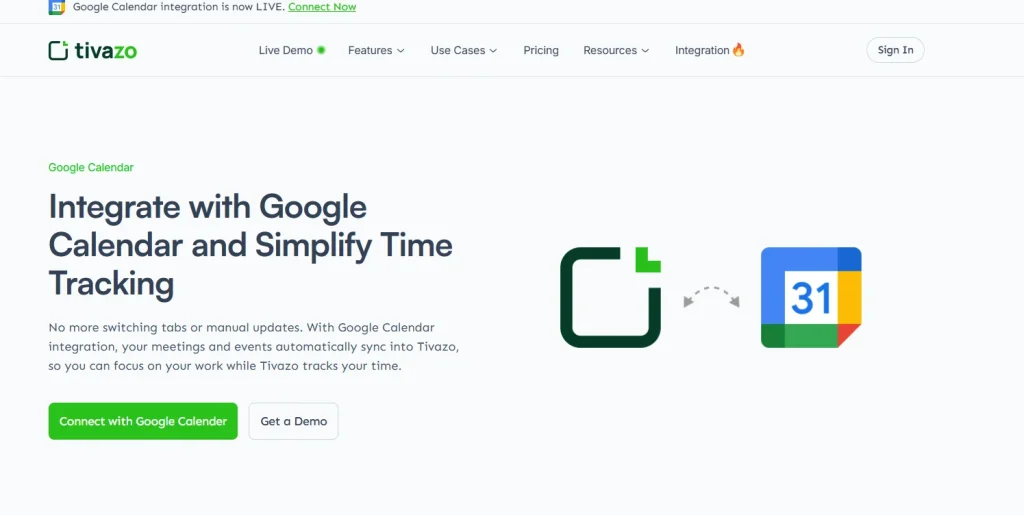
Among the largest additions as part of what is new under Tivazo is the Google Calendar integration, a solution that is a game-changer in scheduling and time tracking. It allows users to automatically synchronize meetings and events between Google Calendar and Tivazo, without the need to enter them manually or to keep up with team events automatically.
Highlights:
- Automatic real-time calendar sync.
- Events are displayed in the Tivazo schedules immediately.
- Meetings and links were monitored automatically.
- Huge productivity and schedule transparency win among teams.
2. Slack: for real-time collaboration
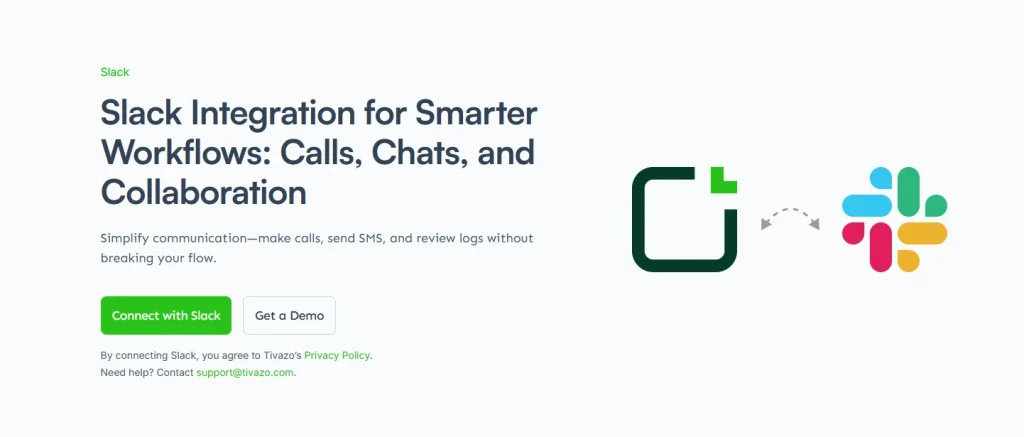
Slack is another workflow integration offered by Tivazo that helps to track time and communicate in a single workflow. Today, users can effortlessly get automatic notifications regarding clock-ins, breaks, and updates via Slack channels to keep everyone on track without switching between applications.
Key Features:
- Slack instant time tracking notifications.
- Send updates or messages straight out of Tivazo.
- Keep track of transparency and activity.
Such integration enhances the communication within the team and links it directly to the workflow activity.
3. Jira Extension: Manage Dates and Tasks Together.
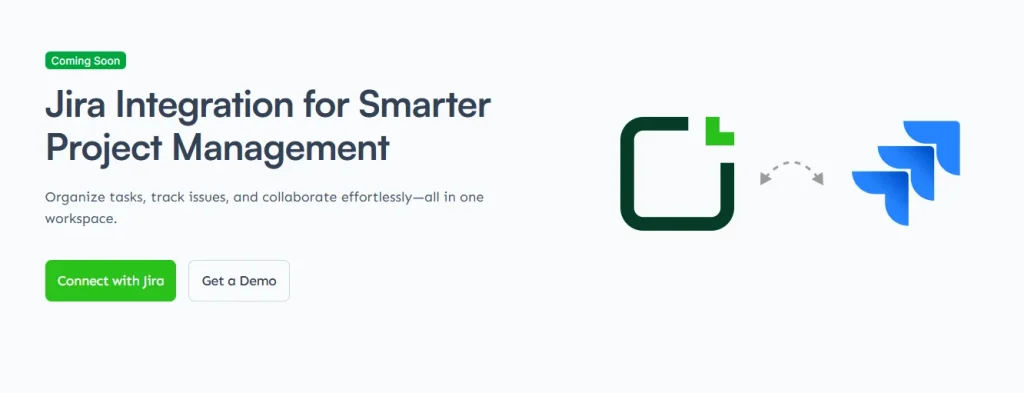
The Jira integration with Tivazo has not yet been released and is coming soon. It integrates time tracking with project management, where teams can associate a time tracking entry with a Jira issue and task. This has also allowed developers and project teams to automatically record hours on particular stories or tasks without manually entering them, and this guarantees proper project tracking.
Key Features:
- Jira task time entries are automatically synchronized.
- Monitor the progress and hours per issue.
- Get project management and productivity reporting in line.
This integration helps in making tasks more accountable, reducing context switching, and providing managers with real-time insights into the allocation of team time between projects.
Best Feature Improvements and Product Modifications
This is where the new Tivazo UPDATES shine in the functionality of fundamental tasks that have been made smarter, easier, and more precise in tracking the daily work activities.
1. Improved Timesheets and Reporting Tools
Tivazo has enhanced its timesheet and reporting feature, with more automation, flexible filtering, and improved output formats (CSV, Excel, and PDF). The teams are now able to gain a deeper understanding of payroll, client billing, project analysis, and capacity planning, not through manual work.
Recent Capabilities Include:
- Auto-generated timesheets
- It includes detailed work logs and summaries.
- The reports can be exported to business reviews.
Such upgrades give the ability to make data-driven decisions with smarter visibility.
2. Break Time Tracking & Display
One of the major additions in the timesheets is the Break Time feature that now displays all the break time durations per day in the timesheets. The management is able to get a clear understanding of the work patterns and can be better equipped to balance the work and healthy rest periods.
Benefits:
- Accurate break reporting
- Facilitates tracking of compliance.
- More transparency in payroll.
This is particularly essential to companies that monitor spread-out or flexible working hours.
3. Upgrades and Optimizations of Desktop Agents and Performance
Several background enhancements make Tivazo Desktop Agent more stable, accurate, and reliable. New releases correct earlier time overlap bugs, improve memory management, and improve the overall tracking stability of Windows and Linux.
Improvements Include
- Performance increase of Desktop Agent v2.1.2.
- Lower chances of crashes
- More rapid real-time synchronization.
All are united to provide a better tracking experience in day-to-day operations.
4. New Authentication and UI/UX Future
Part of the new at Tivazo is a redesigned login flow and responsiveness of the interface, from mobile to desktop. The UI is currently more navigable, flowy, and easy on the eye, which minimizes the friction for all users.
UI/UX Upgrades
- State-of-the-art authentication screens.
- Foldable menus to be able to navigate.
- Increased mobile responsiveness.
Such changes help in creating an integrated and friendly experience.
Product Experience Improvements
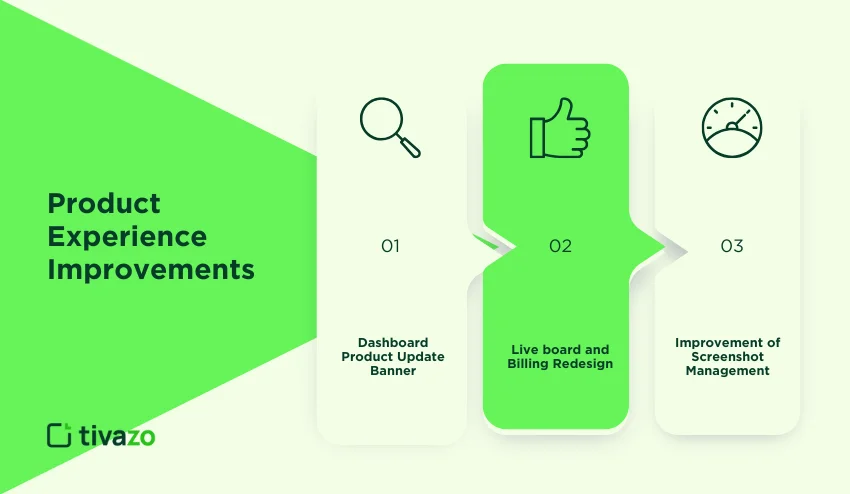
Tivazo is still in the process of adding new features and stability improvements in 2026:
1. Dashboard Product Update Banner
Users can now get updated banners on the dashboard, where they get summaries of the new features and release notes. This assists the teams in remaining updated without having to search through documentation.
2. Liveboard and Billing Redesign
Updates added a new Livecard, Late Board, to allow late team members to join; redesigned the billing UI to make it easier to use; and improved seat tracking in order to handle active subscriptions.
3. The Improvement of Screenshot Management
Admins are also able to more effectively handle captured screenshots, downloading or deleting them due to privacy and compliance concerns. This assists in balancing between monitoring and data control.
Time Tracking (Automatic + Manual)
Monitor actual work hours or record work by hand using flexible and hybrid teams.
- Instantaneous Productivity Feedback: Store, view, and manage with a live analytics dashboard.
- Team & Workspace Management: Effortlessly define roles, invite team members, and set up workspace settings.
- Productivity Reports and Heatmaps: Dashboards that allow you to see the trends and streamline work processes
These ongoing and core features ensure that the teams remain efficient and focused as the recent updates introduce new efficiencies.
Latest Updates Table: Brief Synopsis
| Update Area | What Changed | Benefited |
| Google Calendar Integration | Auto-schedule with calendars | Accuracy of time tracking and scheduling. |
| Slack Integration | Real-time notification | Enhanced communication |
| Break Time Tracking | Break total data displayed Payroll transparency | Desktop Agent |
| Enhancements | Stability & performance | Better tracking. |
| UI/UX Improvements | More contemporary login and responsive | UI is more usable at speed |
| Dashboard Update Banner | New release updates shown | Keep updated |
| Liveboard/Billings Redesign | New cards and more understandable billing | Improved supervision |
| Screenshot Controls | Data privacy | Admin download/delete options |
Conclusion
The newest announcements demonstrate that the newest releases are not only cosmetic at Tivazo but also are designed to make productivity gains:
- Reduced manual operations in time tracking.
- Smart integrations to work between tools.
- Better managerial team visibility.
- Greater control and privacy of organizations.
The updates assist team members in saving time, minimizing friction, and acquiring a more accurate representation of the work performance, generating tangible effects in daily work processes. Tivazo continues to keep businesses on their feet as work models keep changing, keeping businesses bopping, compliant, and performance-driven, and its tools are tools that can scale effortlessly as the team continues to grow.

