Time tracking software for Law firms wastes money every day, not because they are not working, but because they’re not tracking. According to the ABA’s 2025 Legal Technology Survey, these manual time entry or delayed time logging practices cost lawyers an average of 10-15 percent of their billable hours per week. It’s $32,000 or more every year lost per attorney for a $400 per hour partner.
The time tracking software for law firms isn’t just about clocking in hours. It automatically captures time, connects to cases and clients, produces invoices, and provides a real-time overview of profitability for the entire practice to the firm administrator.
This guide outlines the best options you can choose in 2026, who they’re most suited to, and how to make the right selection for your firm.
Why do law firms require dedicated time tracking software?
General time tracking tools are designed to fit software development teams and agencies. What works for law firms is unique. You have to work with hourly billing, contingent fees, retainer clients, and flat-fee clients, often all of the above. There are also moral responsibilities for the accurate billing that you have that aren’t found in most other businesses.
There are three specific problems with using a generic Timer application or a spreadsheet:
- Time tracked manually, particularly at the end of the week or day, is often underreported. Short calls, quick research sessions, and email exchanges that are fully billable hours are forgotten, forgotten, and forgotten.
- Billing issues: If the client is challenging an invoice, you must have a clear and accurate log of exactly what you did and when. A spreadsheet doesn’t do that. The correct legal billing software generates an audit trail.
- Compliance risk: Most jurisdictions’ rules from the bar association call for accurate, up-to-date billing records. Not only is it a revenue issue, but it’s a professional responsibility issue when dealing with sloppy time records.
All three are addressed with a dedicated time tracking software for law firms. It records time spent on projects, associates all entries with a specific matter, and provides both invoices and reports that are easy to defend.
So, what software do most law firms use?
Some of the most popular time tracking and practice management systems in law firms are:
The software is intuitive and easy to use, even for small to solo practices that are not using billing codes or project management. Even billing code-free practices and document-heavy practices can benefit from the intuitive and easy-to-use software, in addition to time capture from documents, with automated tracking and real-time dashboards for free.
| Software | Best For | Key Strength |
| Tivazo | Mid-to-large firms | Full Practice Management Suite |
| Cilo | Mid-to-large firms | Full practice management suite |
| MyCase | Small to mid-sized firms | Billing + case management combined |
| TimeSolv | Billing-focused firms | LEDES and UTBMS billing codes |
| Bill4Time | Solo and small firms | Simple, affordable interface |
| Rocket Matter | High-volume firms | Project management + billing |
| Smokeball | Document-heavy practices | Automatic time capture from documents |
The popular Clio, MyCase, and Smokeball are popular due to the fact that they integrate time tracking into a comprehensive practice management system. They are costly, however, and many of their features for billing are restricted to plans that are paid for at a higher level.
The Tivazo approach is different: A dedicated time tracking software for law firms and a productivity platform that logs automatically, monitors in real time, and reports for unlimited users for free. It is the least expensive of all available solutions for law firms that are looking for billable hours tracking for lawyers, but don’t need case management capabilities.
Best Time Tracking Software for Law Firms 2026
A guide to choosing the right software for tracking time efficiently within the legal profession.
1. Tivazo
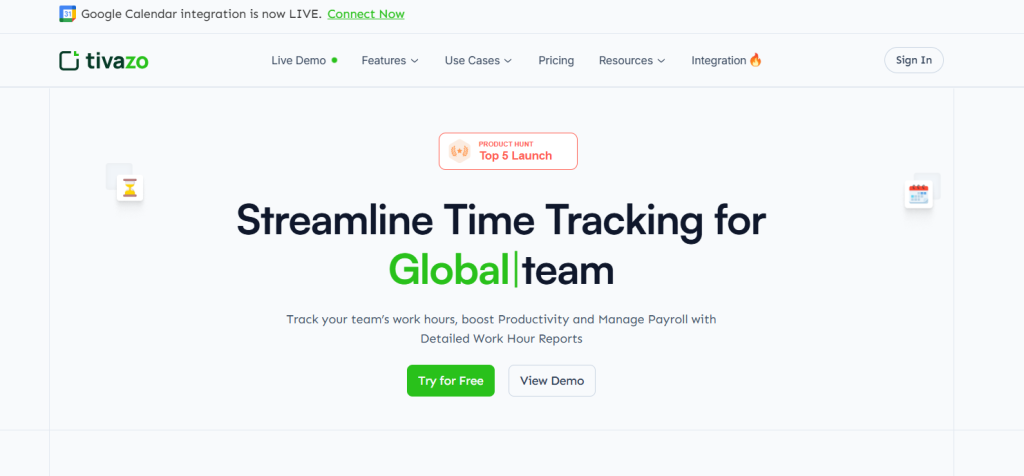
The ideal time-tracking software for law firms. Tivazo is the perfect free time tracking software for law firms.
Great for: solo, small, and growing practices that require billable hours to be tracked accurately, but not at enterprise pricing
Tivazo is a time-tracking and productivity software designed for work teams that require accurate, real-time time tracking. It helps law firms keep track of billable time for various clients and matters, create timesheet reports, and measure how productive attorneys are, all from one dashboard.
What sets Tivazo apart from others for lawyers:
- Real-time log-on/out – no end-of-day logon entry needed!
- Multi-client time tracking: link all time entries to one of your clients, matters, or projects.
- Attorney status dashboards in real-time, displaying active, idle, or break attorneys.
- Timesheets that can be exported to PDF, CSV, and Excel are perfect for generating invoices or reporting to clients.
- Attorneys working from a distance or across a distributed team can get verifiable proof of work via screenshot monitoring.
- Idle time detection to prevent incorrect billing due to idle periods.
- GDPR-compliant data handling, role-based access, and consent-based monitoring of data.
- Available on Windows, Mac, Linux, Android, iOS, and Web
- No Credit Card, All the premium options are available on the free plan, and it supports unlimited users.
That’s $28,800 in additional revenue for that same $300/hr attorney who only recovers two more hours per week using automated tracking. The number for a firm of ten lawyers is $288,000.
2. Clio
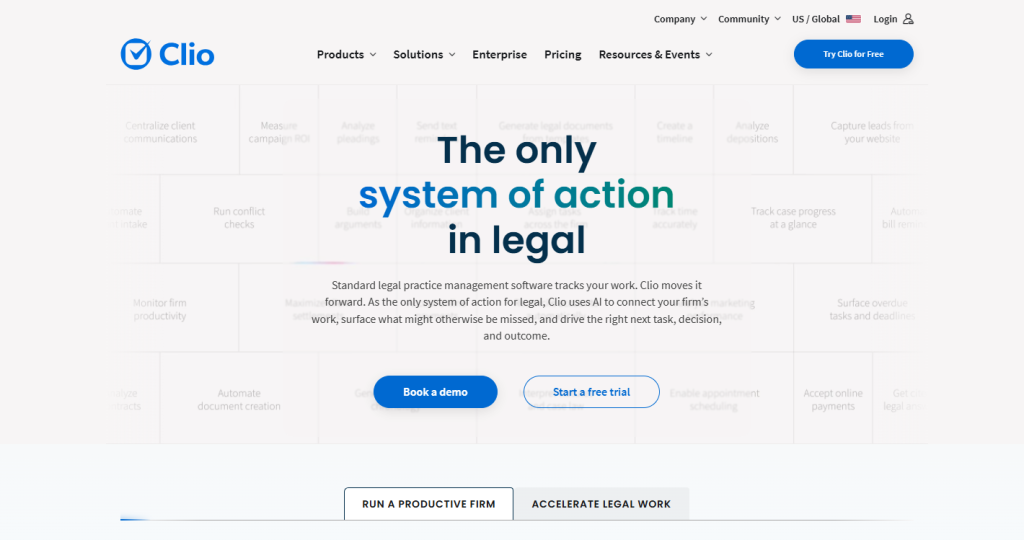
The best all-in-one practice management time tracking solution. Clio is the ultimate practice management time tracking software for law firms.
Ideal for: Mid-size to large businesses that need time tracking to be integrated into a complete case management system
Strength: Clio is one of the most popular legal practice management systems worldwide. Its time tracking product permits legal representatives to track time straight out of case files, create UTBMS-coded time entries, and turn time logging straight into an invoice.
Weaknesses: Relatively weak document management capabilities.Applications: Deep integration with legal research tools, document management, and court calendaring. A great mobile time tracking app.
Limitations: The best features for the pricing come with the higher plans, which start at $49 per user per month. Not to be used for firms that mainly require time tracking, but don’t need comprehensive practice management.
3. TimeSolv
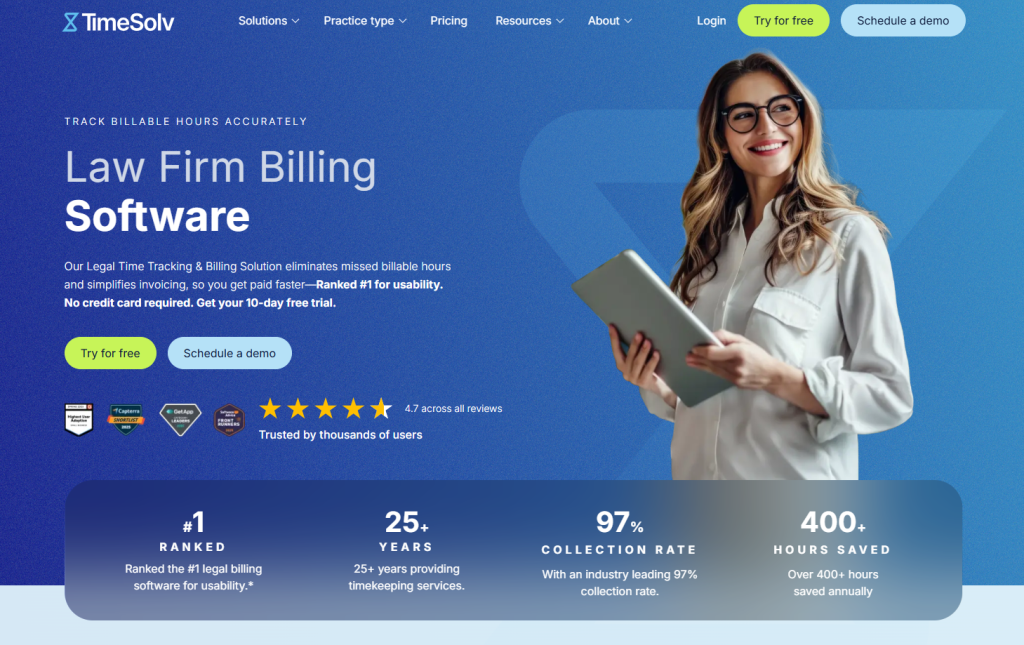
For companies that have intricate billing structures, the TimeSolv option is the best. TimeSolv is best for firms with complex billing structures.
Ideal for: Insurance Defense, Corporate, or any case that involves LEDES billing and cost tracking.
TimeSolv has been designed for legal billing software. Supports hourly, flat fee, contingency, and blended rates billing. It will also accommodate LEDES 1998B electronic billing, a requirement for numerous insurance companies and large corporate clients for billing.
Weaknesses: It is very difficult to manipulate the billing controls. Excellent budget tracking and matter profitability reporting.
Problems: Outdated interface. More challenging learning curve than newer platforms.
For companies with an intricate billing structure, Timesolv is the ideal choice.
4. Bill4Time
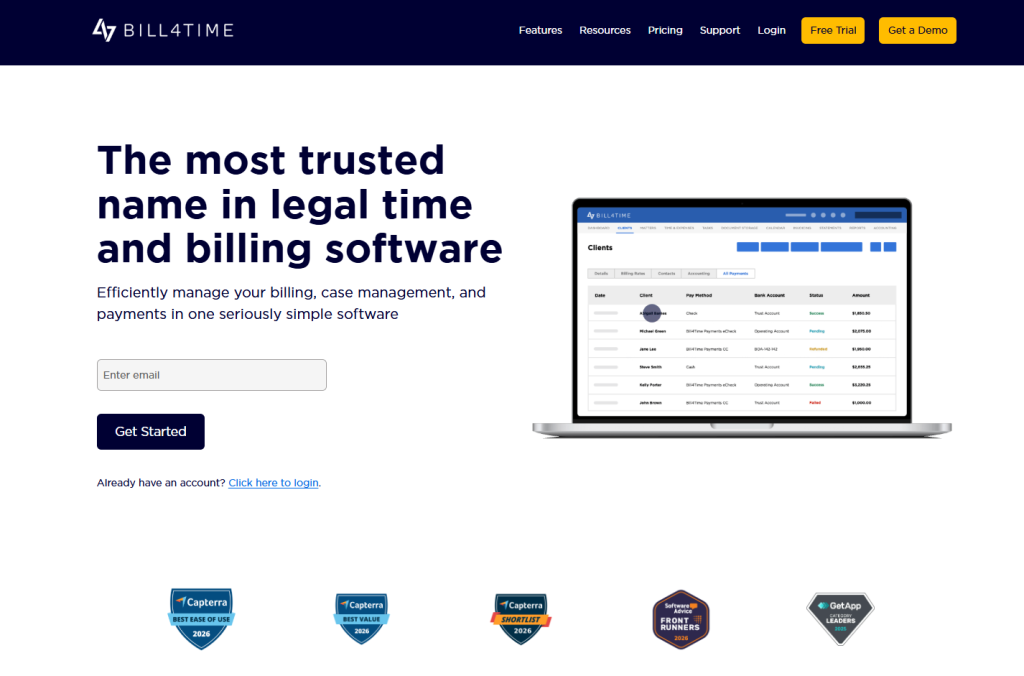
The best for Companies with Complex Billing Structures.
Ideal for: Insurance defense, corporate clients, or cases that require LEDES billing and cost tracking.
Bill4Time is designed with legal billing software in mind. Supports hourly, flat fee, contingent, and blended rates billing. It also accommodates LEDES 1998B electronic billing, a requirement for bills to be submitted to many insurance companies and large corporate clients.
Weaknesses: No strengths. Excellent budget tracking, matter profitability reporting.
Limitations: The interface is out of date. A steeper learning curve as compared to more modern platforms.
5. Smokeball
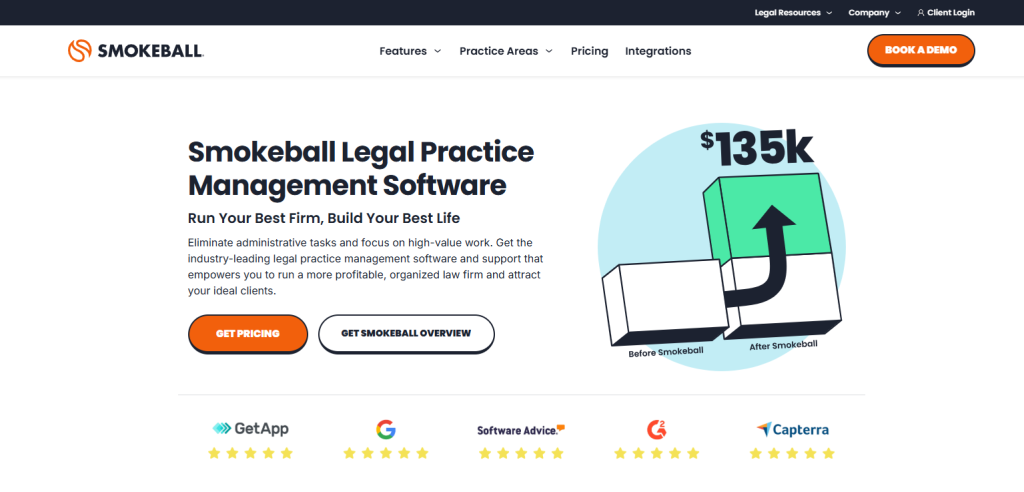
For practices with a high number of documents, Smokeball is the ideal choice. Smokeball is great for document-heavy practices.
Ideal for: Real estate, family law, and litigation work where big numbers of documents are created.
Smokeball automatically logs your time spent working in its document management system, including all drafts, emails, documents opened, and more. This passive capture is useful in practices where the majority of work is done in documents.
Weaknesses: No automatic capture of time when using documents. Strong document automation.
Limitations: The cost of the product is too high. Time capture is only possible within the Smokeball ecosystem.
6. MyCase
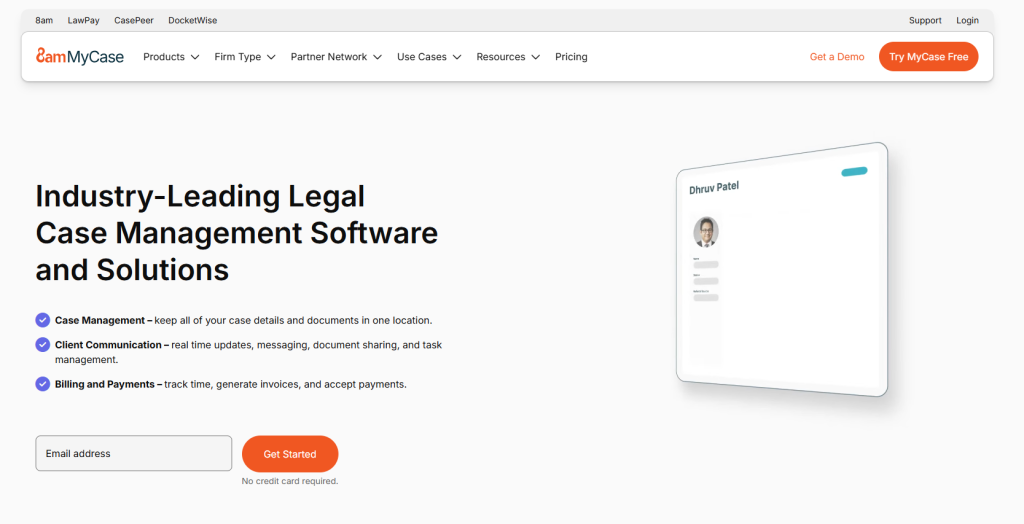
Ideal for: Small to mid-size GP practices
MyCase integrates case management, calendar, client communication, and billing into a single system. The Smart Time Finder feature looks at the activities that have taken place throughout the day and recommends billable hours time entries you may have missed.
Weaknesses: Limited ability to control client communications.Opportunities: Good communication tools and a client portal. Smart time finder is used to get lost billable hours.
Limitations: Pricing is based on subscription, per user. Does not provide value when used with larger teams, as there are more cost-effective alternatives.
Key Features to Look for in Legal Billing Software

There are no all-time tracking tools that are created for the demands of a law practice. These are the characteristics that count when considering legal billing software:
- Automatic time capture: The best tools capture time without having to press start/stop. This is a way of removing the largest revenue leak in law firms.
- Multi-matter time tracking: All time entries should be associated with a client and a matter. When a firm has dozens of active cases, it’s important to have distinct separation between each billable case.
- Billable vs. non-billable distinction: If you know how to track both types of work, you can determine true profitability, not just revenue. All pro bono activity must be listed in its own field, as must be firm administration and business development.
- Seamless invoice generation: All time entries should be generated automatically into an invoice without having to retype them. Billing disputes and loss of client trust result from errors in this process.
- LEDES / UTBMS billing codes: Necessary for insurance defense and important for large corporate clients. If your company does any institutional billing, this is a must.
- Reporting and analytics: You should have, at a minimum, profitability reporting at the matter level, attorney productivity reporting, and accounts receivable aging. Advanced tools offer budget vs. actual and realization rates.
- Mobile access: Attorneys keep time outside of the office: in court, at depositions, and client meetings. The tool must have a trustworthy mobile application.
- Data security and compliance: Client information with billing records should be handled at the same level of security as other client information that is considered confidential.
- Check for GDPR compliance, role-based access controls, and data encryption.
If you are looking to implement time tracking in your law firm, follow these steps to get it up and running.
How to Set Up Time Tracking in Your Law Firm: Step-by-Step
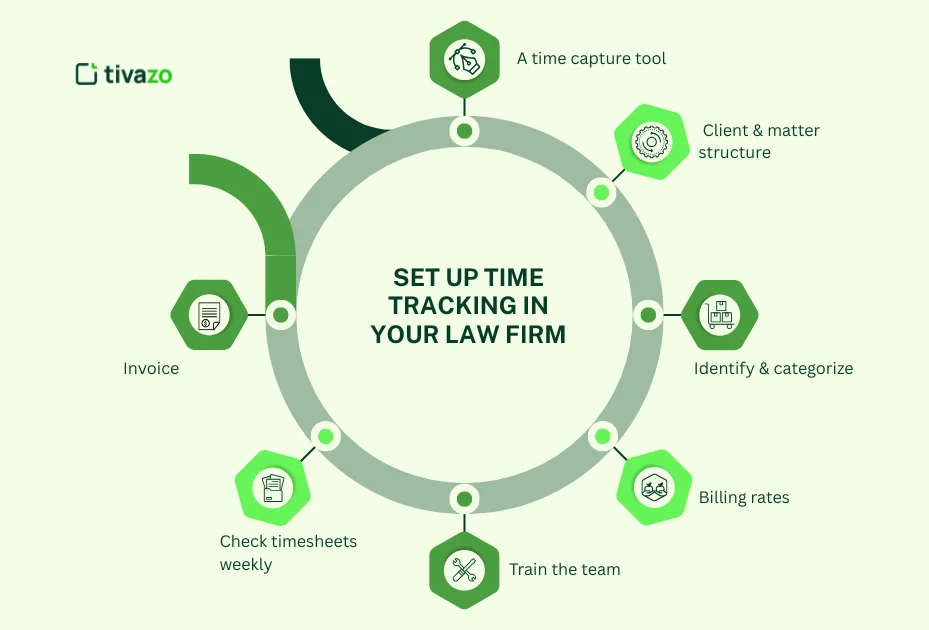
Tracking time accurately is a process issue as much as it is a technology issue with a law firm. This is a real setup process that works.
Step 1: Select a time capture tool
Manual entry tools don’t work because lawyers are busy. Attorneys will be missing time entries if they need to remember to start a timer or log time at the end of the day. Select a platform that has passive or automatic time capture.
In step 2, you create the structure for your clients and matter.
Step 2: Create your client and matter structure
Prior to anyone logging a minute, create a client list and a matter list. Each time you need to enter a destination (a client and matter), your billing reports will be worthless.
Step 3: Identify and categorize billable and non-billable terms
Determine the types of activities that are billable (client calls, drafting, research, court appearances) and non-billable (internal meetings, marketing, training). Here, consistency is essential to get the profitability reporting right.
Step 4:The next step is to set up billing rates
Establish fixed fees for each attorney. If you need to use different rates for a different matter or a different client, set those at the matter level. The majority of platforms will have both default rates and matter-specific overrides.
Step 5: Train the team in the 1 session
One hour with the team of all attorneys and staff is sufficient to align the team. Pay attention to 3 aspects: assigning time to a matter, categorizing it as billable or non-billable, and reviewing entries prior to issuing an invoice.
Step 6: Check timesheets weekly, NOT monthly.
The further the time between work and review, the more detail is lost. Checking on the weekly timesheet in a timely fashion ensures that any missed timesheets are identified.
Step 7: Invoice from your time data directly
Don’t export data and then recreate invoices in another application; use the time tracking platform’s invoice generation feature. For every additional step, there is a chance of making a mistake.
Tivazo for Law Firms: Precise Billable Hours Tracking for Distributed Teams
Not all law firms are single-office collections. There are numerous companies with remote attorneys, contract lawyers, and employees across several time zones. Billing accuracy can be a challenge for a distributed team, and you need a different tool.
Tivazo has been designed just for this. Here’s how it’s used in the practice of law:
- No micromanagement with real-time visibility: It allows the firm’s administrators to know which attorneys are on the job, which are idle, and what matters they are working.
- Continuous work activity logging (Automatic timesheet generation): Tivazo logs work activity continuously. Timesheets are populated at the end of the day, week, or billing cycle, and attorneys review and confirm, not rebuild from memory.
- Client-level reporting: Time is recorded on a client and matter basis. Reports can be downloaded in PDF or Excel format and can be exported to clients or included in payroll, invoicing, etc.
- Tivazo’s screenshot feature is valuable for remote attorneys and contract lawyers, as it provides a tangible record of their work. This is especially convenient if you’re billing corporate clients or insurance companies that are reviewing your invoices.
- Consent-based and GDPR-compliant monitoring: Tivazo’s monitoring features are based on consent and GDPR-compliant. Attorneys are aware of what’s being monitored, and sensitive data is secured by role-based access controls and data encryption.
No limit on number of users on the free plan: MyCase and Clio, and many practice management platforms prohibit per-user pricing on their free plans, but Tivazo doesn’t. A law firm with 20 attorneys has no cost.
➡See all the features that Tivazo delivers to law firms
What Is Time and Billing Software for Law Firms?

Time and billing software for law firms is a software platform used to log attorney time on client cases and convert that time into invoices. It’s a cross-section of time tracking, project management, and accounting.
Legal time and billing software at least performs three functions:
1. Uses timers, manual, or auto logging of activity to track time
2. Arranges entries by client and matter billed properly, and in the audit trail
3. Generates invoices – from clock-in or export to an accounting program.
High-end platforms offer a range of additional capabilities, such as budget tracking, trust accounting, LEDES billing, expense tracking, realization rate reporting, and client portals to send and receive invoices and payments.
It’s crucial to understand that there is a difference between time and billing software and full practice management software. Billing is just one of the functions offered by practice management platforms (such as Clio or MyCase), which also feature case management, calendaring, document storage, and client communication.
They cost a lot, but they are all-inclusive. There are also dedicated time and billing software (TimeSolv, Bill4Time, Tivazo) that center on the financial aspect of the practice, and are normally quicker in implementation and less costly.
What is the most optimal time tracking software for lawyers?
The ideal time tracking software for attorneys is dependent upon firm size and billing intricacy. If unlimited users are free and unlimited time tracking is automatic, with real-time reporting, and timesheet exporting to the client level, Tivazo is the best bet for law firms that need that. If your company is looking for time tracking capabilities throughout a complete practice management application, Clio and MyCase are the most popular.
TimeSolv is the expert solution for companies that need insurance defense or large companies with LEDES billing requirements.
The non-negotiable requirements for any time tracking tool that has a legal signature: time should be tracked automatically or nearly automatically, every time entry should be assigned to a matter, you should be able to generate an invoice from your time data, and you should be able to export the time data to be reviewed by your client.