Accurate tracking and billing time is crucial for ensuring profitability and trustworthiness to your clients. For billable freelancers looking to ensure fair payment for their work, agencies that are working on multiple projects at once, or lawyers who rely on strict billable hours to ensure correct billing procedures, the right billable hours tracking software enhances your productivity and minimizes errors.
This guide will walk you through everything you should know about using billable hours tracking software and will help you find a solution that best meets your needs, workflow, and goals.
Key Takeaways
- Billable hours tracking software records every chargeable minute automatically.
- Accurate time tracking reduces revenue leakage.
- Automated invoicing saves administrative time.
- Detailed reports improve project profitability.
- Businesses gain better visibility into employee productivity.
- Cloud-based solutions support remote and hybrid teams.
- Choosing software with integrations simplifies payroll and accounting workflows.
Quick Answer
Tracking hours for billing software enables companies, freelancers, agencies, consultants, and service organizations to keep a record of time spent working on client projects and bill accordingly. It makes billing easy by tracking billable hours automatically, creating accurate invoices, decreasing manual errors, enhancing the profitability of projects, and giving insights into employee productivity and resource utilization.
What is Billable Hours Tracking Software?
Billable hours are for time spent on chargeable client work. All aspects of which are defined here, including project work, consulting, meetings, research, and communications. These are the minutes and hours that have direct revenue generation.
Examples of Billable Hours:
- Designing a website or writing code on a project for a client
- Researching and analysis on a consulting project
- Drafting legal documents or preparing a case file
- Client meetings or project reviews
Non-Billable Hours:
- Internal team meetings
- Marketing and business development
- Administration; scheduling; client invoices
- Employee onboarding, training, and development
Tracking both billable and non-billable hours is useful to optimize your work process and revenue.
How Does Billable Hours Tracking Software Work?
Billable hours tracking software is a computer application that helps track time spent working on tasks that are billable to the client. It works automatically by tracking working hours instead of mandating the employees or freelancers to insert hours into spreadsheets or manual timesheets.
In addition to their time-tracking app, many of these modern solutions also offer various add-ons, such as automatic timers, team management, project monitoring, efficient productivity reports, payroll support, and integrations with accounting software. This takes off much of the workload and captures all billable hours as well.
No matter if you manage a law practice, marketing agency, consulting company, software organization, or freelance service, a bankable hours monitoring program increases invoice precision. It secures income by eradicating overlooked or forgotten work hours.
Who Should Use Billable Hours Tracking Software?
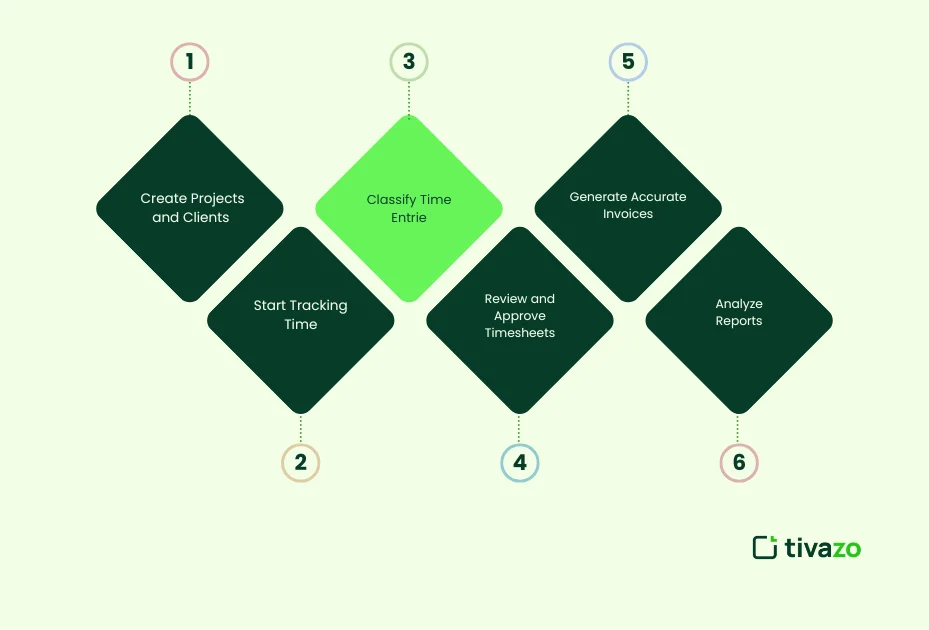
The majority of billable hours tracking applications employ an easy-to-use process.
Step 1. Create Projects and Clients
Create client accounts and allocate project tasks for activities you want to track.
Step 2. Start Tracking Time
Call employees can begin a stopwatch while they’re working or end the task, and the run time sends a log file.
Step 3. Classify Time Entries
The application makes a clear distinction between ‘for billing’ work and the ‘not for billing’ stuff like internal admin, meetings, and training.
Step 4. Review and Approve Timesheets
The managers need to approve the employees’ times before finalizing them.
Step 5. Generate Accurate Invoices
If they are allowed, billable hours can be billed automatically through professional invoices, depending on the hourly charges.
Step 6. Analyze Reports
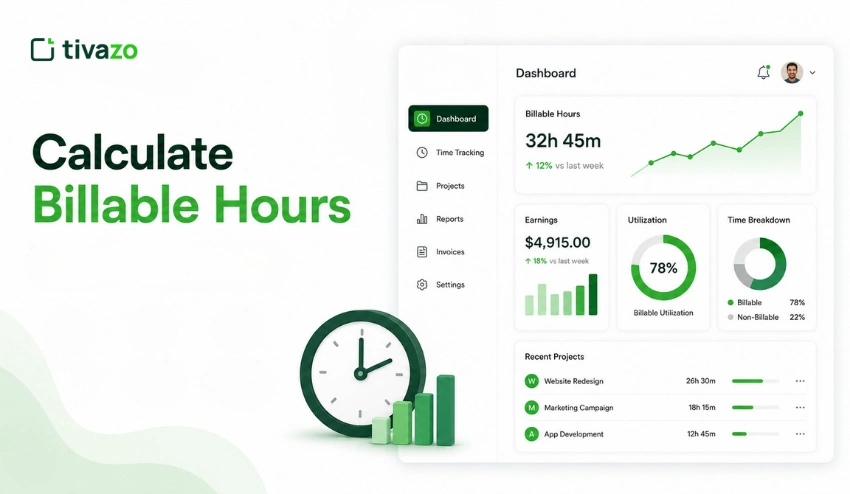
Detailed dashboards allow a business to track profitability on individual projects, utilization of contractors and employees, billing to clients, and profitability on a day-by-day basis.
Billable Hours vs Non-Billable Hours
Many businesses confuse billable and non-billable work. Understanding the difference helps improve profitability and resource planning.
| Billable Hours | Non-Billable Hours |
| Client Project Work | Team Meetings |
| Consulting sessions | Employee training |
| Software development | Administrative tasks |
| Legal research | Internal planning |
| Client revisions | Recruitment |
| Paid support | Marketing activities |
Tracking both types of work allows managers to calculate utilization rates and identify opportunities to improve operational efficiency.
How to Choose the Best Billable Hours Tracking Software
Not every business has the same requirements. Consider these factors before selecting a solution:
- Automatic time tracking
- Manual timesheets
- Project and task management
- Invoice generation
- Productivity reports
- Payroll integration
- Mobile applications
- Cloud synchronization
- Team permissions
- Third-party integrations
- Ease of use
- Pricing and scalability
Choosing software that aligns with your workflow reduces administrative overhead while improving billing accuracy.
Common Mistakes Businesses Make When Tracking Billable Hours
Often, dozens of dollars are lost for every business because of preventable time-tracking problems.
Common issues include:
- Forgetting to start timers
- Opting for a manual approach with spreadsheets in place of automated systems.
- Misclassifying billable work
- Delaying timesheet submissions
- Failing to review logged hours
- Not tracking small tasks
- Ignoring productivity reports
- Charging incorrect hourly rates
Preventing these errors keeps your invoices correct and your billing just.
What Is Billable Hours Tracking Software?
Billable Hours Tracking Software is a digital means of tracking time associated with a task or project that can be billed to a client. Billable hours tracking functionality typically includes the following features:
- Time tracking through real-time timers or manual entries
- Assigning tasks to projects and clients
- The automatic generation of invoices
- Reporting and analytics
- Integrations to accounting, CRM, and PM software
The purpose of billable hours tracking platforms is to automate the time logging process, ensure accurate billing, and allow visibility of where your time is being spent.
Why Billable Hours Tracking Matters
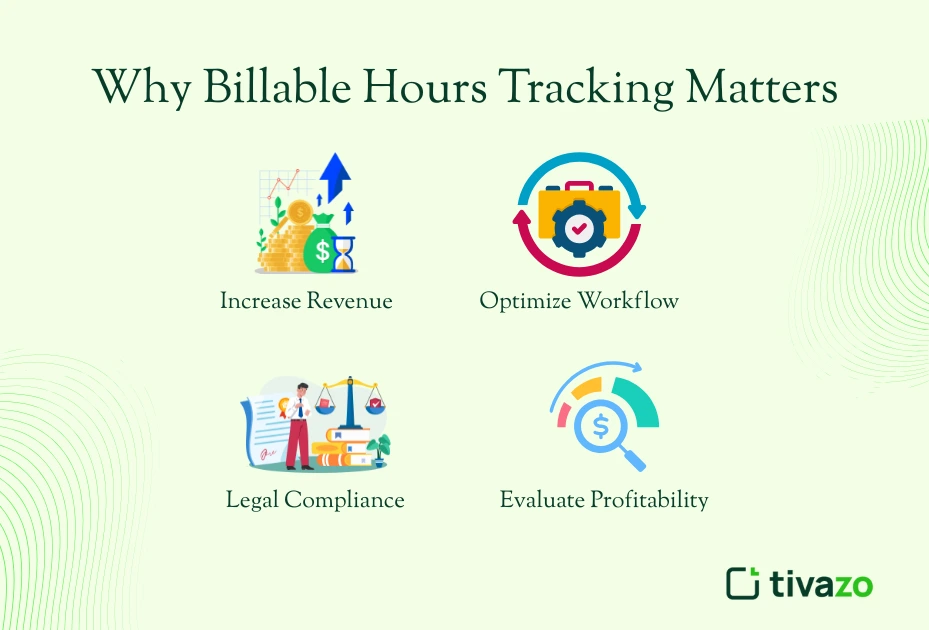
Here are five main reasons why tracking billable hours accurately is essential:
1. Increase Revenue
When you accurately keep track of every minute of billable time, you know you’ll be compensated for every hour you spend working. Even when you may know you’re underreporting time by small amounts here and there, these little underreported hours add up to a lot at the end of the year. When you track them correctly, you are recording billable time that will go directly to your revenue.
2. Increase Client Trust
The last thing a client wants to hear is, “I think I’ve worked that many hours…”, or worse yet, “I think I recharged your credit card that amount?” Clients appreciate transparency wherever they can get it, and being able to provide them detail on how you’ve spent your time builds trust. Once they see a clear breakdown of where they paid for your time, they’ll see how you’re spending your time, and managing their expectations will be easier and have less chance of misunderstandings or disputes related to billing.
3. Evaluate Profitability
Billable hours tracking software allows you to evaluate your most profitable clients and projects. Tracking billable hours will show you areas where you spend a lot of time without appropriate compensation; thus, you can make better decisions related to pricing and resource allocation.
4. Optimize Workflow
The relationship between billable hours tracking workloads is seamless when it is paired with project management software; they become entirely integrated into your workflow. By having this integration, you eliminate the non-billable time you spend tracking time manually, reduce the likelihood of errors, and ensure that every task is tracked correctly. Overall operational efficiency will be improved with better time tracking.
5. Legal Compliance
Although most professions need to track billable hours, compliance is extremely important for law firms or businesses in regulated industries. Most of the needs for detailed time logs are to support an audit, to ensure you are billing correctly, and to meet industry compliance standards. This can help protect your business from any compliance issues.
Key Features to Look For in Billable Hours Tracking Software
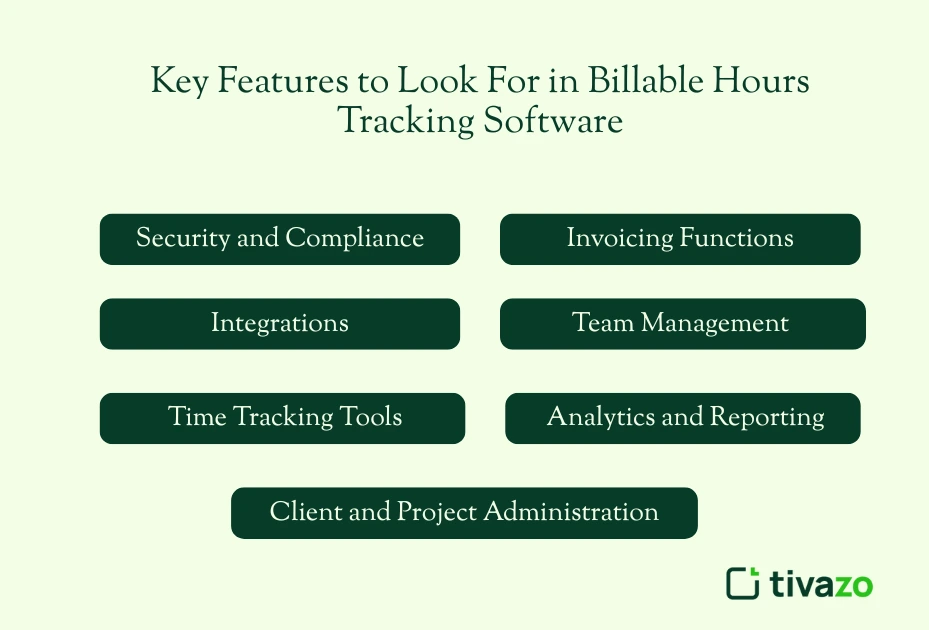
When choosing a solution, prioritize the following features:
1. Time Tracking Tools
Billable hours tracking software should have numerous ways to accurately track time:
- Start/Stop Timers: Tracking that is all about real-time tracking, where you start the track time when you begin, and stop when you finish.
- Manual Entry Support: Manually add time for those tasks that you may forget to log.
- Idle Time Detection: Automatically detect when the user has been idle so you can prevent errors.
- Mobile and Desktop Apps: The ability to track time regardless of device, as people have become more flexible in their work.
2. Client and Project Administration
Billable hours tracking software helps organize meetings and time spent with clients and projects:
- Assign Hours on Clients and Projects: Record billable hours and present to clients or projects automatically.
- Task Trackers: Record time for specific tasks, within projects, for more accurate reporting and invoicing.
3. Invoicing Functions
Billing software for tracking billable hours should remove unnecessary complexity from invoicing:
- Auto-generate Invoices: Automatically generate invoices based on hours tracked.
- Brand Templates: Change your invoices with your branding.
- Currency and Tax Support: Support multiple currencies and taxation for international clients.
4. Analytics and Reporting
Get deeper insights into your time and the performance of your business through reporting:
- Billable vs Non-billable Hours: Measure the amount of time you spent on tasks that generate income and tasks that are internal.
- Productivity Reports: Measure your time usage so you can measure efficiencies to streamline tasks.
- Profitability Reports: Measure the profitability of your clients or projects to see what is most profitable.
5. Team Management

Manage your team’s time effectively and have visibility into time/accurately capturing it:
- Timesheet Approvals: Allows manager/approvals/review timesheets before billing.
- Hourly Rate Configuration: Rate on different terms for different team members, rates for different clients.
- Monitor Workload management: Reports on team activity and workloads to see if you have over- allocated hours.
6. Integrations
Make sure your billable hours tracking software integrates with other essential tools.
- Accounting Tools: Connect to save time managing your books in QuickBooks or Xero.
- Project Management: Integrate with your project management tool with Asana, Trello, or Jira to track time more easily.
- Calendar Sync: Sync it to Google or Outlook and track your time from your meetings.
7. Security and Compliance
You want to make sure you abide by data security and compliance regulations:
- Access Permissions (role-based): Have control or limits based on an employee’s access (i.e., limit access to sensitive time tracking data).
- Encrypted Storage: You want to encrypt your client data.
- GDPR/HIPAA Compliance: Be sure to comply with legislation related to various laws like GDPR and HIPAA.
Top Benefits for Different Professions
For Freelancers
For freelancers who want to improve their workflow and make sure they’re getting compensated fairly, billable hours tracking software is a necessity:
- Timely and Fair Payment: By tracking all time worked, you can avoid undercharging for your work to ensure you’re compensated for all your efforts.
- Time Analysis by Client or Service: Include an analysis of how much time was spent on each client/service, allowing you to price accordingly or analyze profitability.
- Invoice Automation: Automatically generate invoices based on the hours tracked, saving time and minimizing errors.
Greater Professionalism and Trust: Share accurate and transparent reports with clients to instil trust in the client service relationship and maintain a professional image.
For Agencies
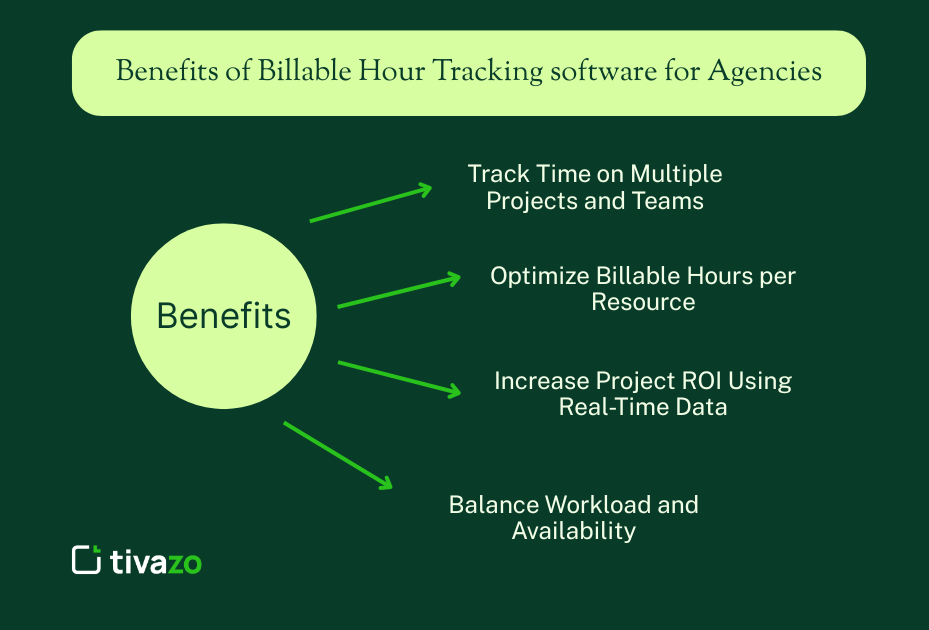
Agencies that manage multiple projects and teams can leverage billable hours tracking software to gain control of time spent and increase profitability by:
- Track Time on Multiple Projects and Teams: Know how much time is being spent across several clients and teams to ensure proper billing and allocation of resources.
- Optimize Billable Hours per Resource: Monitor the amount of hours your team members have reported to measure and maximize how productive they are, which generates more billable hours, therefore more revenue.
- Increase Project ROI Using Real-Time Data: Manage your project with real-time data and take action when you identify an opportunity for improvement, therefore maximize return on investment.
- Balance Workload and Availability: Measure your team members’ availability to ensure they are not too overloaded and therefore maximize productivity.
For Businesses

Billable hours tracking software is a tool that can be implemented by businesses of all sizes to improve productivity, efficiency, and profitability in a variety of important areas of the business:
- Know Department Efficiencies: You can track how long each department spends working on a project to understand performance and allocate your resources better.
- Integrate Time Data into Payroll; You can link billable hours with payroll software and ensure employees are paid for recorded time.
- Track Project Costs: You can utilize recording billable hour costs to track costs of time on projects to help you more clearly gauge if you are adhering to project budgets and if projects are indeed profitable.
- Discover Areas for Improvement: You can find inefficiencies when you analyze the time logs, as well as find bottlenecks and instances to improve processes.
For Law Firms

Billable hours tracking software can help firms comply with legal billing practices by enhancing efficiency and accuracy for law firms:
- Track Every Billable Minute for Clients: Effectively record time spent on client matters to ensure your firm will not lose or unbillable minutes.
- Track Time by Matter or Case: Efficiently categorize time by legal matter or case, to give you an accurate and detailed breakdown, at billing time to your clients, and for your firm’s reporting.
- Differentiate Billable and Non-Billable Hours: Differentiate billable and non-billable hours, and sub-categorize billing, as necessary to comply with client mandates.
- Comply with Legal Billing: Remain compliant and defendable with legal billing regulations and ethical standards by keeping a complete and accurate time log, as your firm may be audited at any time.
- Integrate with Other Legal Practice Management Systems: Integrate or interface with other legal practice management systems, such as Clio or LEAP, for case management and billing in one seamless location.
Common Mistakes to Avoid
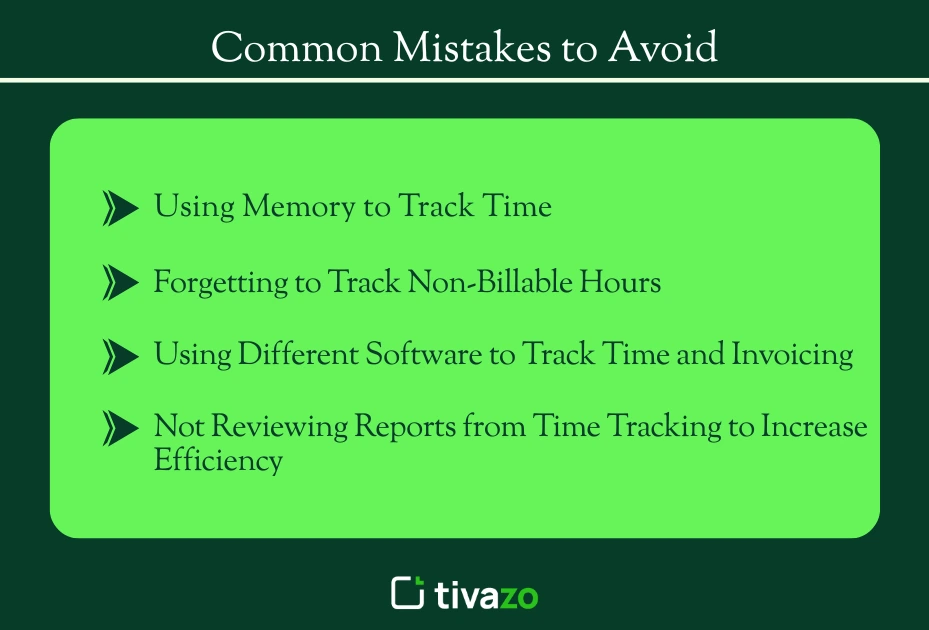
Using Memory to Track Time
Using memory to track time leads to lost hours and inaccuracies. Without billable hours tracking software, important revenue-related details can easily be forgotten.
Forgetting to Track Non-Billable Hours
Forgetting to track non-billable hours, for example, meetings and admin work, may result in not getting the true picture of profitability. The most accurate way to figure out how time is being allocated is to track time accurately.
Using Different Software to Track Time and Invoicing
Using disjointed software for time tracking and invoicing prohibits you from submitting invoices that are timely and, more importantly, accurate. Integration makes processes flow together, minimizing inefficiencies.
Not Reviewing Reports from Time Tracking to Increase Efficiency
Not reviewing your time tracking reports means you are missing the opportunity to understand your workflow better. Frequent review of those reports will allow you to identify workflow inefficiencies and how you can allocate your resources more efficiently.
Best Billable Hours Tracking Software in 2026
1. Tivazo
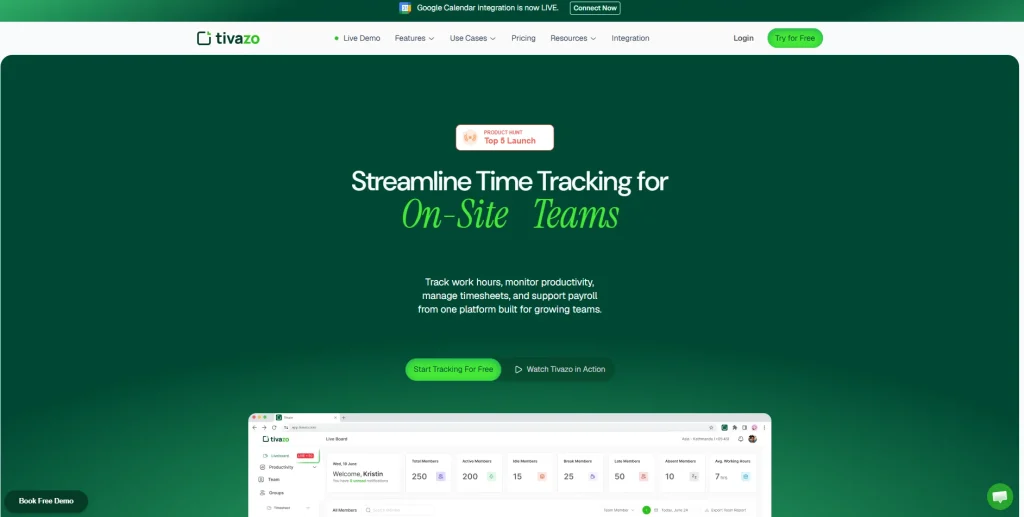
- Best for: Freelancers and small teams
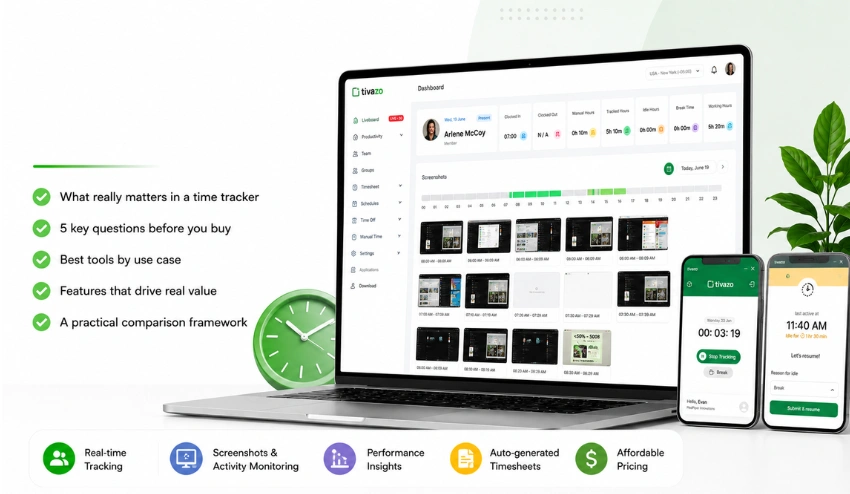
- Features: Real-time tracking, report generation, live screenshots
2. Harvest
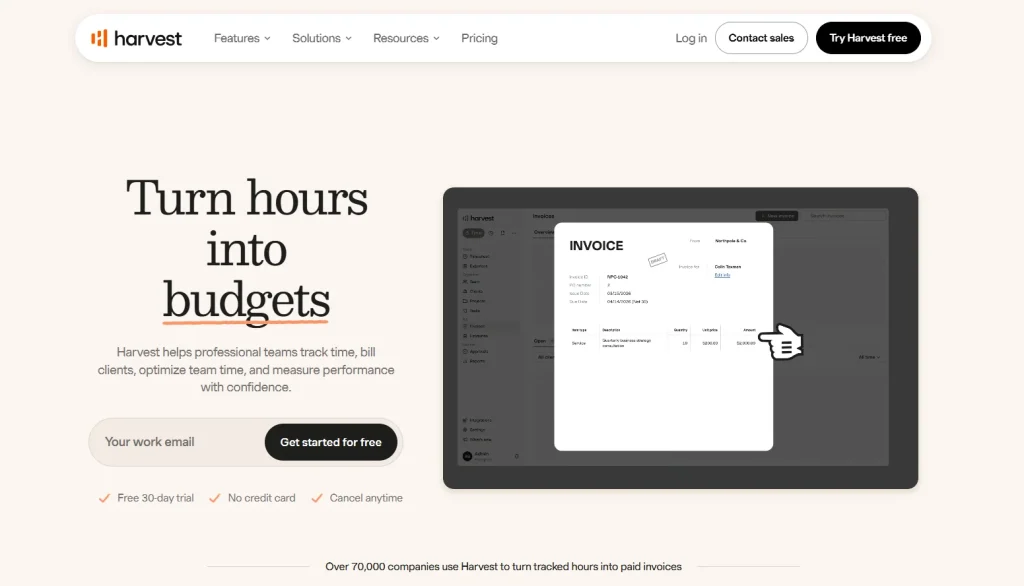
- Best for: Agencies
- Features: Time tracking + invoicing, project budget tracking
3. Clockify
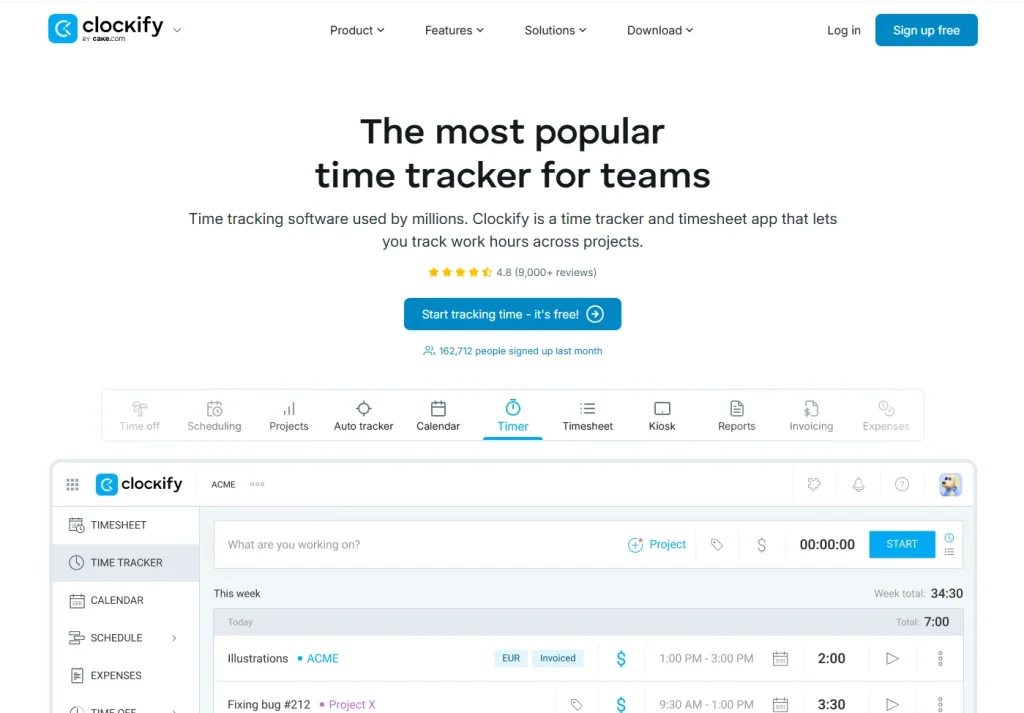
- Best for: Budget-conscious users
- Features: Free forever plan, unlimited users, reports
4. Clio
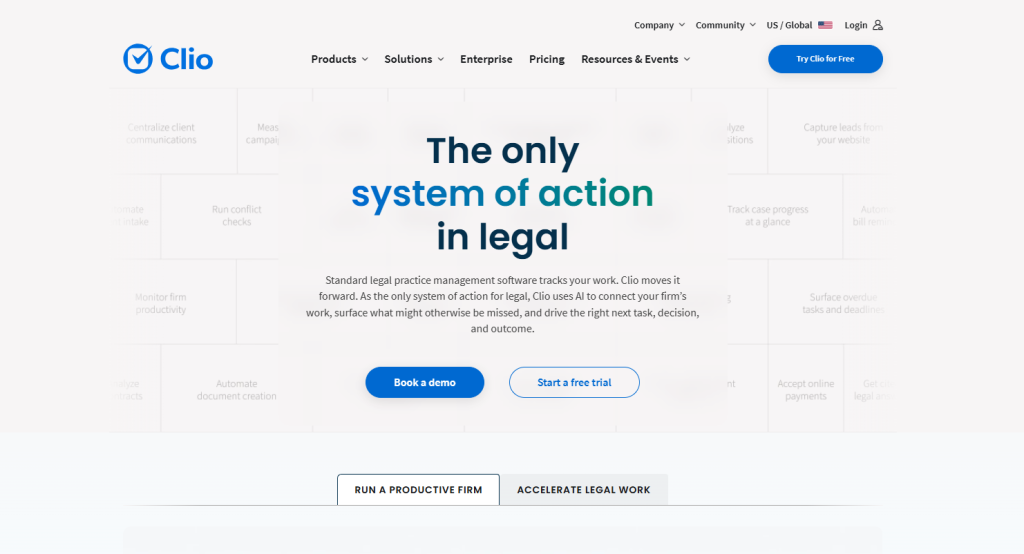
- Best for: Law firms
- Features: Matter-based billing, legal compliance, trust accounting
5. Everhour
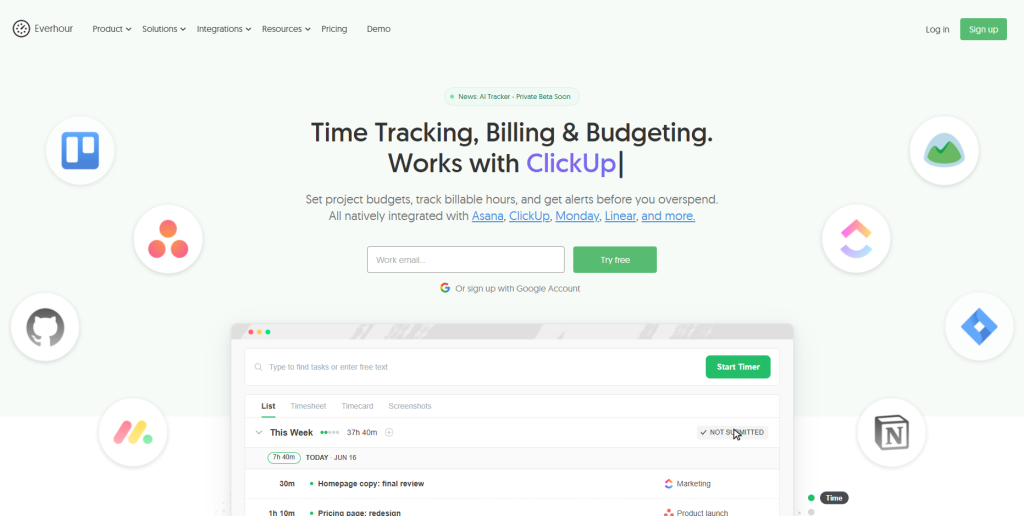
- Best for: Teams using Asana/Trello
- Features: Embedded time tracking, visual dashboards
Action Steps
- Assess your current time tracking process
- Identify your 3 most important tasks (i.e., the most important may be invoicing, reporting, or integrations)
- Try 2-3 products with their free trial versions
- Commit to tracking regularly for 30 days
Future Trends in Billable Hours Tracking
- AI Time Predictions: Predicting how long tasks will take, based on task history
- Automated Entries: Time automatically tracked through your calendar, email, or project management tools
- Blockchain Time Logs: Time logs that can be validated and are secure from tampering
- Voice-activated Entry: No-touch time entry solutions for the busy professional
Expert Tip
Getting clients to pay higher rates isn’t the only way that profitability can be increased – the more accurate you are at capturing the time that you have actually spent, the higher your profits will be. If you are able to guarantee capturing every billable minute of work, you’ll no longer be throwing money out of the window, your invoices will go out quicker, and you’ll have more accurate information for planning projects in the future.
Final Thoughts
The accurate Billable Hours Tracking Software can completely enhance how you work with your clients, improve your workflow, and dramatically improve your income/ bottom line. The best tools are basic, precise, and fit in with the systems you are already using. You may track 10 hours or 10,000: it all starts with the right system.
If you’ve never used Billable Hours Tracking Software, there’s no better time than the present.
Are you ready to take control of your time and your income? Try leading Billable Hours Tracking Software for free and discover a whole new way to work.