Most people think productivity is about working more hours. But if you watch how high performers actually operate, it’s rarely about the hours; it’s about the structure they bring to those hours.
An online timer is one of the simplest tools for building that structure. It doesn’t manage your tasks, send you reminders, or generate reports. It just counts. But that counting of the visible, ticking clock changes how you work in ways that are hard to explain until you’ve tried it.
Timers create boundaries. They turn an open-ended task into something with a beginning and an end. And once you have boundaries, focus follows naturally.
10 Ways to Use an Online Timer for Productivity
Here are 10 ways professionals actually use an online timer to get more done, not in theory, but in real daily workflows.
1. Timed Meetings That Don’t Go Over
Every professional has sat through a meeting that should have ended 20 minutes ago. The agenda drifted, someone brought up a new topic, and suddenly, a 30-minute check-in had eaten an hour of everyone’s day.
A countdown timer fixes this before it starts. Set it at the beginning of the meeting or, better yet, set individual timers for each agenda item. When it rings, you move on. It sounds simple, but it changes the dynamic entirely. People say what they need to say faster when they can see the clock.
This works especially well for remote teams where meetings tend to sprawl. A visible timer keeps everyone anchored to the agenda without anyone having to play timekeeper.
2. Deadline Countdown for Urgent Tasks
There’s something about a visible countdown timer that makes urgency feel real. When a deadline is three days away, it’s easy to tell yourself you’ll get to it later. When a timer is counting down from 45 minute,s and you can see it on your screen, it later becomes now.
Use this for anything with a hard finish, a report due before a client call, a proposal that needs to go out by the end of the day, or a submission with a fixed cutoff. Set the timer for the time you actually have, and work inside it. The visual pressure is surprisingly effective at cutting through distraction and getting you into execution mode.
3. Deep Work Sessions Without Distractions
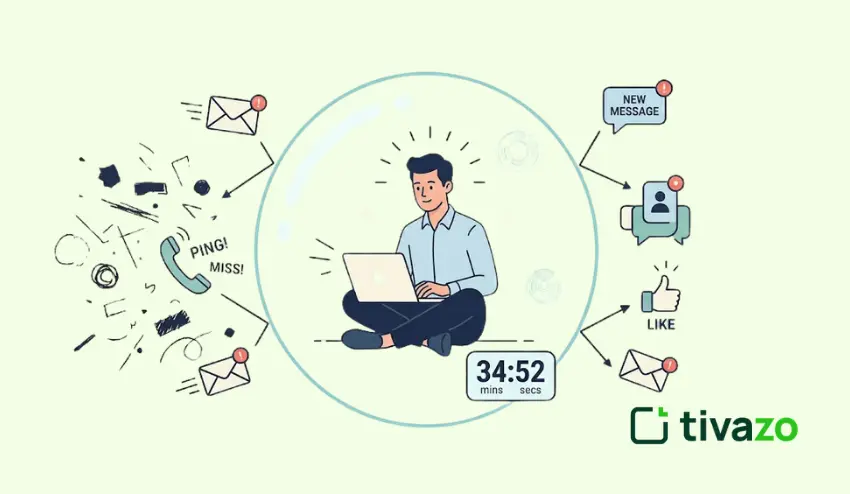
Deep work, the kind where you’re fully locked in on one thing, is where most of your best output happens. But it doesn’t happen automatically. You have to protect it.
A productivity timer helps you do that. Set a fixed block of 25, 45, or 50 minutes, depending on your rhythm, close everything else, and commit to that one task until the timer ends. No checking messages, no switching tabs, no “quick” detours.
The timer acts as a psychological contract with yourself. You’re not saying “I’ll work until I feel like stopping.” You’re saying, “I’m working until this rings.” That small shift makes a significant difference in how deeply you focus.
4. Structured Break Reminders
Working for hours without stopping feels productive in the moment. But it catches up with you: your thinking slows, your decisions get worse, and by mid-afternoon, you’re running on fumes.
A break timer keeps you honest. Set it for 25 or 50 minutes of work, then take a real 5 or 10-minute break when it goes off. Step away from the screen, stretch, grab water, breathe. Then come back.
The break isn’t lost time; it’s what makes the next block of work possible. Professionals who use structured breaks consistently report maintaining higher energy and focus throughout the day, not just in the morning.
5. Presentation Practice with Time Limits
Most presentation disasters aren’t about content; they’re about pacing. People either rush through everything in a panic or talk too long and run out of time at the midpoint.
Practicing with a timer solves this. Set it for exactly the time you’ll have in the real presentation and run through it. You’ll quickly find out which sections are too long, where you’re rushing, and whether your overall structure actually fits the time you’ve been given.
Do this a few times, and you’ll walk into the real presentation with a completely different level of confidence. You’ll know your pacing. That’s something no amount of reading your slides back to yourself can give you.
6. Email & Admin Task Timeboxing
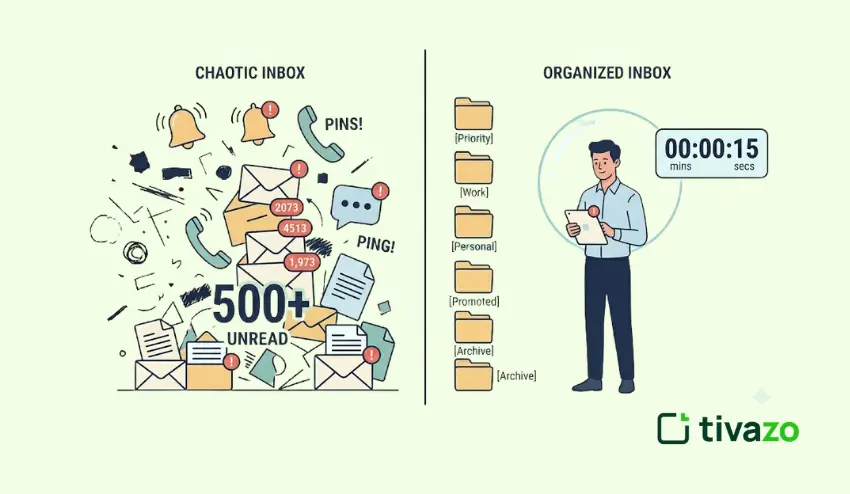
Email is one of the biggest time management traps in professional life. You open your inbox “quickly,” and 45 minutes late,r you’re still there, half-responding to threads from last week.
Time boxing breaks this pattern. Set a timer for 20 or 30 minutes, dedicate that block entirely to inbox and admin tasks, and when it rings, stop. Whatever didn’t get done waits for the next timebox.
This forces prioritization. When you know you only have 20 minutes, you stop reading everything and start responding to what actually matters. Admin gets done faster, and the rest of your day stays intact.
7. Task Batching for Similar Work
Switching between different types of tasks, a creative brief, then a spreadsheet, then a client call, then back to writing, costs more time than most people realize. Every switch requires your brain to reorient, and that reorientation adds up.
Task batching solves this by grouping similar work. Put all your calls in one block, all your writing in another, all your approvals in a third. Then assign a timer to each batch.
Working this way keeps you in the same mental mode for longer stretches, which means you get through each type of work faster and with less friction. The timer keeps each batch contained, so one type of work doesn’t bleed into the rest of your day.
8. Daily Planning & Time Blocking
Starting the day without a plan is like driving without a destination. You move, but you’re not sure where you’re going or whether you’ll get there.
A short planning session, 10 to 15 minutes at the start of the day, changes this. Use a timer for it. Map out your main tasks, assign time blocks to each, and decide on the order. When the planning timer ends, you stop planning and start working.
This matters because planning can quietly become another form of procrastination. The timer ensures you plan just enough and then actually execute.
9. Workout or Movement Breaks at Work
This one often surprises people, but it’s particularly valuable for remote workers who can go entire days without leaving their chairs.
Set an interval timer for a quick 5 to 10-minute movement break, some stretches, a short walk, or a few desk exercises. It doesn’t need to be a full workout. The goal is to break up long periods of sitting and give your body and brain a reset.
Movement increases blood flow, clears mental fog, and often shakes loose ideas that were stuck. Many professionals find they come back from a movement break sharper than when they left.
10. Focus Sprints Before Deadlines
Sometimes you’re staring at a task you’ve been avoiding, and you just can’t seem to start. The longer you wait, the harder it gets.
A focus sprint breaks the cycle. Set a timer for just 10 or 15 minutes and commit to working on that one thing, nothing else, until it rings. That’s it. No pressure to finish. Just start.
What usually happens is that you get momentum. The task feels less overwhelming once you’re actually in it. The timer gives you a low-stakes entry point that gets you moving, and movement is what beats procrastination.
Bonus: Combine Techniques for a Full Workflow
Once you’re comfortable with individual techniques, try stacking them into a full daily structure:
- Deep work block: 50 minutes, no interruptions
- Break: 10 minutes away from the screen
- Admin timebox: 20 minutes for email and messages
- Focus sprint: for 15 minutes to push through anything stuck
- Planning session: 10 minutes to close the day and prep for tomorrow
This kind of structured day doesn’t happen by accident. The timer is what holds each block in place and keeps everything from bleeding together.
Conclusion: Small Tool, Big Impact
A timer won’t write your reports, run your meetings, or make your decisions. But it will give your day a structure that makes all of those things easier.
The professionals who use timers well aren’t doing anything complicated. They’re just being intentional about how they spend their time one block at a time. That intentionality compounds. Over days and weeks, it adds up to significantly more output with significantly less stress.
Pick one or two of these techniques, try them this week using the online timer at the top of this page, and see what fits your workflow. You don’t need all ten at once. You just need to start.