Managing employee work hours used to involve paper timesheets, punch cards, and endless payroll corrections. Today, businesses need smarter solutions.
Whether you manage a remote team, a growing startup, or a large workforce, the right clock-in clock-out app can save time, reduce payroll errors, and improve employee accountability.
Modern businesses are no longer looking for simple attendance systems. They want complete workforce management tools that combine time tracking, productivity monitoring, scheduling, reporting, and payroll integration in one platform.
In this guide, we’ll explore the best clock-in clock-out apps available in 2026, compare their features, pricing, and ideal use cases, and help you choose the best solution for your team.
Why Businesses Need a Clock-In Clock-Out App?
Employee time tracking is no longer optional. Businesses need accurate data to manage productivity, payroll, attendance, and compliance effectively.
According to the U.S. Bureau of Labor Statistics (BLS) Productivity Data, workforce productivity and accurate labor tracking continue to play a major role in operational efficiency and labor cost management.
A modern employee time tracking software helps companies:
- Track work hours accurately
- Reduce buddy punching and time theft
- Automate payroll calculations
- Monitor remote employee productivity
- Improve project profitability
- Streamline employee scheduling
- Generate accurate reports
- Manage overtime efficiently
For remote and hybrid teams, visibility is even more important. Managers need real-time insights into attendance, work patterns, and employee productivity without micromanaging employees.
For example, agencies that bill clients hourly can use a work hours tracker to monitor project profitability. Similarly, HR teams can automate attendance tracking while reducing payroll disputes.
Businesses also benefit from automation tools like payroll reports, overtime calculation, and an Hourly Salary Calculator to simplify wage estimation and reduce manual errors.
If you’re looking for a budget-friendly option, this guide on an employee time tracking app can help you get started.
6 Key Features to Consider in Employee Time Tracking Software
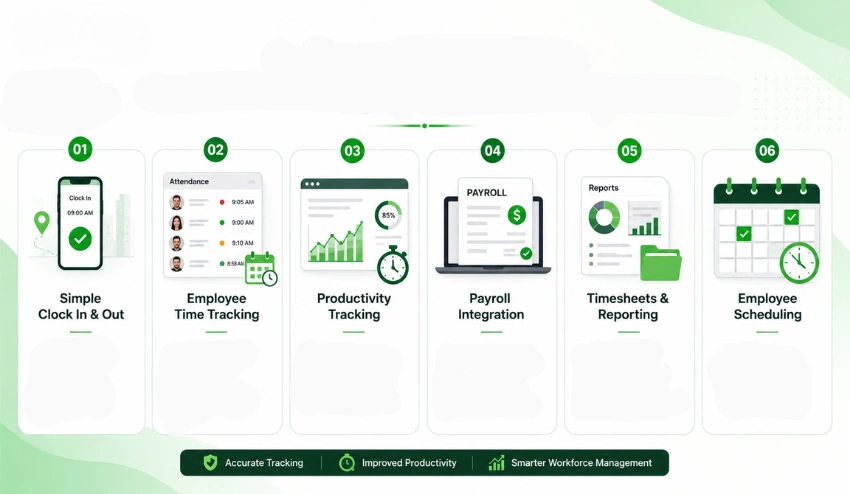
However, not all time tracking software is equally beneficial. When looking for an option, prioritize features that enhance efficiency and employee experience:
1. Simple Clock-In and Clock-Out
Employees must be able to begin or cease time tracking instantly using desktop, mobile, or web apps. Search for features such as:
- One-click timers
- GPS tracking
- Geofencing
- Biometric login
- Mobile access
2. Employee Time Tracking
Good employee attendance applications need to assist managers in tracking:
- Late employees
- Absenteeism
- Break times
- Paid leaves
- Attendance on shift
Automated time reports lessen the burden on the HR section.
3. Productivity Tracking
Businesses are no longer only interested in the number of hours that a user has spent. With new technology, businesses can also gain insights into their employees through:
- Productivity scoring
- Application and website usage
- Live screenshots
- Activity tracking
- Performance reports
This can be particularly useful with remote worker tracking.
4. Payroll Integration
The top time tracking systems integrate automatically with your payroll software:
- Cut manual calculations
- Prevent payroll disputes
- Avoid overtime errors
- Mitigate compliance risk
You can simplify calculations by using something such as the Time Clock Calculator
5. Timesheets & Reporting
Good reporting functionality enables managers to:
- Evaluate productivity levels
- Manage labor costs
- Review the profitability of jobs
- Track overtime hours
Accurate reports are the key to intelligent labor management.
6. Employee Scheduling
An integrated employee scheduling app helps businesses
- Assign shifts
- Avoid scheduling conflicts
- Manage availability
- Optimize staffing
This is especially useful for retail, healthcare, and hospitality industries.
Top 10 Best Clock-In Clock-Out Apps for Employees in 2026
1. Tivazo
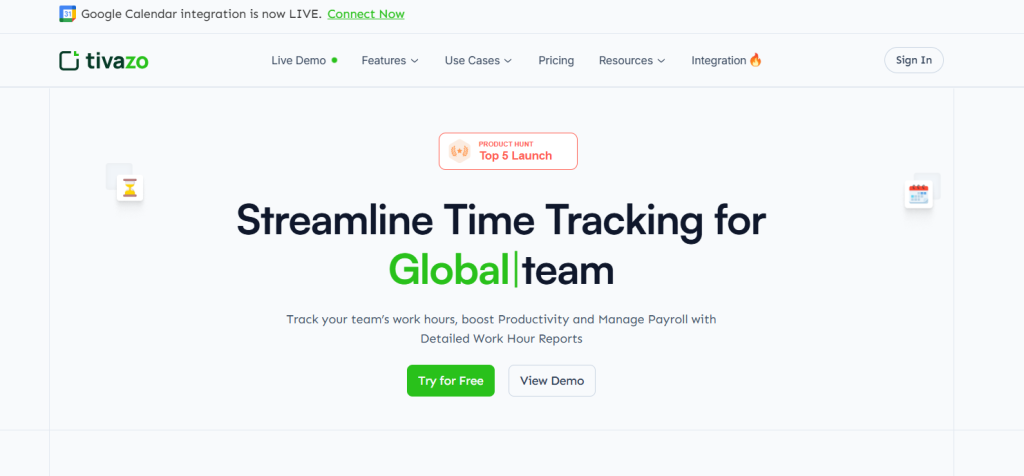
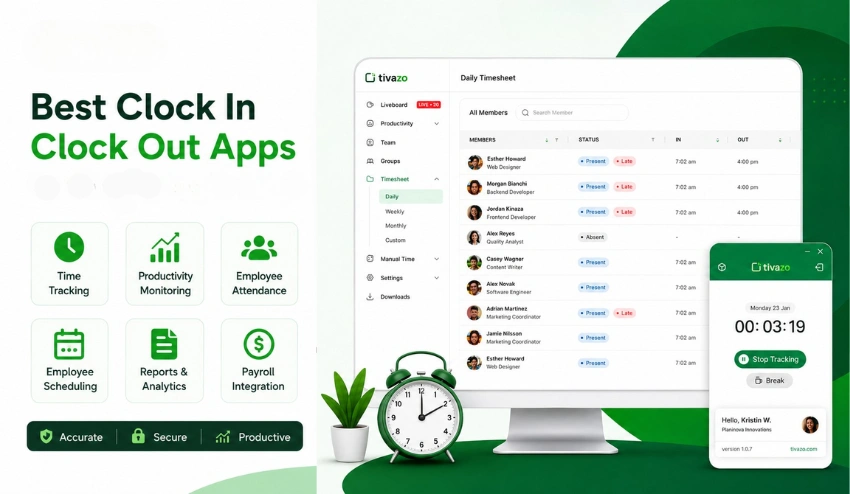
Tivazo is an advanced clock-in and clock-out application suitable for companies looking for more than just basic attendance management.
The platform includes employee time tracking, productivity tracking, team management, and workforce analytics from a single, centralized dashboard.
A step up from many old-fashioned time tracking apps, Tivazo offers businesses a powerful way to streamline operations and stay transparent, whether your employees work remotely, hybrid, or in-house. Businesses like startups, agencies, BPO companies, and emerging enterprises can use Tivazo to gain real-time visibility over employee productivity.
The biggest benefit here is the level of detail provided without intruding on the employee or overwhelming management with complicated software.
You can view employee work hours, see employee performance metrics, access live screenshots of your team’s work, and create comprehensive timesheet reports all within the Tivazo all-inclusive system. No matter if you’re working with staff across multiple time zones or in a single location, Tivazo can give you the overview you need.
You also get a variety of time calculation tools, such as the Overtime Calculator, Time Card Calculator, Pomodoro Timer, and Military Time converter, making Tivazo a complete workforce solution in its own right. There’s no need for you to rely on separate applications for each specific time management task.
Key Features:
- Automatic and manual time tracking
- One-click clock-in and clock-out
- Employee attendance management
- Team productivity monitoring
- Live screenshots with privacy masking
- Real-time activity tracking
- Idle time notifications
- Smart timesheets and reports
- Payroll-friendly exports
- Team and workspace management
- Overtime Calculator
- Time Card Calculator
- Hourly Salary Calculator
- Pomodoro Timer and Online Timer
- Military Time Converter
- CSV, Excel, and PDF report exports
- Integrations with Google Calendar and Slack
Pros:
- Clean and beginner-friendly interface
- Excellent employee productivity tracking
- Strong remote employee monitoring tools
- Affordable for startups and growing teams
- Free plan available for small teams
- Real-time workforce visibility
- Advanced reporting and analytics
- Supports payroll accuracy and overtime management
Cons:
- Some enterprise-level integrations are still expanding
- Advanced workflow automation is limited compared to larger enterprise suites
Best For: Remote teams, startups, agencies, BPO companies, HR managers, productivity-focused businesses
Pricing: Free plan available for up to 10 users. Premium plans start around $3/member/month.
If you are seeking to have a full-fledged employee attendance application along with a productivity platform, then Tivazo is a powerful one for your organization. You can know more details from the best time tracking apps
2. Hubstaff
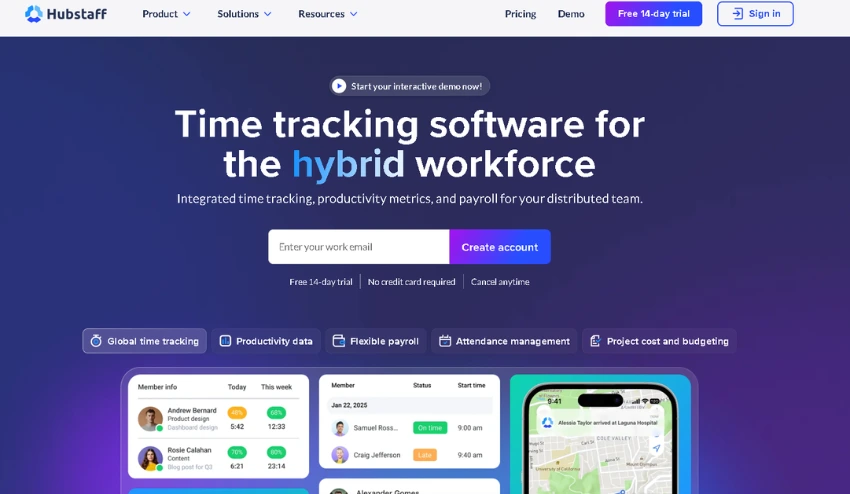
Among well-known platforms designed to monitor remote employees and manage your entire workforce, you’ll find Hubstaff. Time tracking, GPS monitoring, workforce productivity analytics, automated payroll, and workforce analysis are all included in a single system.
This is a powerful solution, particularly for distributed teams or organizations that manage employees from different regions, even if they are just distributed across different locations.
The software allows managers to have complete visibility into their employees’ activity; they track apps and websites visited, give a productivity rating to every employee, and generate automated timesheets.
Key Features:
- Automatic time tracking
- GPS and geofencing support
- Employee activity monitoring
- Productivity reports
- Payroll integrations
- Team scheduling
- Timesheets and invoicing
- Screenshot capture
- Project budgeting
- Workforce analytics
Pros:
- Excellent for remote teams
- Strong payroll automation
- Advanced workforce analytics
- Reliable GPS tracking for field employees
- Detailed productivity insights
Cons:
- Monitoring features may feel too invasive for some team cultures
- Pricing increases quickly for larger organizations
Best For: Remote teams, distributed companies, field service businesses, agencies with billable clients
Pricing: Starts around $4/seat/month
3. Clockify
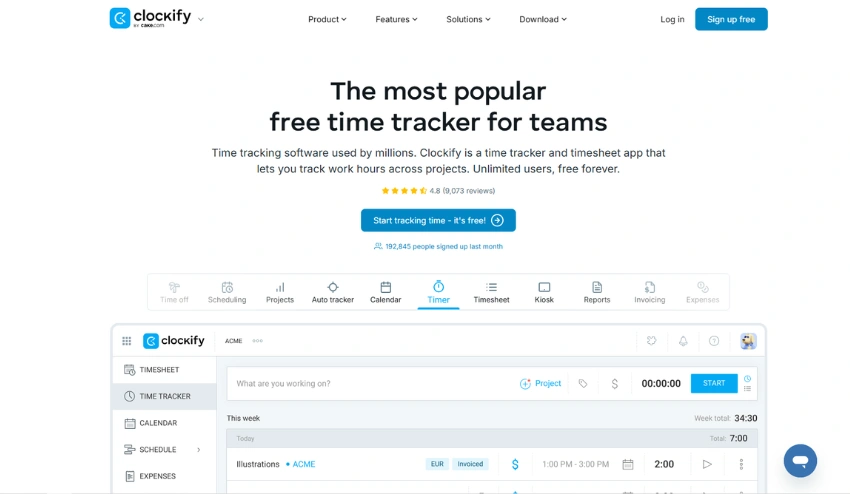
One of the best free time tracking apps available at the moment is Clockify. It’s currently used by numerous freelancers, startups, and small businesses thanks to its abundant free features and ease of use.
With it, employees can easily clock in and out, add billable time entries, track time on specific projects, and create timesheets for various purposes.
While it’s not really about employee monitoring, it’s so user-friendly and easy to implement that it’s perfect for businesses starting out with time tracking software.
Clockify is great for businesses that just want simple time tracking without invasive monitoring or detailed workforce analysis. Time can be tracked across multiple devices with browser extensions and mobile apps, while project tracking functions are a great help when seeing where the hours went.
Key Features:
- Unlimited users on the free plan
- Time tracking and timers
- Project management
- Weekly timesheets
- Team dashboards
- Expense tracking
- Productivity reports
- Browser extensions
- Mobile apps
Pros:
- Excellent free plan, unlimited users at no cost
- Very easy to use and quick to set up
- Fast onboarding process
- Good reporting features for basic needs
- Works consistently across all devices
Cons:
- Limited productivity monitoring and employee oversight features
- Fewer insights into employee work habits
- Advanced reporting locked behind paid plans
Best For: Freelancers, small businesses, startups, consultants
Pricing: Free plan available; paid upgrades for advanced features
4. QuickBooks Time
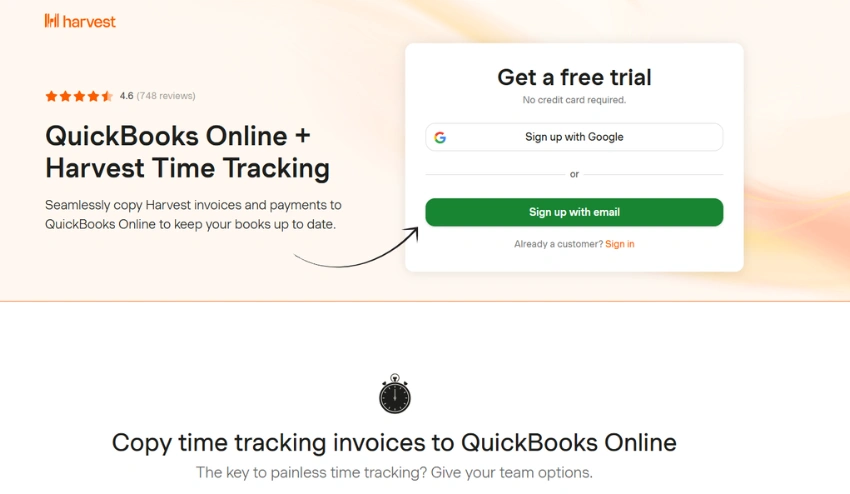
QuickBooks Time, previously known as TSheets, is a robust time tracking application for businesses that are integrated with accounting and payroll.
Businesses already integrated with QuickBooks for their accounting processes find it easier to adopt QuickBooks Time.
This application integrates flawlessly with QuickBooks Payroll and streamlines payroll processing for finance and HR departments.
Employees can track hours using mobile applications, kiosk machines, or the desktop system, whereas managers can obtain alerts on overtime and the total labor costs.
Key Features:
- Payroll integrations with QuickBooks
- GPS time tracking
- Employee scheduling
- Overtime alerts
- Mobile clock-in
- PTO management
- Labor cost reporting
- Geofencing
- Mileage tracking
Pros:
- Excellent accounting and payroll integrations
- Strong payroll automation features
- Great mobile experience for field workers
- Reliable scheduling and shift management tools
Cons:
- More expensive than many competitors
- The interface can feel overwhelming for new users initially
Best For: Payroll-heavy businesses, construction companies, accounting-focused organizations
Pricing: Starts around $20/month base + $8–$10/user/month
5. Time Doctor
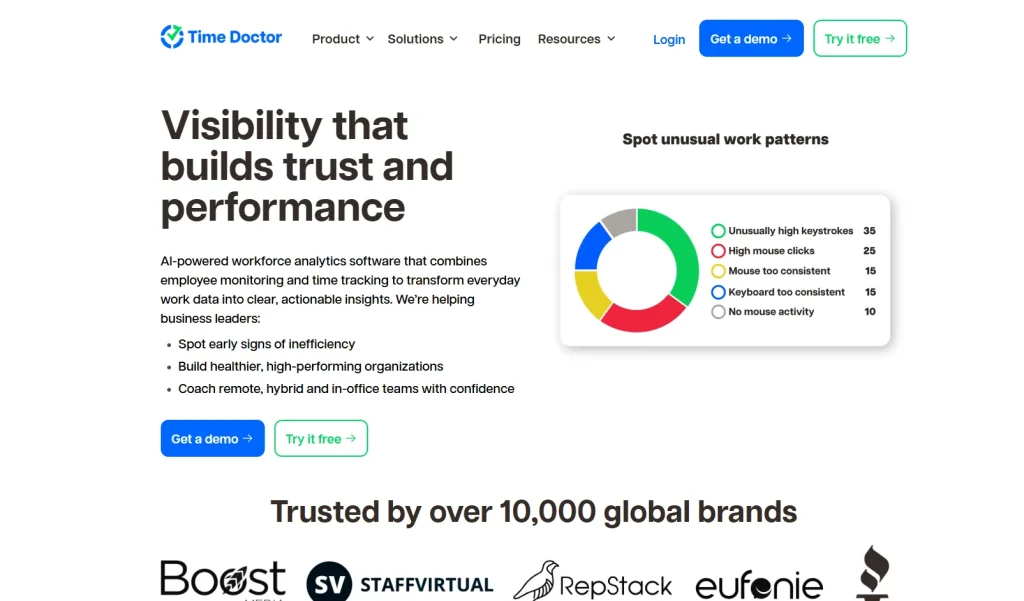
It is worth noting that the time doctor places considerable emphasis on tracking productivity and employee accountability.
Time Doctor would appeal to organizations requiring fine-grained analysis of work time allocation, and, as such, is a more sophisticated solution within this arena of workforce management tools.
Key Features:
- Productivity tracking
- Website and app monitoring
- Screenshot monitoring
- Automated timesheets
- Payroll reporting
- Project tracking
- Distraction alerts
- Workforce analytics
Pros:
- Deep productivity insights and analytics
- Excellent analytics dashboard for workforce visibility
- Strong remote workforce monitoring features
- Detailed employee performance reports
Cons:
- Monitoring may feel intrusive if not communicated clearly to employees
- Interface can appear data-heavy and overwhelming at first
Best For: Remote companies, outsourcing teams, productivity-focused businesses
Pricing: Starts around $8/user/month
6. Toggl Track
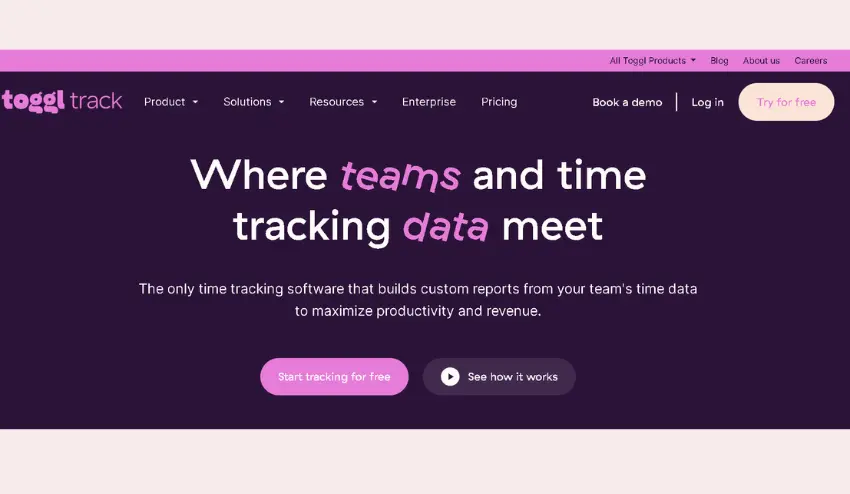
Clean design and simplicity are Toggl Track niche. It keeps employees focused and provides businesses with a way to track time spent on tasks without too many frills, ensuring that it’s one of the easiest time tracking apps out there.
It’s popular with creative agencies, consultants, and freelancers due to the ease and efficiency the platform is capable of providing, allowing users to benefit from its billable hour tracking and time tracking features without too steep a learning curve.
Key Features:
- One-click timers
- Project tracking
- Team reporting
- Billable hour tracking
- Browser extensions
- Mobile apps
- Team dashboards
- Calendar integrations
Pros:
- Extremely user-friendly interface
- Fast onboarding, teams up and running in minutes
- Great visual interface with clean dashboards
- Excellent for project-based and billable work
Cons:
- Limited employee monitoring and activity tracking
- Fewer workforce analytics features compared to Hubstaff or Time Doctor
Best For: Creative agencies, consultants, freelancers, marketing teams
Pricing: Free plan available; paid plans for more features
7. Buddy Punch
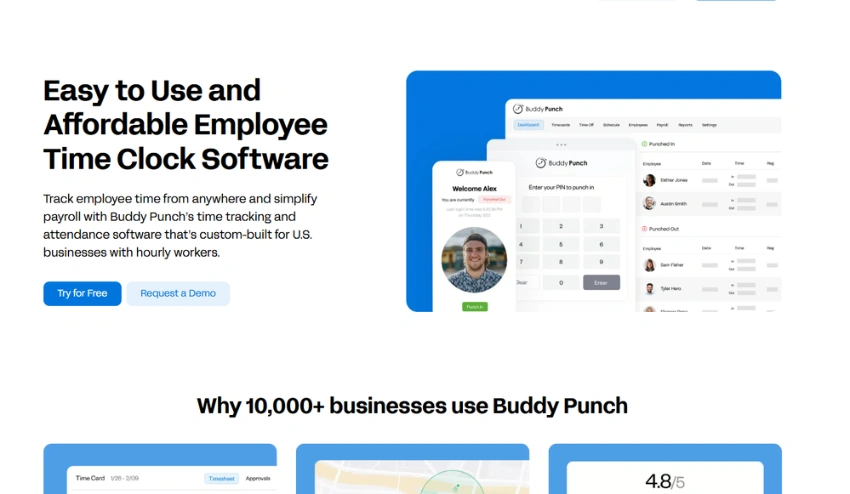
Buddy Punch is a dedicated employee attendance app built to simplify employee scheduling and attendance tracking.
It was designed specifically to solve the classic problem of buddy punching, where employees clock in on behalf of absent colleagues, using modern verification methods.
Key Features:
- Employee attendance tracking
- Facial recognition for clock-in verification
- GPS tracking
- PTO tracking and management
- Payroll exports
- Shift scheduling
- Overtime calculations
- Mobile clock-in
Pros:
- Easy and reliable attendance management
- Great scheduling tools for shift-based teams
- Helpful mobile functionality for field workers
- Strong anti-theft features like facial recognition and GPS
Cons:
- Limited productivity analytics compared to monitoring-focused tools
- Reporting customization is relatively basic
Best For: Retail businesses, healthcare providers, restaurants, and field workers
Pricing: Starts around $4/user/month
8. Connecteam
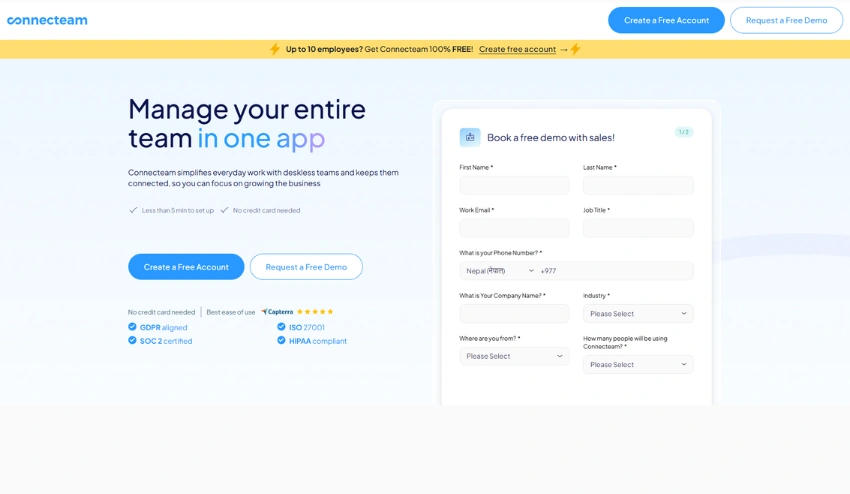
Connecteam is an all-in-one workforce management solution that merges communication, scheduling, task management, and time tracking into a single mobile-first application.
Its mobile-first interface has been optimized to meet the needs of non-deskbound employees and teams in the field.
Companies can use a single app to set work schedules, delegate jobs, monitor working time, and communicate directly with the workforce, without needing multiple separate apps.
Key Features:
- Time clock app with mobile clock-in
- Team communication and chat
- GPS tracking
- Employee scheduling
- Task management
- Shift planning
- Digital forms and checklists
- Mobile workforce management
Pros:
- Excellent mobile experience for on-the-go teams
- Comprehensive workforce management tools in one app
- Great for deskless and field-based employees
- User-friendly design that doesn’t require technical expertise
Cons:
- Some advanced tools and features require paid upgrades
- Reporting could be more detailed for analytics-heavy teams
Best For: Mobile teams, logistics companies, cleaning businesses, construction teams
Pricing: Free plan available; paid plans for advanced features
9. Deputy
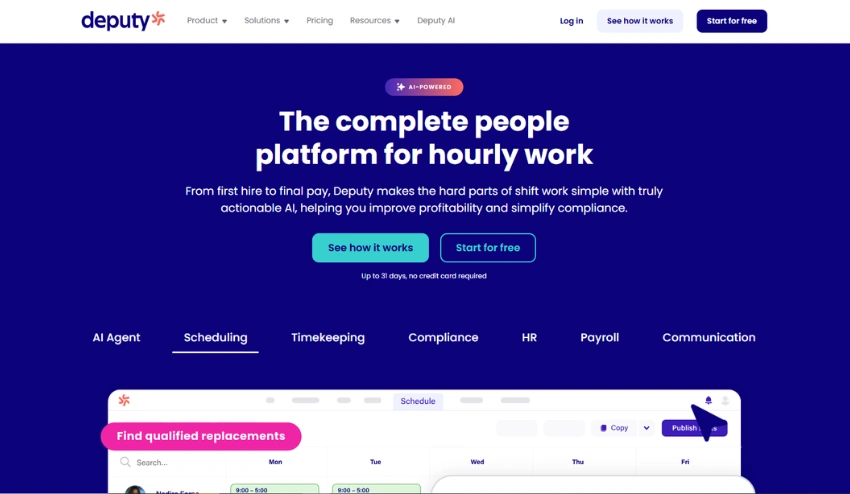
Deputy is well-known for its shift scheduling and workforce compliance features. Companies use the platform to manage work shifts, employee time and attendance, compliance regulations, and payroll, all from a single dashboard.
This makes it particularly beneficial in heavily regulated industries. The platform’s scheduling engine can be quite powerful, allowing managers to develop efficient work rosters based on employee availability, business needs, and the appropriate compliance laws.
Employees are also able to request shift changes and time-off requests, and view their schedules through the Deputy mobile app.
Key Features:
- Employee scheduling and shift planning
- Attendance tracking
- Compliance monitoring and labor law tools
- Shift swapping
- Payroll integrations
- Mobile clock-in
- Labor forecasting
- Leave management
Pros:
- Excellent and intuitive scheduling system
- Strong compliance tools for regulated industries
- Easy shift management with employee self-service
- Helpful mobile apps for both managers and employees
Cons:
- Limited deep productivity monitoring features
- Reporting features are moderate compared to analytics-heavy platforms
Best For: Hospitality businesses, healthcare providers, retail companies
10. Harvest
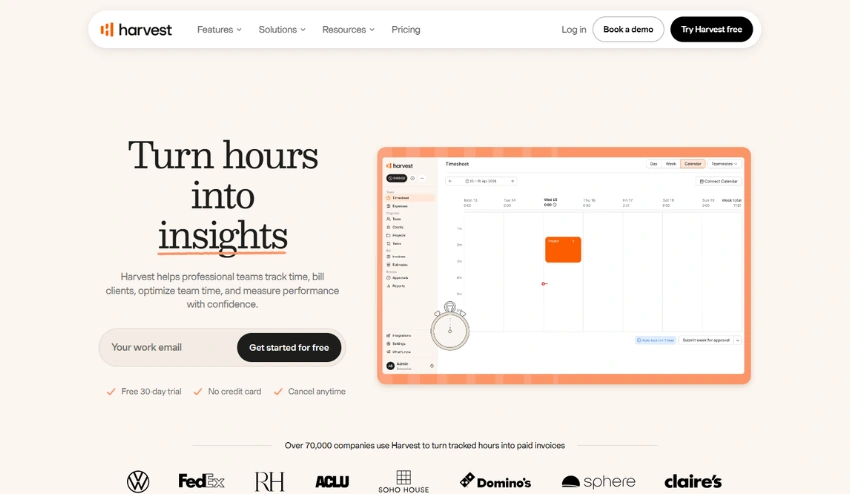
Invoicing and accounting, merged with time tracking, Harvest is perfect for client-service organizations where hours spent on a client account directly translate to client invoices.
Agencies and consultants will benefit by tracking billable hours, budget performance, project profit, and invoicing directly out of their time entries.
The direct link between time and invoicing eliminates the manual effort and minimizes errors.
Key Features:
- Time tracking with project tagging
- Expense management
- Invoicing directly from tracked time
- Budget tracking and alerts
- Team reporting and utilization insights
- Project profitability analysis
- Integrations with accounting and project management tools
Pros:
- Excellent invoicing system tightly linked to time data
- Great for client billing and project budget management
- Easy project budgeting with visual alerts
- Strong reporting tools for agency profitability
Cons:
- Limited employee monitoring features
- Less suitable for internal workforce surveillance or performance tracking
Best For: Agencies, consultants, service-based businesses, freelancers
Comparison Table: Best Clock-In Clock-Out Apps at a Glance
| App | Best For | Productivity Monitoring | Payroll Integration |
| Tivazo | Remote teams & startups | Yes | Yes |
| Hubstaff | Remote workforce | Yes | Yes |
| Clockify | Freelancers | Limited | Excellent |
| QuickBooks Time | Payroll-heavy businesses | Moderate | Yes |
| Time Doctor | Productivity-focused teams | Advanced | Yes |
| Toggl Track | Agencies tracking | Basic | Yes |
| Buddy Punch | Attendance tracking | Limited | Yes |
| Connecteam | Field teams | Moderate | Yes |
| Deputy | Scheduling-heavy businesses | Limited | Yes |
| Harvest | Client billing | Basic | Yes |
Why is Tivazo the Best choice for employee time tracking?
A majority of employee time-tracking applications out there only address employee attendance. Tivazo not only covers employee attendance but also much more than that.
It blends:
- Employee productivity tracking
- Time attendance management
- Workforce analytics
- Team management
- Live employee monitoring
- Time reporting and timesheets
- Time calculation tools
All in one package that suits every organization that needs complete insight into the team’s performance while staying operational and effective. Some specific scenarios where Tivazo can make a difference:
For example:
- Agencies can track billable hours accurately
- Startups can improve productivity without expensive enterprise tools
- HR teams can automate attendance and payroll workflows
- Remote managers can monitor team performance transparently
Tivazo also simplifies payroll management through detailed reporting and automated calculations. Businesses exploring integrated payroll solutions can also read this guide on Payroll and Time Tracking Software.
Another major advantage is usability. Employees can easily clock in and out while managers gain actionable productivity insights without overwhelming complexity.
Common Mistakes Businesses Make When Tracking Employee Hours
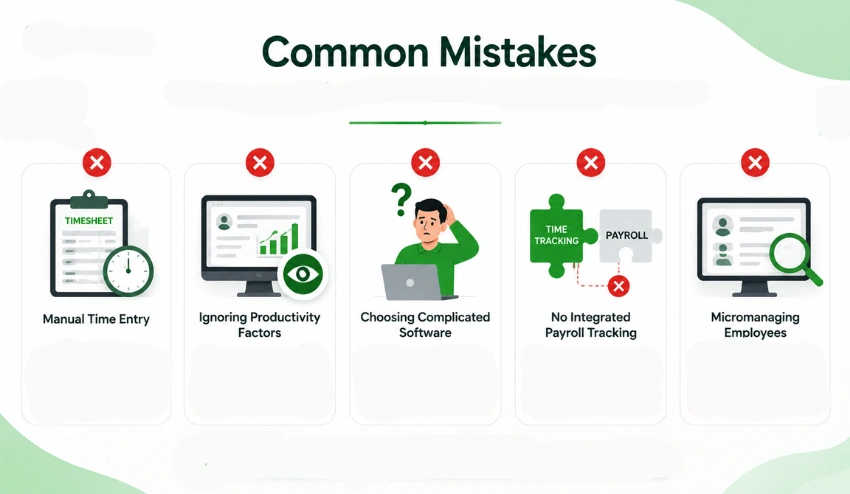
It’s not just the manual methods; many businesses make mistakes while managing the workforce through software, too. Some of the common mistakes are as follows:
1. Manual time entry
Payroll errors, invalid and incorrect data, time theft, and increased workload for administration are the consequences that will follow when it comes to manual time entry.
Automating these entries can fix all of these problems in a minimal time and improve data accuracy simultaneously.
2. Neglecting the employee productivity factors
It’s not enough to keep a track of only the time. Businesses have to keep track of task completion, trends in employee productivity, workflow, employee efficiency, and overall work pace as well. These aspects help in making better management decisions.
3. Selecting complicated software
A complicated system leads to less adoption. The best employee clock-in clock-out apps are mobile-friendly, fast to install and scale, and also very easy to use. The productivity of the system decreases when employees do not update themselves on them on a daily basis, and the data collected is then of no use.
4. No integrated payroll time tracking
A separate time management system and payroll management system increase unnecessary work. Integrated time management systems are effective when they synchronize their payroll management system directly with the time and attendance management system and reduce mistakes in data entry for the payroll manager. It decreases payroll mistakes and risks of non-compliance at the same time.
5. Micromanaging your employees
Management should build responsibility, not suspicion. Companies should openly talk about the employee time that’s collected and how that information is being put to use in management decisions.
Maintaining balanced monitoring ensures a respectful workplace where the employees feel valued, not monitored.
Conclusion
By selecting the right clock-in clock-out app, you’ll streamline how your business operates with employee attendance, productivity, payroll, and scheduling.
The right app isn’t just for recording hours, it’s about holding people accountable, cutting down on payroll errors, getting the most out of your workforce, and facilitating remote and hybrid working setups.
Whether you’re a small business that wants to build good habits from the start, an agency trying to correctly log billable client hours, or an HR representative hoping to eliminate payroll arguments, there is an app that will work for you on this list.
For a modern and well-rounded platform that tracks hours, time, productivity, includes reporting features, and works in all work settings, Tivazo is a powerful and scalable option for your business.