Even with the most sophisticated attendance management tools, HR teams still spend too much time dealing with workforce attendance.
HR managers and team leaders typically dedicate hours every week to updating spreadsheets, tracking down lost login records, and even manually reconciling leave details before payroll processing.
The consequences of minor discrepancies add up quite rapidly to become payroll issues, and sloppiness in attendance becomes a habit after it has impacted productivity.
That’s why an accurate employee attendance tracker is a requirement for any modern team.
Newer systems like automatic time tracking software are basically automatic systems where workers clock in only once, and all hours after that are submitted.
In this article, we’ll delve into the concept of employee attendance tracking, its importance for expanding organizations, the various types of attendance templates, and the features to consider when transitioning from spreadsheets to a software solution.
We will also discuss the role of tools such as Tivazo in making attendance tracking from clock-in to payroll-ready a breeze.
What Is Employee Attendance Tracking?
Employee attendance tracking is the process of recording when employees start work, end work, and take breaks, and whether they are present, absent, late, or on leave.
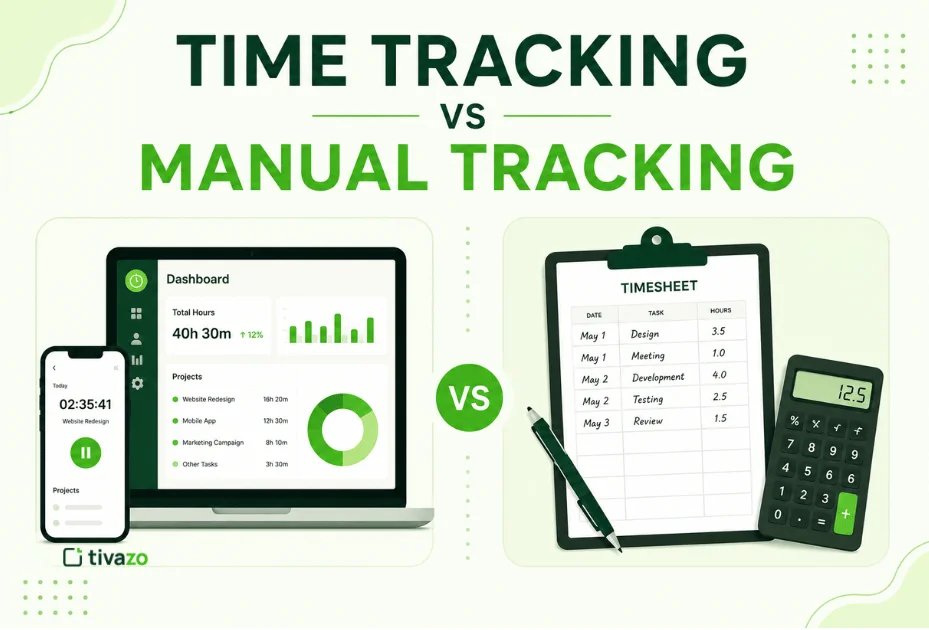
Years ago, businesses relied on paper registers and physical sign-in sheets. HR teams later shifted to Excel spreadsheets, where managers manually updated attendance records every day. While spreadsheets improved organization, they still required manual work and constant verification.
Modern attendance systems automate the process completely.
A typical system now records:
- Clock-in time
- Clock-out time
- Break duration
- Total active hours
- Leave and absence status
- Overtime hours
Today, attendance tracking is no longer just an HR record. A complete employee attendance record supports payroll processing, workforce planning, compliance reporting, and productivity analysis.
Why Track Employee Attendance?
Keeping track of employee attendance is essential in every workplace for several reasons, such as
- Identifying and tracking employee attendance-related issues.
- Ensure employee productivity and the growth of the company.
- Schedule vacations effortlessly based on the attendance history.
- Monitor employee absenteeism in detail and take necessary actions.
- Streamline the employee payment process using tracked attendance.
- Analyze employee progress and performance on an individual level.
Related article: Best Time Tracking Apps for macOS and iOS
What Is Employee Attendance Tracking?
An attendance tracker template is an upgrade to your manual Excel sheet, where you manually update the attendance sheet of your employees. It is similar to an Excel sheet but is automated, and the attendance details are entered and stored via software or an app.
When your employee checks in in the morning, the app automatically stores the time of check-in on an employee attendance sheet for each employee. The template has several customizable cells where you can store several types of information through the app.
Usually, the app has a predefined set of entities that are required and adequate for keeping track of everything needed for employee attendance. An employee tracker template allows you to store and analyze different aspects, such as check-in and check-out times, break time, active hours, etc.
Why Every Business Needs an Employee Attendance Tracker?
Uncontrolled attendance has an impact on more than just HR management. It affects payroll accuracy, employee accountability, employee scheduling, and team productivity.
1. Payroll Accuracy
Manual attendance calculations lead to mistakes, particularly in shift-based businesses. Automated attendance systems provide real-time hour rolls and alleviate payroll issues related to inaccurate and missed attendance records.
2. Absenteeism Visibility
Employee absence tracking can assist managers in spotting persistent lateness or overuse of sick leave, or unexplained absences, before they evolve into more significant performance issues.
3. Leave Management
Leave approvals are more consistent and fair with attendance history. Managers can instantly see past leave data and prevent having a shortage of staff during peak hours.
4. Remote and Hybrid Accountability
When it comes to remote teams, transparency is crucial, but not one that requires constant oversight. Modern attendance systems display information on the status of employee entries, their activity duration, and the correct completion of shifts. 70% of companies are now implementing employee tracking solutions to get a better view of their employees.
It also links attendance data to productivity measurement, which allows managers to see how attendance impacts productivity.
5. Performance Analysis
Productivity trends often come out in attendance trends. Frequent absences and irregular hours of work with employees are less reliable than consistent hours of work and attendance.
According to research from the U.S. Bureau of Labor Statistics, absenteeism continues to impact productivity and workforce planning across multiple industries.
Key Terms Used in Employee Attendance Tracker Templates
Every attendance tracker template includes several standard fields that help HR teams organize employee records accurately.
1. Employee Information
Basic fields include:
- Employee name
- Employee ID
- Department
- Position
These details connect attendance records to the correct employee and reporting structure.
2. Time Tracking Fields
The most important data points are:
- Check-in time
- Check-out time
- Break duration
- Total worked hours
These fields calculate active work time and support payroll processing.
3. Attendance Status
Attendance status shows whether an employee is:
- Present
- Absent
- Late
- On leave
- Working remotely
This gives managers immediate visibility into daily workforce availability.
4. Leave Details
Most attendance templates also track:
- Sick leave
- Vacation leave
- Unpaid leave
- Holiday status
When organized properly, these fields create a complete employee attendance sheet that HR teams can use for payroll, compliance, and workforce planning.
Types of Employee Attendance Tracker Templates
Attendance templates are not one-size-fits-all. The right format depends on your business size, reporting needs, and how closely attendance must be monitored.
1. Daily Attendance Tracker Template
A daily attendance tracker records attendance data for each employee every day.
It usually includes:
- Clock-in time
- Clock-out time
- Break duration
- Active work hours
- Attendance status
This format works best for:
- Call centers
- BPOs
- Retail teams
- Shift-based operations
- Customer support departments
Daily tracking gives managers real-time operational visibility.
2. Weekly Attendance Tracker Template
A weekly template combines multiple days into a single overview.
Managers can quickly spot patterns like:
- Frequent Monday lateness
- Early Friday departures
- Consistent overtime
- Missed shifts
This type of staff attendance tracker works well for agencies, project teams, and mid-sized organizations.
3. Monthly Attendance Tracker Template
The monthly format is the most common attendance reporting method used by HR and payroll teams.
It summarizes:
- Total working days
- Overtime hours
- Paid leave
- Unpaid leave
- Absences
- Total worked hours
Monthly attendance data feeds directly into timesheets and reports used for payroll processing and productivity analysis.
4. Yearly Attendance Tracker Template
Yearly attendance reports consolidate monthly records into long-term workforce data.
These reports help businesses analyze:
- Annual absenteeism trends
- Leave balances
- Department attendance performance
- Long-term workforce reliability
Some organizations also use specialized templates, such as:
- Employee tardiness tracker
- Employee absence tracker
- Compliance attendance sheets
- Training attendance records
Businesses looking to automate these templates should review the best attendance management software available for modern teams.
What to Look for in an Employee Attendance Tracker Tool?
Many companies start with spreadsheets but eventually outgrow them. Once attendance management becomes time-consuming, businesses usually need software that automates the process.
1. Automatic Clock-In and Clock-Out
A proper attendance system should automatically record employee working hours without manual entry.
2. Leave Management Integration
Leave requests and attendance records should exist within the same system so payroll calculations remain accurate.
3. Real-Time Alerts
Managers should receive notifications when employees:
- Fail to clock in
- Arrive late
- Miss scheduled shifts
4. Payroll Integration
Attendance data should export directly into payroll systems without manual re-entry.
5. Remote Team Support
Modern businesses need mobile-friendly systems that support remote and hybrid employees. Companies managing distributed teams should evaluate specialized time tracking software for remote teams.
6. Productivity and Activity Reporting
The best systems go beyond attendance and also show:
- Active work hours
- Idle time
- Productivity trends
- Team activity insights
For a more detailed evaluation checklist, review the features employee tracking software must have before choosing a platform.
How to Track Employee Attendance Using Tivazo?
Tivazo automates the entire attendance workflow so HR teams no longer need to manage spreadsheets manually.
Step 1: Employee Login
Employees log into Tivazo using their credentials and select their assigned workspace.
Step 2: Clock-In
Employees click the Clock-In button to start work. The system automatically records the exact timestamp.
At the center of this workflow is the Tivazo time tracking system, which captures all attendance activity automatically.
Step 3: Break Management
During the day, employees can pause and resume work. Break durations are logged automatically without manual notes.
Step 4: Clock-Out
At the end of the shift, employees click Clock-Out, and the attendance record closes automatically.
Step 5: Automatic Absence Detection
If an employee fails to clock in, the system automatically marks them absent and creates an absence record.
Step 6: Attendance Record Generation
The platform compiles:
- Clock-in time
- Clock-out time
- Break duration
- Active hours
- Leave status
into a centralized attendance dashboard.
Step 7: Manager Reporting
Managers can access:
- Daily reports
- Weekly summaries
- Monthly attendance reports
- Productivity trends
without manually compiling spreadsheets.
Step 8: Leave Request Management
Employees can submit leave requests directly through the app, and managers can approve or reject requests from the dashboard.
Beyond attendance tracking, managers also gain access to performance insights, including activity heatmaps and productivity trends.
The growing use of these systems is explained further in the Tivazo employee monitoring statistics research.
Free Employee Attendance Tracker Template – What Should It Include?
A free employee attendance tracker can work well for very small teams, especially startups or businesses with fewer than 10 employees.
A useful template should include:
- Employee name and ID
- Department
- Date
- Clock-in time
- Clock-out time
- Total worked hours
- Break duration
- Attendance status
- Leave type
- Notes section
Excel and Google Sheets templates are common starting points because they are easy to customize.
However, free templates have limitations.
They require:
- Manual data entry
- Manual payroll calculations
- Constant updates
- Manual absence tracking
They also lack:
- Automated alerts
- Real-time reporting
- Payroll integration
- Remote monitoring support
For teams still relying on spreadsheets, a time card calculator can help validate employee hours before payroll processing.
Finance teams handling payroll-heavy workflows may also benefit from reviewing the best time tracking software for accountants for more scalable solutions.
Common Attendance Challenges and How to Fix Them?
Even organized HR teams face recurring attendance problems.
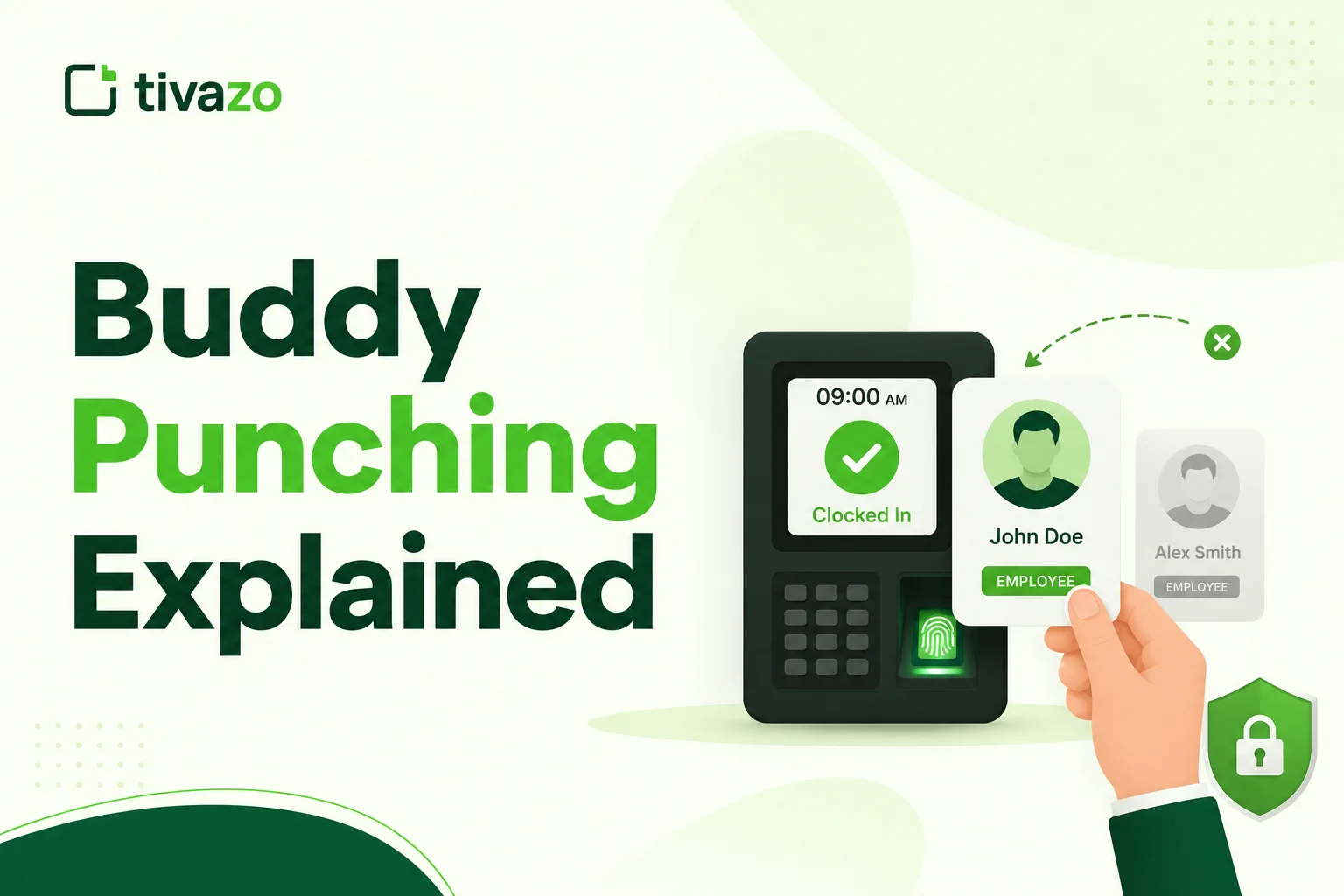
1. Buddy Punching
Buddy punching happens when one employee clocks in for another employee. This creates false attendance records and inflated payroll hours.
Modern systems solve this using:
- Individual login credentials
- Device-based authentication
- Biometric verification
- Location tracking
2. Chronic Tardiness
Late arrivals often go unnoticed in manual spreadsheets until they become frequent.
An employee tardiness tracker automatically flags late clock-ins and alerts managers immediately, making early intervention easier.
3. Untracked Remote Absenteeism
Remote employees can become difficult to monitor without digital systems.
A proper work attendance tracker combined with activity monitoring helps managers identify inactivity, missed hours, and attendance gaps quickly.
4. Disorganized Leave Records
When leave requests are handled through email or messaging apps, attendance records become inconsistent.
Integrated attendance systems solve this by storing all leave and attendance activity inside one centralized employee attendance log.
Conclusion
Manual attendance tracking creates unnecessary administrative work, payroll mistakes, and visibility problems as businesses grow. Automated systems simplify attendance management by recording accurate work hours, tracking absences automatically, and generating payroll-ready reports without spreadsheets.
Whether you begin with a simple template or move directly to software, the goal is the same: consistent and reliable attendance data.
To see how automated attendance tracking works in practice, explore Tivazo and start with a system designed for modern teams.