Time tracking is one of the easiest ways to help boost productivity, keep projects on schedule, and get a clear picture of how your day is spent. For freelancers, remote workers, or business owners, selecting the best time tracking tools for Mac software can take care of tracking time, invoices, expenses, and more, so you’ll work smarter, not harder. From auto time tracking to advanced tracking reports, project time billing to team collaboration, today’s Mac time tracking applications have features far beyond a basic time tracking timer.
In this article, we’ve showcased the 14 best time tracking software for Mac in 2026 and reviewed each application by features, ease of use, and the perfect user case.
Find out how auto time tracking works, what to look for in a Mac time tracking application, and how Tivazo is an ideal solution for Mac users who want a simple yet powerful solution.
- Key Takeways
- Mac users seeking a lightweight time tracker for their Macs. This one doesn’t kill the Mac.
- Tracking the time becomes one of the best automated systems to keep track of time, and you do not need to run a timer.
- What makes the best Mac time tracking software? Features that include time tracking, productivity details, reports, and privacy.
- Tivazo enables experienced Macs with easy tracking, rich focus, and gérer whoop.
- The best option for your tool will be.
Quick Answer
What is the best time tracking software for Mac?
We believe that for the majority of professionals and organizations, the number one best time tracking application for Mac in 2026 is Tivazo, thanks to the single interface providing automatic time tracking, productivity tracking, reporting, project management, and team collaboration in one user-friendly solution.
Why Mac Users Need a Dedicated Time Tracking Tool
Apple gadgets are one of the fastest, easiest, and most reliable solutions around. Nevertheless, macOS doesn’t come with a native tool to monitor in a precise way the work duration, tasks, or employees’ productivity.
If you’re a freelancer keeping track of time for clients, a startup with remote employees, or a Fortune 10000 specializing in productivity, recording time by hand can only go so far.
A dedicated Mac time tracker helps you:
- Track billable hours accurately
- Improve productivity
- Reduce time theft
- Understand where work hours go
- Generate reports automatically
- Simplify payroll
- Monitor projects and deadlines
- Improve work-life balance
While (or instead of) keeping Spreadsheets or setting the timers to run every three hours, the contemporary time-tracking applications track your work transparently and give you wisdom.
Why Time Tracking Matters More in 2026
The work environment has matured a lot.
With hybrid work, remote teams, AI-enabled workflows, and schedule flexibility, having eyes on work is more critical now than ever before.
No more! Managers are not working out productivity according to the office door “clocked in hours”. They use data to determine:
- How teams spend their time
- What type of projects have the most impact:
- Employee workload distribution
- Billable versus non-billable hours
- Overall operational efficiency
Personally, time tracking can help you get a true picture of your daily routine. A lot of people are surprised to learn how many hours per week they waste shifting through their various projects, sitting through unproductive meetings, or working on less valuable activities.
A Mac time tracking utility makes this detail actionable.
Benefits of Using a Time Tracker on macOS
| Benefit | Why it Matters |
| Automatic tracking | Eliminates forgotten timers |
| Accurate timesheets | Better payroll and invoicing |
| Productivity insights | Identify time-wasting activities |
| Project tracking | Monitor progress in real time |
| Reporting | Generate visual analytics instantly |
| Team management | Understand employee workloads |
| Remote work visibility | Manage distributed teams effectively |
| Better planning | Improve future project estimates |
What Makes a Great Mac Time Tracking Tool?
A lot of the tracking programs that we have at our disposal are not very compatible with the Macintosh platform.
Ideal software is very native, drains very little energy from your machine, and integrates into Apple’s ecosystem.
Look for features such as:
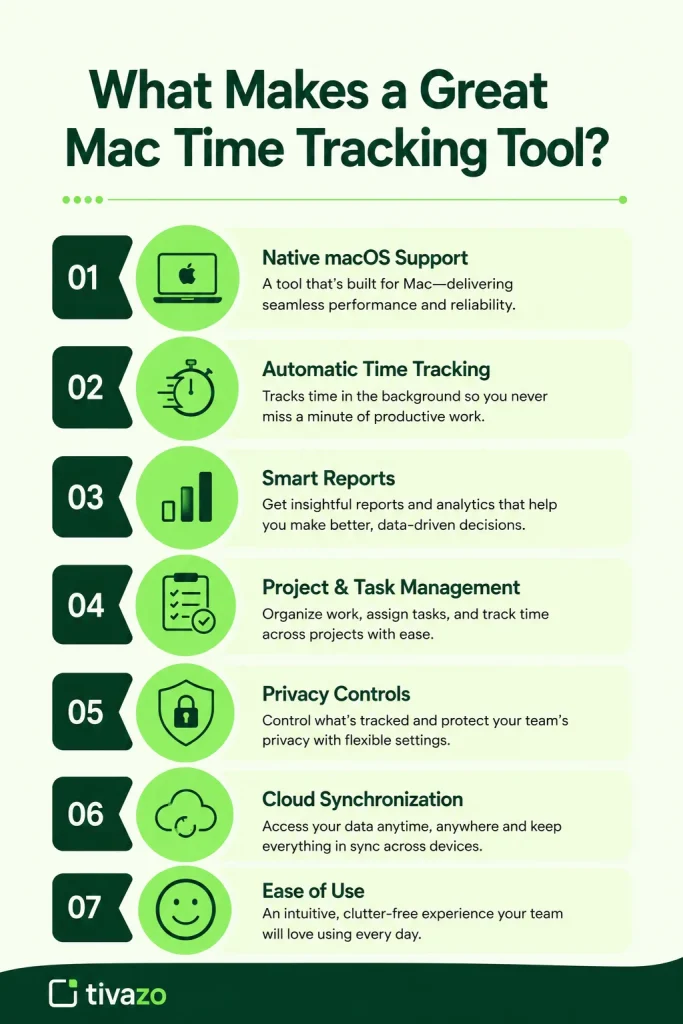
✔Native macOS Support
This feature is handled more efficiently by a Mac app than by a web-only app.
✔Automatic Time Tracking
Instead of button presses on Start and Stop, the software should automatically determine when work is occurring.
✔Smart Reports
Managers need reports showing:
- Employee hours
- Productivity trends
- Project progress
- Attendance
- Team performance
- Project & Task Management
A good tracker will allow users to add time to projects, clients, or tasks in a way that doesn’t lead to more busywork.
✔Privacy Controls
It’s a given that privacy is key, especially to remote teams
The most effective program lets administrators set what is recorded while still accommodating the individual’s privacy.
✔Cloud Synchronization
Enable your work to sync across devices seamlessly, without any disruption to the hours you’ve logged.
✔Ease of Use
Time tracking has to be ridiculously easy to use.
Another factor that influences adoption is how users feel about the program: if employees have a negative perception of it, adoption will plummet.
Why More Businesses Are Switching to Automatic Time Tracking
You can see how manual timers worked a decade ago.
They’re currently responsible for some of the largest causes of companies losing a bulk of productivity data.
Employees often:
- Forgot to start timers
- Estimate hours afterward
- Round numbers incorrectly
- Miss breaks
- Lose billable time
Auto time tracking removes these issues by automatically recording work in the background-
This creates:
- More accurate reports
- Better payroll calculations
- Reliable project costing
- Less administrative work
- Higher billing accuracy
For smaller companies, those tiny gains can soon translate into hours and pounds.
Why Tivazo Is Built for Mac Users
Tivazo is set up so it works as smoothly as possible for all of the OS X users, without losing out on any of the functionality that a user needs.
If you are a Mac user and require this kind of software, you are in for a real treat. Mac users will find an application that is fast, lightweight, simple, and just plain works called Tivazo.
Key advantages include:
- Automatic time tracking
- One-click timesheets
- Employee attendance monitoring
- Productivity analytics
- Project tracking
- Team dashboards
- Real-time reports
- Cloud synchronization
- Simple user interface
- Cross-platform compatibility for mixed-device teams
In contrast to tools exclusively targeted at freelancers or solely designed for enterprise monitoring, Tivazo strikes the right balance of agility while offering a robust set of enterprise business functionalities, making it apt for startups, agencies, virtual teams, and growing companies.
How to Track Time on a Mac
Time tracking on your Mac. Keeping tabs on time using your Mac has never been more straightforward with the variety of time tracking software on offer. If you’re working for yourself, serving clients, or running a remote team, a Mac time tracker can speed up the recording of work hours.
Here’s how to get started:
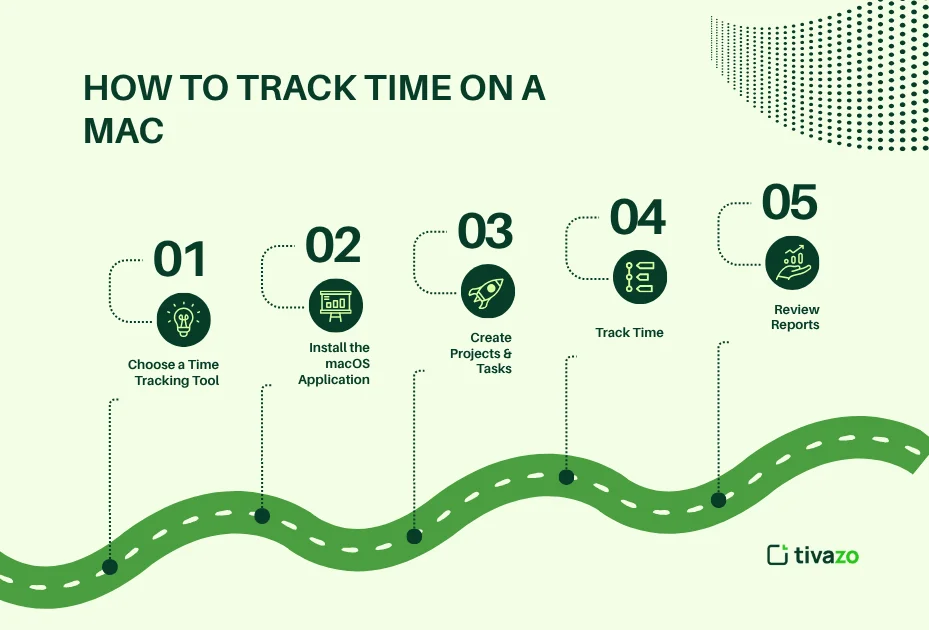
1. Choose a Time Tracking Tool
Choose a time tracking tool that is compatible with your computer and meets your requirements. Think about settings like automatic tracking, reporting, project tracking, external application integration, and usability.
Tivazo and similar tools offer businesses and teams an all-in-one platform: auto-time tracking, insights into team productivity, attendance tracking, and reporting on your entire team.
2. Install the macOS Application
Grab and put on your Mac.
Most present-day instruments quietly carry out their work in the background and affect performance to a very small extent.
3. Create Projects and Tasks.
Manage your work as individual projects, departments, or clients.
Examples include:
- Website Development
- Marketing
- Client A
- Internal Meetings
- Product Design
- Sales
The organization of reports that is done when the report is created will make use of them much more later.
4. Track Time
Depending on the software, you can either:
Manually start and stop a timer
Allow the software to identify activity without the user’s intervention
Auto-tracking is less prone to error as it tracks work without input from the user.
5. Review Reports
Most Mac time tracking software generates reports showing:
- Hours worked
- Project allocation
- Team productivity
- Attendance
- Billable hours
- Daily and weekly summaries
These areas can assist managers in making decisions and increasing the visibility of the employee workday.
How Does Automatic Time Tracking Work?
Automatically time tracking. Logged workdays without manual start/stop
Instead of keeping track of time, simply the software is running on your machine, wie actually active.
Depending on the platform, it may monitor:
- Active applications
- Websites visited
- Keyboard and mouse activity
- Project switching
- Work sessions
- Idle time
This information is then sorted into timelines, reports, and dashboards showing your productivity.
This way, human error is eliminated, and timesheets become more reliable.
Benefits of Automatic Time Tracking
- Eliminates forgotten timers
- Captures every work session
- Saves administrative time
- Produces more accurate payroll data
- Improves project budgeting
- Reduces manual data entry
Furthermore, companies need to ensure open dialogue with their employees about how their data is used and what is being collected to develop trust and focus on accountability.
Quick Comparison: Best Time Tracking Tools for Mac (2026)
| Tool | Best For | Automatic Tracking | Team Management | Free Plan |
|---|---|---|---|---|
| Tivazo | Teams & businesses | ✅ | ✅ | ✅ |
| Toggl Track | Freelancers | Partial | ✅ | ✅ |
| Timing | macOS automation | ✅ | Limited | ❌ |
| Rize | AI productivity | ✅ | ❌ | Limited |
| Clockify | Budget teams | Partial | ✅ | ✅ |
| Harvest | Agencies | Manual | ✅ | Limited |
| RescueTime | Productivity insights | ✅ | Limited | ❌ |
| Hubstaff | Remote teams | ✅ | ✅ | ❌ |
| Everhour | Project management | Partial | ✅ | Limited |
| Time Doctor | Employee monitoring | ✅ | ✅ | ❌ |
| Memtime | Automatic tracking | ✅ | Limited | Trial |
| TrackingTime | SMBs | Partial | ✅ | ✅ |
| DeskTime | Productivity monitoring | ✅ | ✅ | Trial |
| Timely | AI time tracking | ✅ | ✅ | ❌ |
Top 14 Best Time Tracking Tools for Mac (2026)
1. Tivazo Best Overall for Businesses and Teams
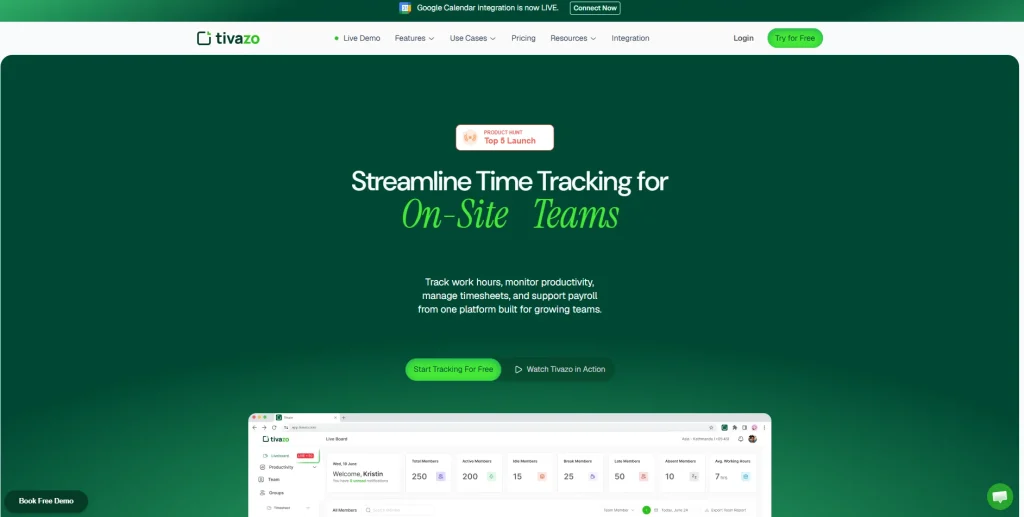
Ideal for: Startups, Agencies, Business team, remote team and Niche sites
Tivazo provides a suite of tools to you that work together: automatic time tracking, attendance, project reporting management, employee productivity tracking, and everything else in a single platform for teams that want to optimize productivity.
Tivazo is suitable for any type of organization, unlike many platforms designed solely for freelancers or simply for employee monitoring; the offered features are well-balanced to meet the demands of scaling organizations.
Pros
- Automatic time tracking
- Clean macOS experience
- Employee attendance tracking
- Productivity analytics
- Project and task management
- Real-time dashboards
- Detailed reporting
- Supports remote and hybrid teams
Cons
Certain of our more sophisticated enterprise abilities might be affected by your subscription level.
2. Toggl Track
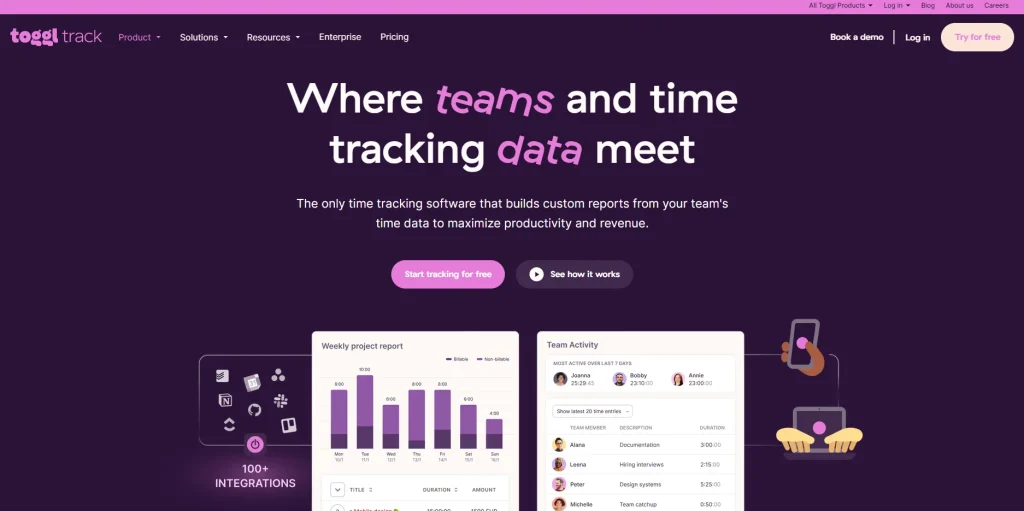
Best for: Freelancers and consultants
Toggl Track is an example of a time tracking software with a simple interface and great user experience. It allows hassle-free manual time tracking easily and performs comprehensive reporting.
Pros
- Easy to use
- Cross-platform support
- Good reporting
- Free plan available
Cons
- Fewer options for automatic tracking than what the automation tools offer.
- Must be on a paid plan to do advanced reporting.
3. Timing
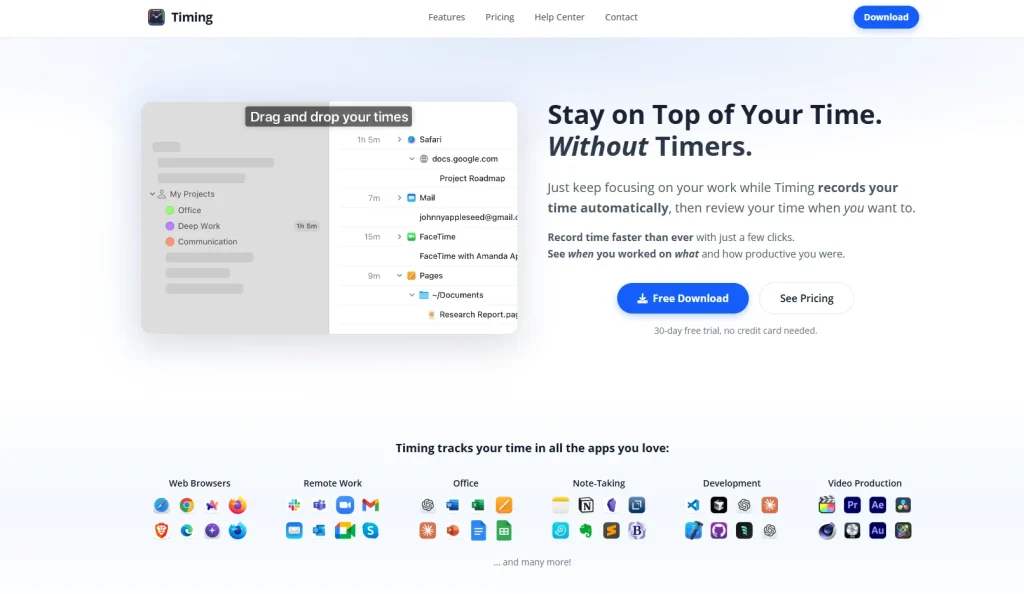
Ideal for: Fully automatic Mac time tracking.
Ideal timing. Designed as a native Mac application, it automatically tracks which apps and documents you work with, as well as browsing sessions, without the need for timers.
Pros
- Excellent macOS integration
- Fully automatic tracking
- Smart categorization
- Powerful reports
Cons
- Mac-only platform
- No free plan
- Less suitable for larger teams
4. Rize
Best for: AI-powered productivity insights
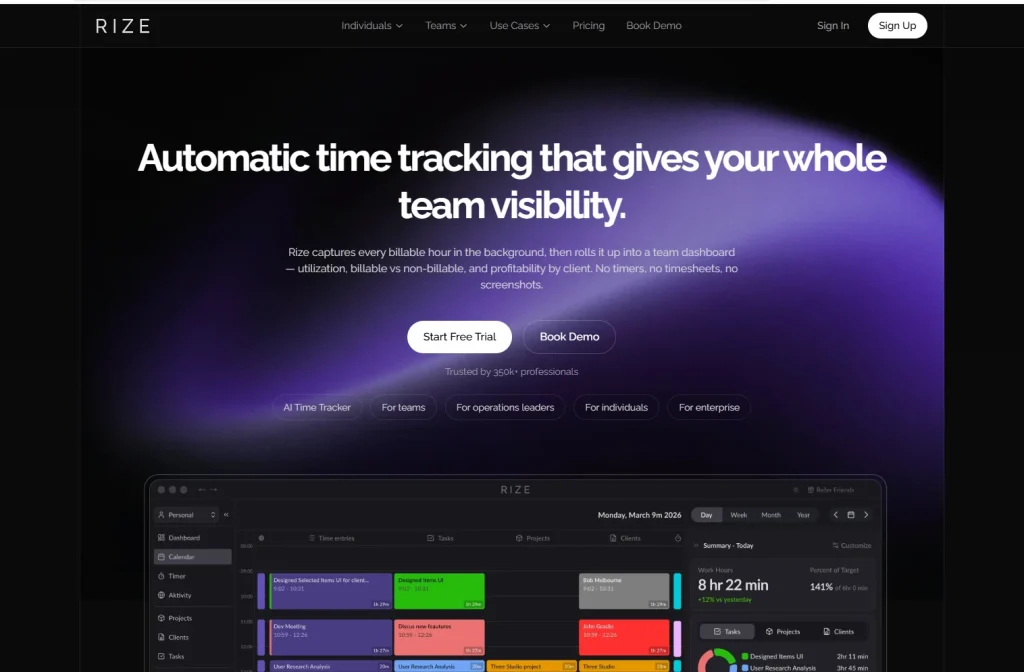
Rize: not your typical log. Rize leverages AI to look at work habits and distractions and make suggestions for better habits.
Pros
- AI productivity coaching
- Automatic tracking
- Focus session recommendations
- Burnout prevention insights
Cons
- Primarily designed for individuals
- Limited team management features
5. Clockify
Best for: Budget-conscious teams
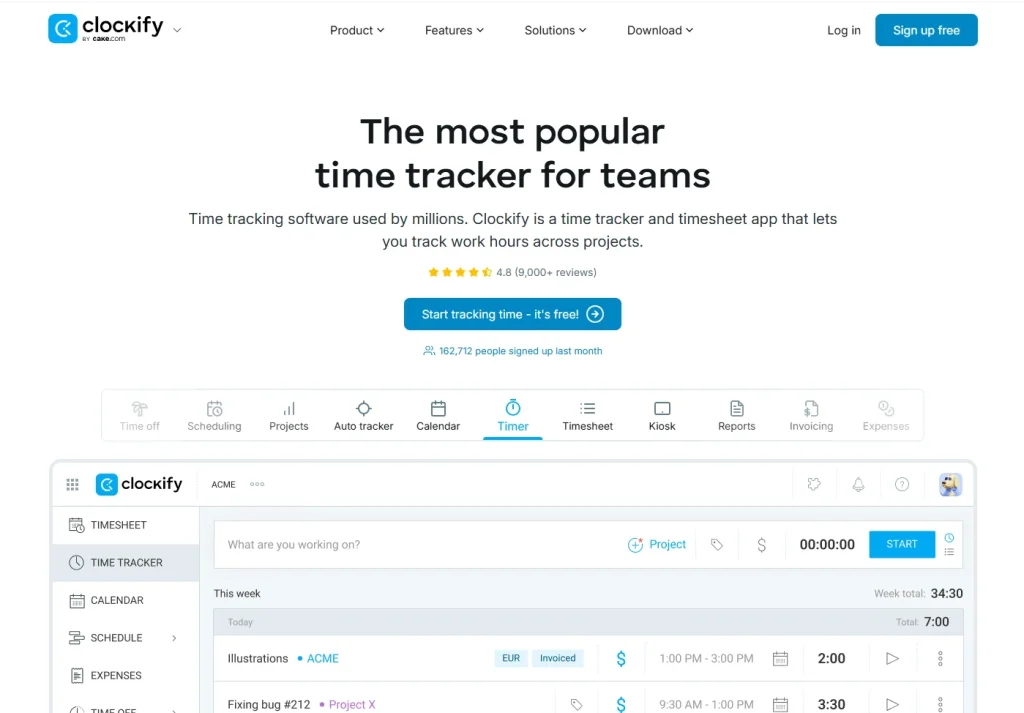
Clockify is a solution that most businesses use when searching for a free time tracking tool that offers unlimited users.
Pros
- Generous free plan
- Project tracking
- Team timesheets
- Reporting
Cons
- Features for automation are not available.
- Interface can become intimidating as teams expand.
6. Harvest
Ideal for: Agencies and client billing
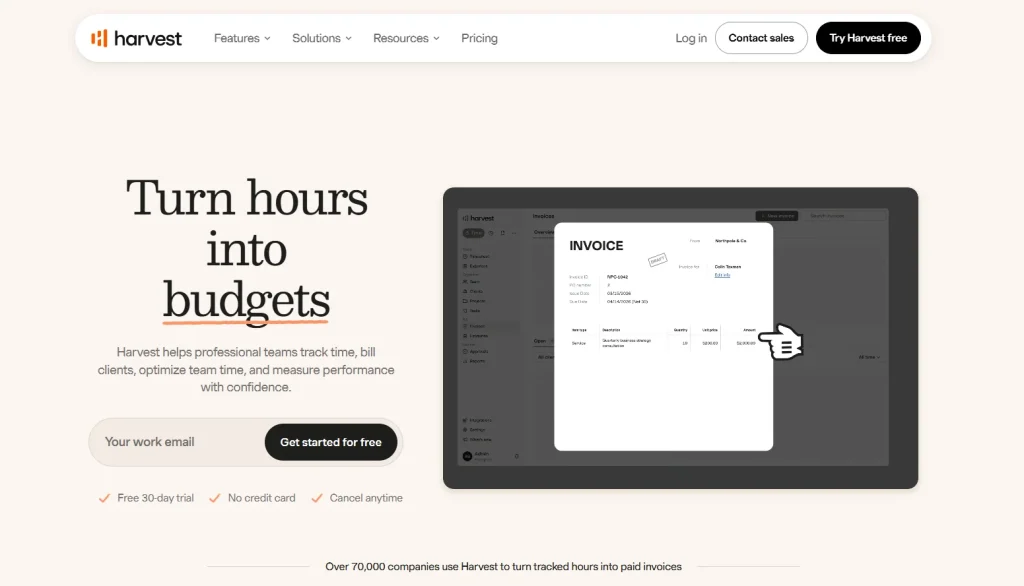
Harvest’s time tracking features, complimented with invoicing and expense management makes it an ideal application for service-based businesses.
Pros
- Invoicing
- Expense tracking
- Client reporting
- Provides compatibility with over a dozen project management applications
Cons
- Auto-tracking isn’t the brightest tool in the box.
- Free plan available.
7. RescueTime
Best for: Personal productivity improvement
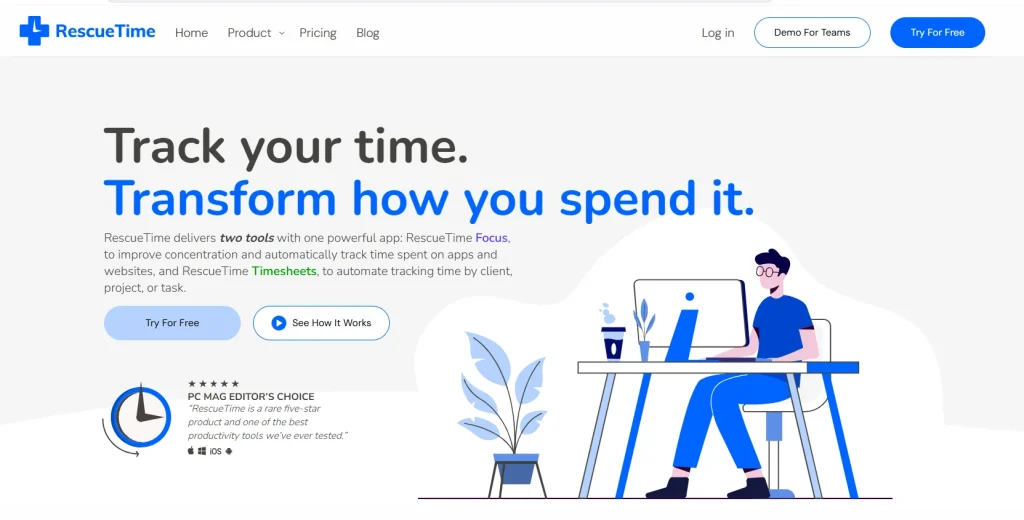
RescueTime tracks on your Mac how you’re spending your time and gives you detailed productivity reports so that you can cut out the distractions.
Pros
- Automatic activity tracking
- Productivity scoring
- Goal setting
- Focus mode
Cons
- Personally, I do not find this suitable for project billing.
- Few collaboration and team management capabilities.
8. Hubstaff
Suitable for: Manager of remote teams/Workforce management.
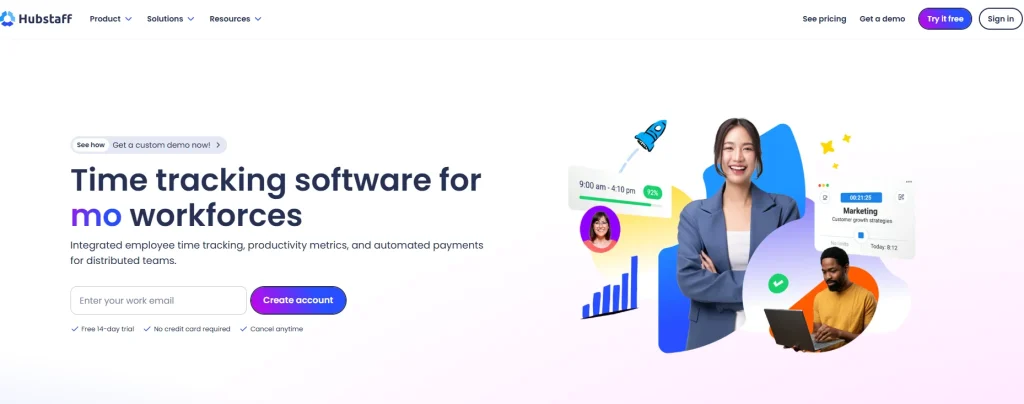
Hubstaff integrates time tracking with employee monitoring, GPS tracking, payroll, and project management. It’s one of the most sought-after tools by companies that manage remote teams.
Pros
- Automatic time tracking
- Employee productivity reports
- GPS and location tracking
- Payroll integrations
- Project budgeting
Cons
- Below are some monitoring features that may be considered too invasive by some teams.
- Some premium features are only included in big trials.
9. Everhour
Best for: Teams that use project management tools
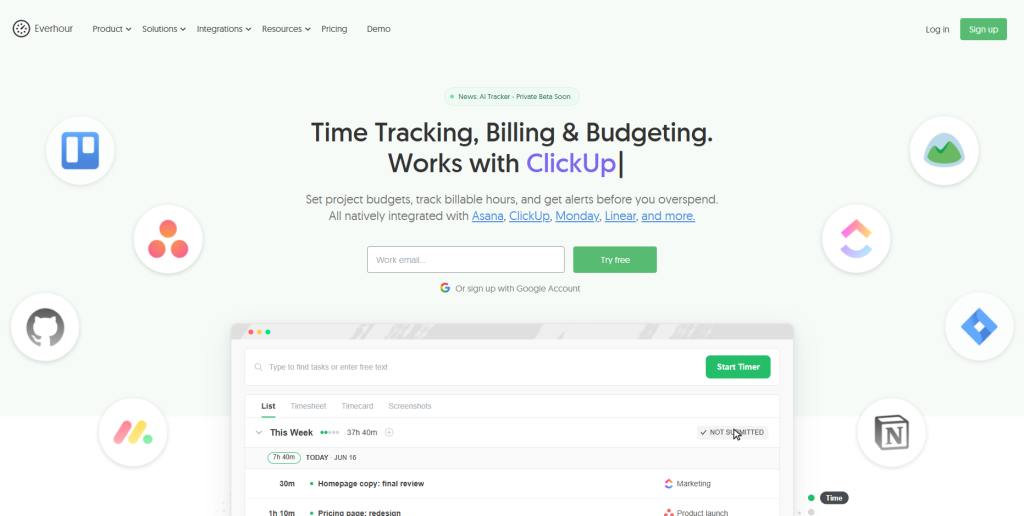
Everhour is built for teams who have already integrated Asana, Trello, ClickUp, Jira, or Notion. It integrates time tracking into your project management system.
Pros
- Excellent project management integrations
- Budget tracking
- Team scheduling
- Timesheets
- Easy reporting
Cons
- The best experience is when you get to integrate third-party images.
- The core is not very useful by itself.
10. Time Doctor
Best for: Employee productivity monitoring
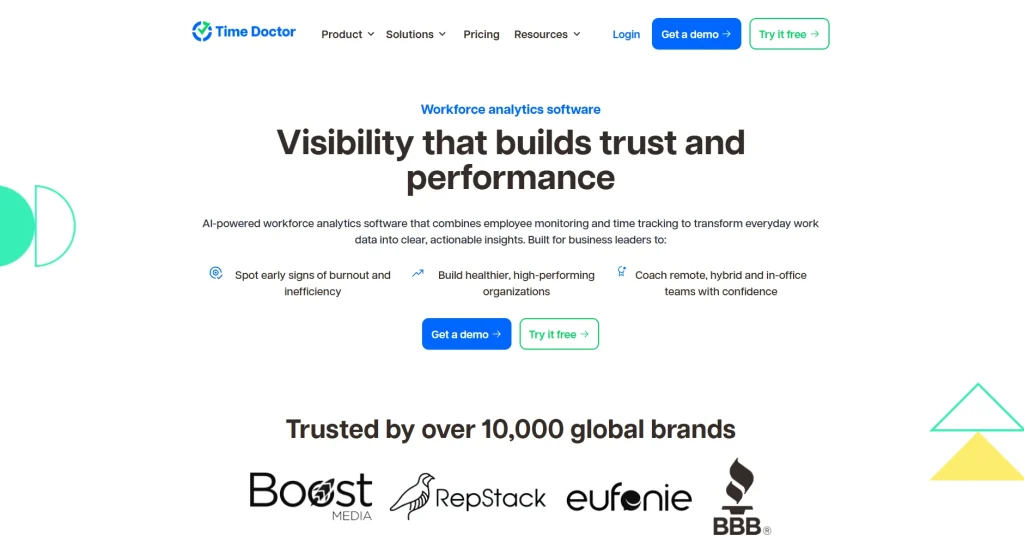
Time Doctor is all about assisting organizations in monitoring how their staff works through time-tracking software and productivity reports.
Pros
- Automatic tracking
- Productivity reports
- Attendance tracking
- Screenshots (optional)
- Website and app usage reports
Cons
- Primarily designed for an employee monitoring system.
- Can seem like a large and expensive solution for freelancers or small teams.
11. Memtime
Best for:Automated attendance, time tracking and management
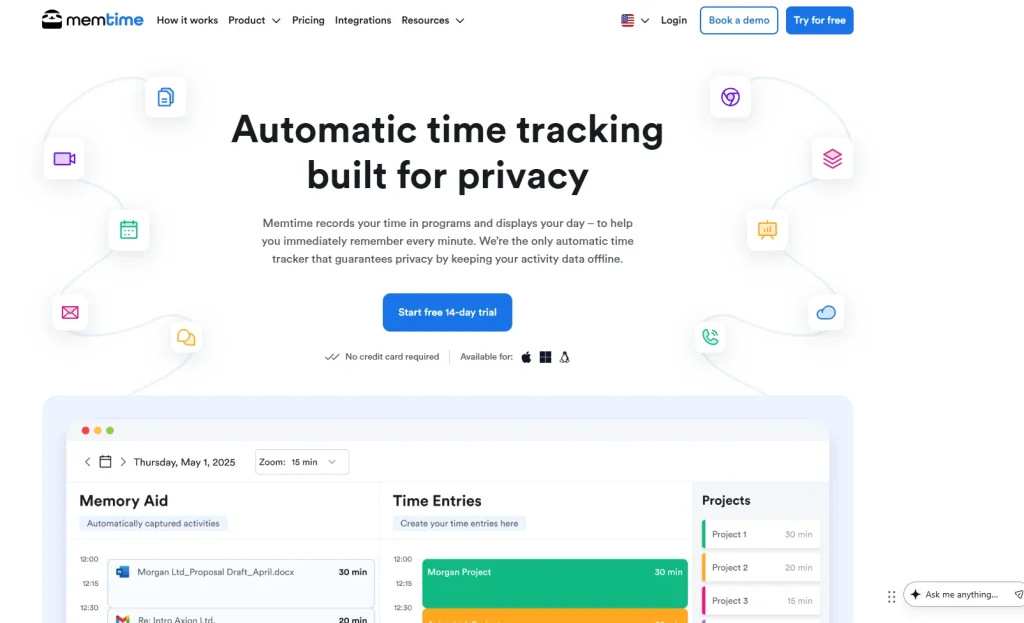
Memtime runs in the background and automatically tracks time, no timers necessary. Users can organize tracked time later by projects and customers.
Pros
- Fully automatic tracking
- Native Mac support
- Simple interface
- Privacy-focused approach
Cons
- Strongly people-focused. Better for individuals than institutions.
- Minimal sharing capabilities.
12. Tracking Time
Best for: Small businesses
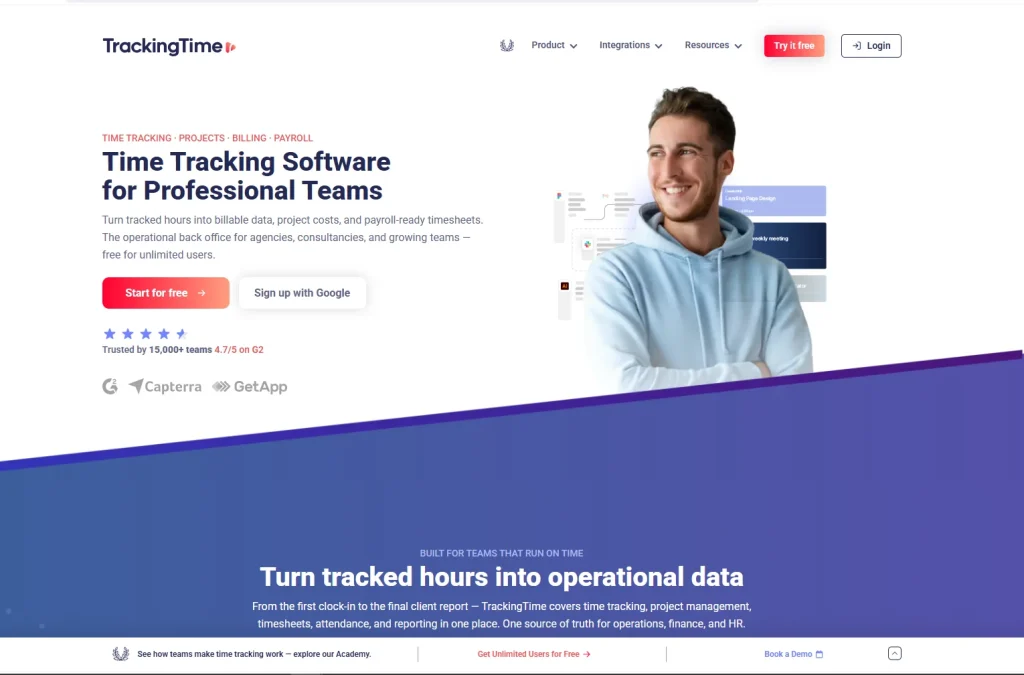
TrackingTime combines some of the best time tracking, project management, and collaboration tools out there for small teams that are experiencing steady growth:
Pros
- Team collaboration
- Project management
- Reporting
- Browser and desktop support
- Free plan available
Cons
- Some other automation features aren’t as good as others.
- Sets up gratefully for a larger group.
13. DeskTime
Best for: Productivity monitoring
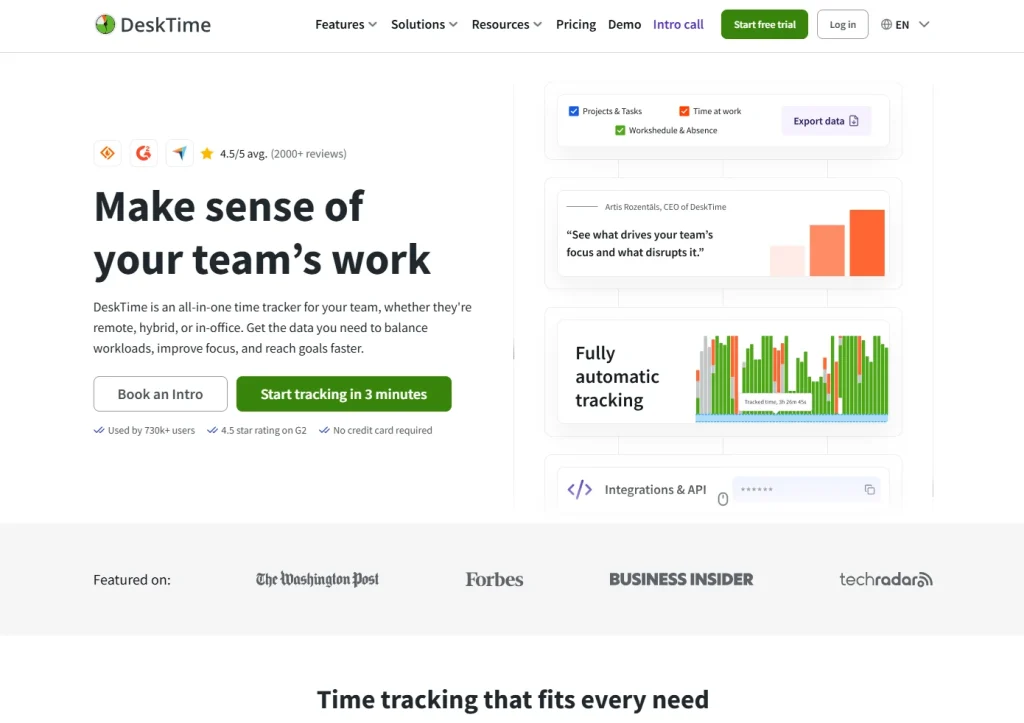
DeskTime, for instance, will average employee activity and produce ready-to-use detailed reports on productivity.
Pros
- Automatic tracking
- Productivity analytics
- Attendance management
- Shift scheduling
- URL and application tracking
Cons
- Lean toward being more comprehensive and monitoring-related than the project.
- Paid plans are necessary for advanced features.
14. Timely
Best for: AI-assisted time tracking
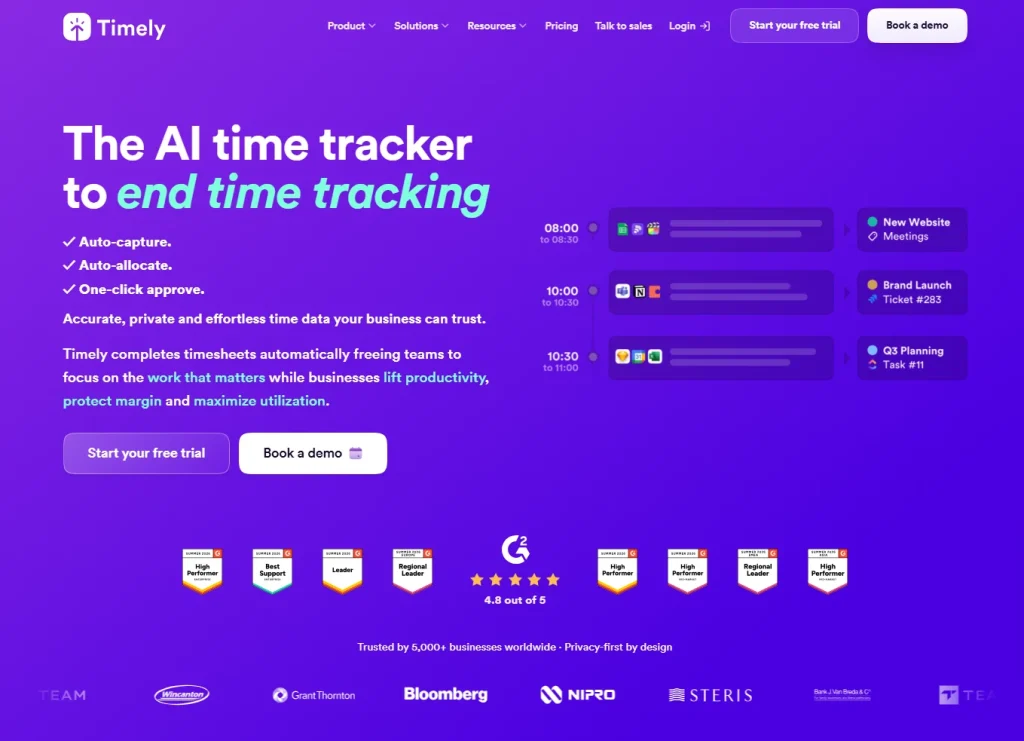
The solution Timely uses to address this problem is to automatically measure work activities via AI driven memory tracking tool, so its users can quickly and seamlessly prepare timesheets.
Pros
- AI-powered automation
- Beautiful interface
- Automatic activity capture
- Project planning
- Team collaboration
Cons
- Pricing is higher compared to a lot of other vendors.
- Haven’t used advanced reporting before!
Feature Comparison of the Best Mac Time Tracking Tools
| Feature | Tivazo | Toggl | Timing | Rize | Clockify | Hubstaff | Time Doctor |
|---|---|---|---|---|---|---|---|
| Native macOS App | ✅ | ✅ | ✅ | ✅ | ✅ | ✅ | ✅ |
| Automatic Time Tracking | ✅ | Partial | ✅ | ✅ | Partial | ✅ | ✅ |
| Project Management | ✅ | ✅ | ❌ | ❌ | ✅ | ✅ | ✅ |
| Team Management | ✅ | ✅ | Limited | ❌ | ✅ | ✅ | ✅ |
| Productivity Insights | ✅ | Basic | ✅ | ✅ | Basic | ✅ | ✅ |
| Attendance Tracking | ✅ | ❌ | ❌ | ❌ | ✅ | ✅ | ✅ |
| Reporting & Analytics | ✅ | ✅ | ✅ | ✅ | ✅ | ✅ | ✅ |
| Cloud Sync | ✅ | ✅ | ✅ | ✅ | ✅ | ✅ | ✅ |
| Free Plan | ✅ | ✅ | ❌ | Limited | ✅ | ❌ | ❌ |
Why Tivazo Is the Best Time Tracking Tool for Mac
Selecting the best Mac time tracking software for your business means doing more than just tracking time-it also means enhancing efficiency, managing projects more effectively, and teaming up more collaboratively. This is what Tivazo offers: you can easily identify it as a valuable Mac time tracking application for a freelancer, start-up company, or medium-sized enterprise.
1. Built for a Seamless macOS Experience
We know how much it means to Mac users to work faster, easier, and smarter. That is why Tivazo providesMac-like experienceenhanced with the tools to really get things done, no matter what you throw at it. Be it a MacBook Air/MacBook Pro/iMac/Mac Studiothe performance is nothing but silky smooth.
2. Automatic Time Tracking Without the Hassle
Manual timers are forgotten all the time. Tivazo automatically keeps track of work hours, missed hours go down, and timesheets are more accurate. Employees no longer have to think about clocking in and out.
3. Powerful Reporting and Productivity Insights
Tivazo translates your tracked time into real value by providing visual dashboards and in-depth reports.
Managers can easily monitor:
- Employee work hours
- Project progress
- Productivity trends
- Attendance
- Team performance
- Billable and non-billable hours
These reports assist organizations in making better choices and efficiently using resources.
4. Simplified Project and Team Management
In addition to time management, Tivazo also manages projects effectively, enabling the users to:
- Assign projects
- Track tasks
- Monitor deadlines
- Measure project progress
- Desktop view of the team activity display
This also facilitates project scheduling and helps to prevent bottlenecks.
5. Privacy-Focused Tracking
Tivazo preserves both accountability and privacy by allowing companies to decide how tracking should be turned on or off. In effect, companies can be transparent while respecting employee trust.
6. Scales with Your Business
No matter if you are a one-man freelancer business or have an expanding remote team, Tivazo adapts to your needs. As the number of employees increase you still use the same tools: time tracking & attendance, reporting, productivity management…
Conclusion
What’s the best time tracking app for Mac? It all comes down to your work, business, and team needs. Are you a freelancer tracking billable hours, a small business managing several projects, or a large enterprise keeping tabs on distributed teams? The perfect time tracker for you can boost productivity, streamline reporting and results, and guide better decisions through precise time management.
Most Mac time tracking tools excel at a single function, such as live tracking, employee monitoring, or invoicing. What makes Tivazo unique is the ability to track your time automatically, manage your project, analyze your productivity, and keep track of who shows up for work- all in a polished, user-friendly application designed for the 21st century worker.
If you want a cross-platform time and expense management tool you can run comfortably on Mac, Tivazo has you covered, to head, inform, and motivate your team and monitor their performance-all from one simple, intuitive interface.