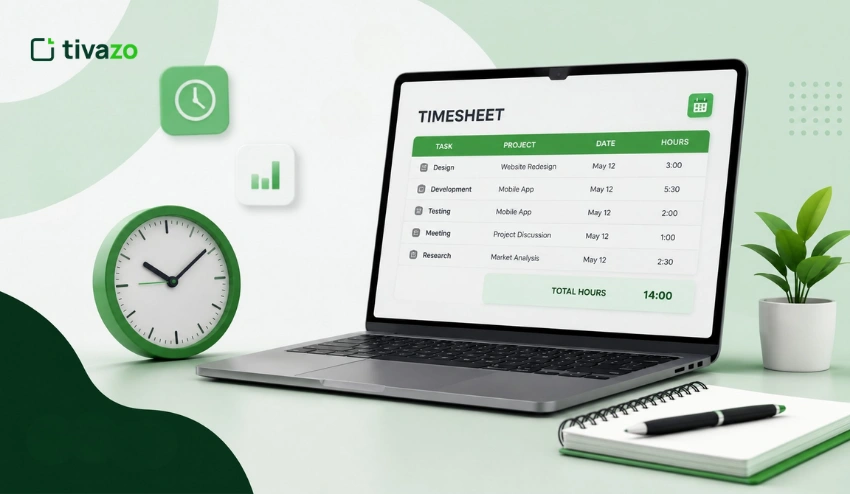
You need to understand how your team’s working time is being used, especially if they work remotely, from home, or in a hybrid work environment, to boost productivity and ensure that projects are on track. But manually logging time on timesheets and spreadsheets can lead to lost time, payroll errors, and an extra admin burden.
Hence, businesses are turning to Windows-based time-tracking software. Windows being the most popular operating system in workplaces, selecting software that works with Windows desktops can help make tracking employee time easier and more accurate.
The ideal Windows time tracking software does much more than just logging working hours. It can automatically track time, organize timesheets, generate reports, monitor project progress, and provide managers with valuable productivity insights—all from a Windows desktop.
Checking out the best time tracking software for Windows in 2026 would help you understand your options, the features to consider, and the software your team needs.
Quick Answer
Windows time tracking software allows businesses to effortlessly log employee working hours on Windows computers, simplifying project management, payroll, and team productivity. Tivazo, Time Doctor, Hubstaff, Clockify, and Toggl Track are a few of the Windows desktop apps that provide automatic time tracking, reporting, and employee productivity insights for businesses of any size.
Key Takeaways
- Time tracking software for Windows tracks employee time automatically, which decreases manual time tracking.
- Timers that run on the Web are not always reliable, as they stop tracking when employees switch to other applications; the dedicated Windows desktop versions are more reliable.
- Automatic tracking, project management, timesheets, reporting, and productivity analytics are the best solutions.
- Accurate time data can help businesses minimize payroll mistakes, enhance project visibility, and make informed staffing choices.
- Use the following criteria when selecting software: ease of use, reporting, Windows compatibility, and privacy features.
- Tivazo is a Windows desktop time-tracking solution that makes time tracking easier while providing managers with visibility into team performance.
What Is Windows Time Tracking Software?
Windows time tracking software refers to a computer-based program used to track employee time on a Windows-based computer. Instead of having to manually log hours on their time sheets at the end of the day, the software automatically logs time spent on projects, tasks, and work activities.
The majority of modern solutions work in the background once they have been installed. Employees can work as they normally would, and the software will track their work sessions, allowing teams to generate accurate timesheets with minimal effort.
Today’s time tracking software is built to eliminate manual data entry tasks and provide managers with real-time data about project progress, employee attendance, and overall productivity.
Businesses can also, depending on the software:
- Automatically track project hours
- Record billable and non-billable time
- Generate payroll-ready reports
- Monitor attendance
- Review productivity trends
- Access all teams within one dashboard.
In addition, for businesses with remote or hybrid workers, Windows time tracking software also provides consistent reporting regardless of where employees are working, making it much easier to track employee hours accurately.
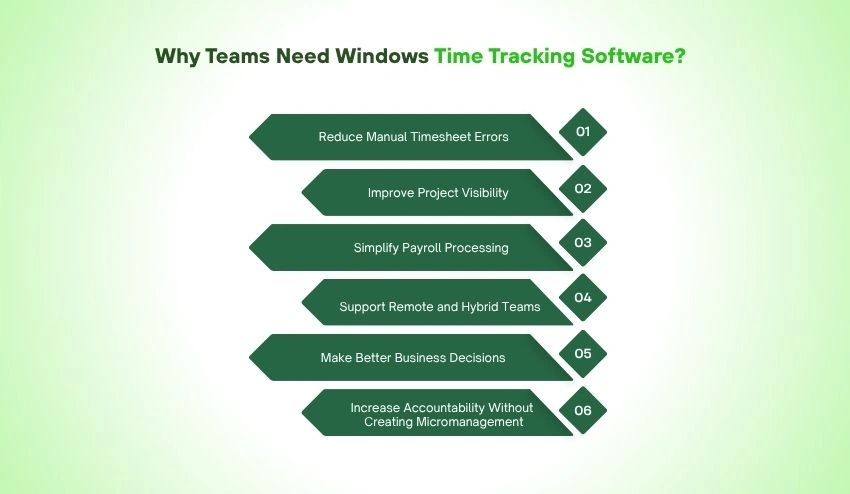
Why Teams Need Windows Time Tracking Software?
It’s difficult to manually track work hours as businesses expand. Often, simple errors like missed clock-ins, wrong timesheets, or inaccurate estimates can impact payroll, project budgets, and client billing.
Windows time tracking software can solve these issues by automatically and accurately logging work hours for employees.
Here are some of the greatest advantages for contemporary teams:
1. Reduce Manual Timesheet Errors
Human error is one of the major challenges of manual tracking. Employees are sometimes not aware of when they began a job or how much time they spent on it, and record the time incorrectly at the end of the week.
With automatic time tracking, businesses can record work time as it happens, which helps to eliminate inaccuracies and improve timesheet reliability.
2. Improve Project Visibility
Managers require information to be correct to get a grip on time usage.
Detailed reports enable answers to questions such as:
- What are the longest projects?
- Are deadlines realistic?
- What tasks are the most resource-intensive?
- Is the team too large?
Access to accurate employee performance time information makes it easier to enhance planning and allocate work more effectively.
3. Simplify Payroll Processing
Keeping work-hour logs is essential to smooth payroll.
Managers no longer have to combine all the spreadsheets or plug in missing timesheet information, as they can review timesheets that have been completed and export them for payroll processing.
This will save administrators time and prevent costly payroll errors.
4. Support Remote and Hybrid Teams
There are many companies that now have workers across various locations and time zones.
Windows time tracking software provides managers with a uniform method of tracking work without the need for frequent sign-in or manual reporting.
The future of remote work is continually shifting and changing, and companies must have the right tools in place to ensure visibility for their remote workers while they are at work on their own.
5. Make Better Business Decisions
Good decisions require good information.
Based on the trends reported by time, the following insights can be gained:
- High-performing projects
- Productivity patterns
- Resource allocation
- Team workload
- Capacity planning
These reports, coupled with Performance Insights, enable managers to find opportunities to optimize efficiency without making assumptions.
6. Increase Accountability Without Creating Micromanagement
There are some employees who are afraid that time tracking can turn into a form of constant surveillance. In fact, contemporary software is about enhancing workflows instead of tracking every moment of an employee’s day.
By adopting clear communication and transparency, time tracking can foster trust while promoting accountability. Businesses that use a transparent time tracking system that employees understand are more likely to see higher adoption and fewer concerns.
It’s also crucial to comprehend the distinction between employee monitoring vs micromanagement. Effective time tracking gives teams valuable productivity information but should not be used to police every move that employees make.
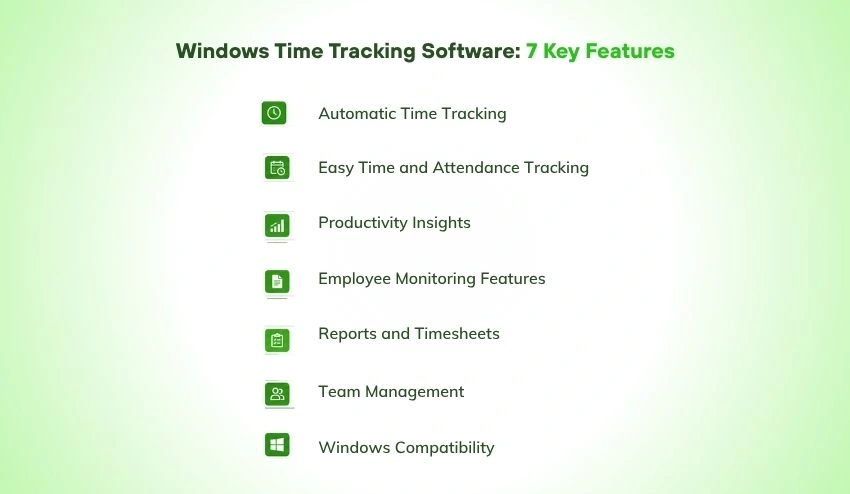
7 Key Features to Look for in Windows Time Tracking Software
There are several different types of Windows time tracking software, and not all of them are created equal. While some tools are built to measure work hours, others offer advanced features such as productivity reports, project tracking, employee tracking, and payroll-ready timesheets.
Check that the solution you select has the capabilities that match how your team works before selecting it.
1. Automatic Time Tracking
The ideal Windows time tracker can track time automatically, eliminating the need for manual timers or spreadsheets.
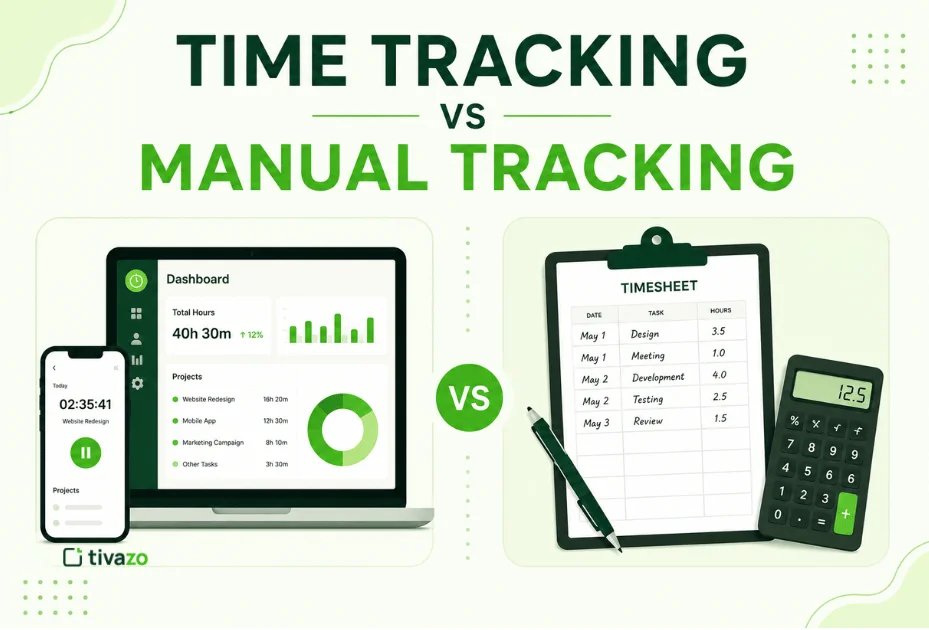
Tracking automatically helps reduce time wasted on employees tracking their time, forgotten time, and ensures accurate timesheets. If you’re still undecided on going manual vs automated, you can better appreciate time tracking vs manual tracking and why more businesses are making the switch.
2. Easy Time and Attendance Tracking
Monitoring employee attendance should be easy.
The software ought to be able to record:
- Clock-in and clock-out times
- Working hours
- Breaks
- Overtime
- Attendance history
Accurate attendance records provide more accurate tracking of employee time and ensure accurate payroll preparation.
3. Productivity Insights
It’s important to be able to track hours, but it’s even more important to know what those hours are.
Detailed performance insights enable managers to spot productivity trends, forecast bottlenecks, and workload imbalances without having to guess.
4. Employee Monitoring Features
It is important for many businesses to also have a view of the progress of projects, particularly when working with remote or hybrid teams.
Employee monitoring software today may provide data that includes:
- Active work hours
- Application usage
- Website activity
- Productivity trends
These features will help streamline workflows when used appropriately but are not a means for employees to be monitored.
5. Reports and Timesheets
Precise reports enable businesses to make informed decisions.
Select software that can automatically generate:
- Daily reports
- Weekly reports
- Project reports
- Employee summaries
- Payroll-ready timesheets
Organized timesheets and report features minimize admin and increase reporting accuracy.
6. Team Management
When your business expands, it’s harder to deal with several staff members.
Effective software should make team management easier for managers by enabling them to:
- Organize departments
- Assign projects
- Monitor workloads
- Track team progress
- Manage permissions
7. Windows Compatibility
This seems like a no-brainer, but not all tools are the same on desktop.
Look for software that is capable of supporting:
- Windows 10
- Windows 11
- Automatic updates
- Lightweight desktop installation
- Stable background performance
The tracking will usually be more accurate with a dedicated Windows application than with browser-only applications.
10 Best Windows Time Tracking Software for Teams in 2026
All businesses are unique. Some prefer to have automatic tracking, some employees need detailed reports, project management, or employee productivity insights.
Here are the best Windows time tracking software solutions to consider
1. Tivazo
Ideal for: Startups, expanding companies, remote and hybrid work environments
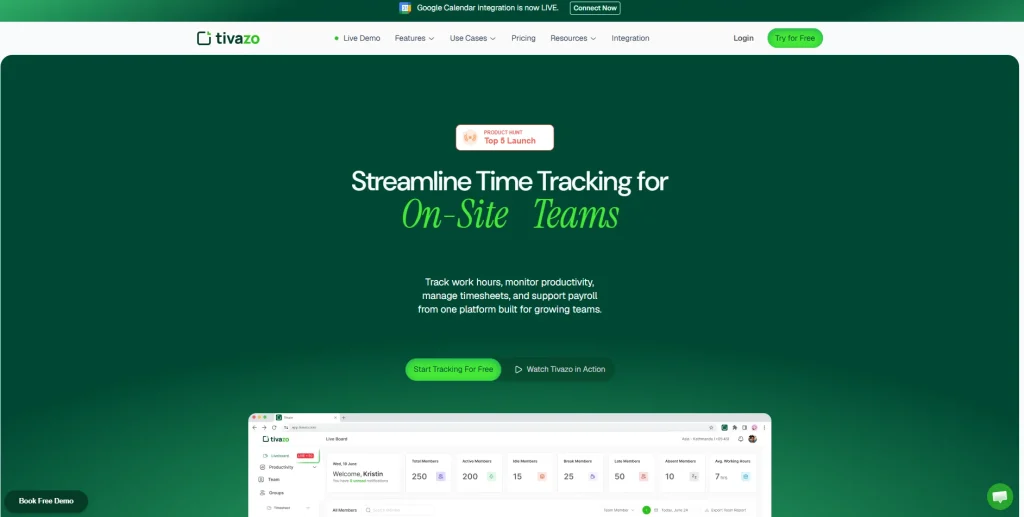
Tivazo aims to make time tracking as easy as possible, without all the unnecessary complexity. The Windows desktop app automatically logs work hours and provides enhanced visibility for managers about team productivity.
Tivazo not only records time but also manages attendance, provides reporting capabilities, and enhances project management with its user-friendly dashboard.
Key Features
- Automatic Windows time tracking
- Employee productivity insights
- Smart timesheets
- Attendance tracking
- Project tracking
- Team dashboard
- Reporting and analytics
- User-friendly interface
Pros
- Easy to set up
- Clean interface
- Automatic tracking
- Useful productivity reports
- Ideal for teams that are developing
Cons: Some large enterprise platforms might offer more advanced enterprise integrations.
2. Toggl Track
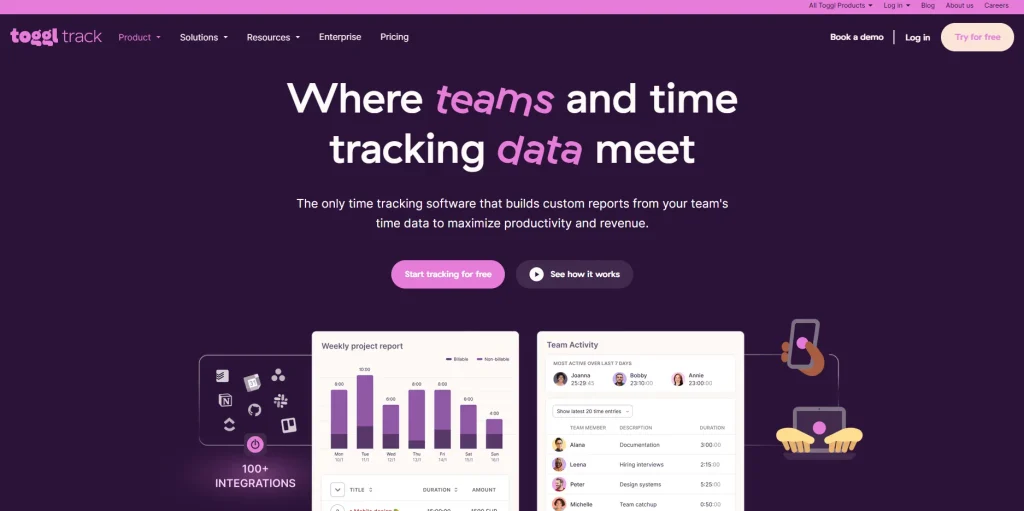
Best for: Freelancers, agencies, consultants and creative teams
Toggl Track is a popular time tracking solution that is built on the ideas of simplicity and ease of use.
It offers a Windows desktop app that lets users track project hours, generate reports, and manage billable hours. Thanks to its simple interface, it’s popular with freelancers and agencies that don’t need advanced employee monitoring.
Our Tivazo vs. Toggl Track guide compares the two solutions, outlining the differences in features, pricing, and team management capabilities.
Key Features
- Automatic and manual time tracking
- Windows desktop application
- Project and client tracking
- Billable hours
- Time reports
- Team dashboards
Pros
- Easy to learn
- Excellent reporting
- Generous free plan
- Cross-platform support
Cons
- Doesn’t include advanced employee monitoring features.
- Limited workforce analytics compared to some business-focused platforms.
3. Time Doctor
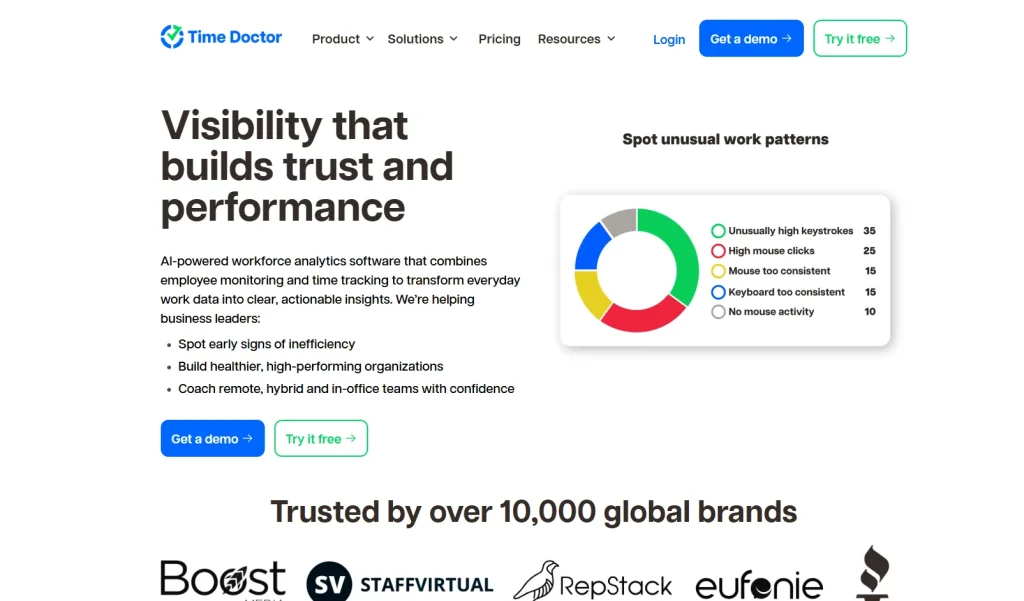
Ideal for: Companies with strict needs for comprehensive tracking of employees.
Time Doctor integrates automatic time tracking, productivity tracking, screenshots, website tracking, and reporting. Popular among companies with multiple teams across different locations.
Pros
- Automatic tracking
- Detailed reports
- Screenshot monitoring
- Productivity analytics
Cons: For some teams, the monitoring features might seem like too much.
4. Hubstaff
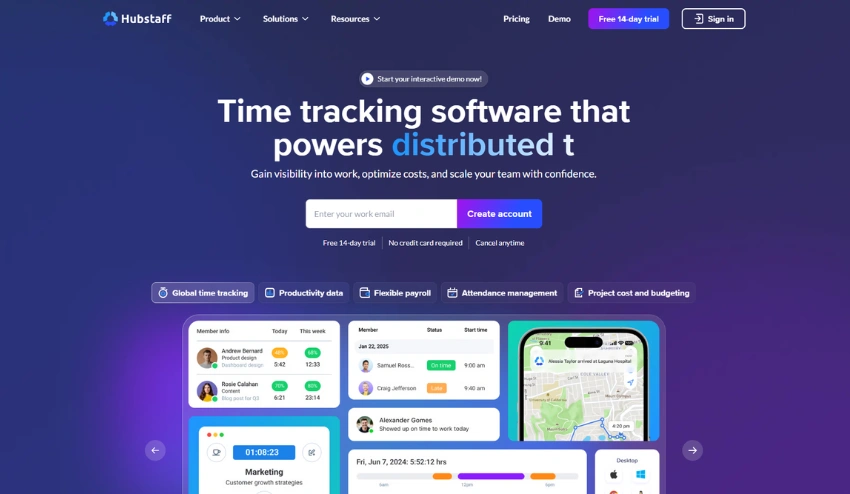
Ideal for: Remote teams, field staff.
For companies with mobile or distributed teams, Hubstaff has GPS tracking, project management, and Windows desktop tracking and integrates with payroll systems.
Pros
- GPS tracking
- Payroll integrations
- Project budgeting
- Time tracking
Cons: The higher the level of features, the higher the price.
5. Clockify
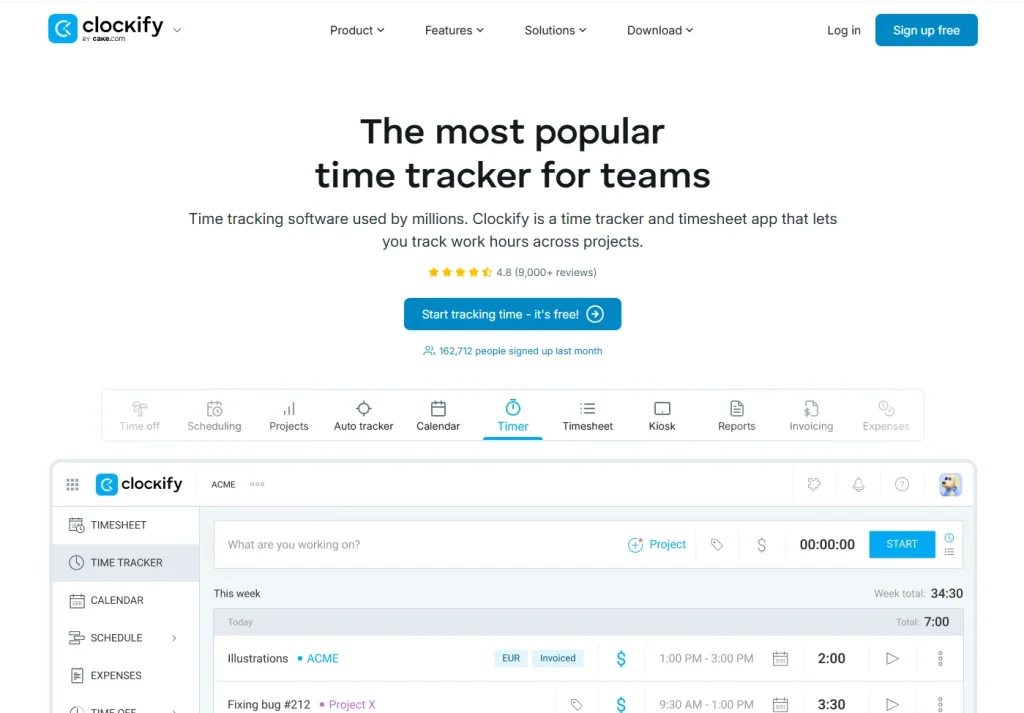
Ideal for: Freelance or small businesses.
Clockify is well-known for its free plan and easy-to-use interface. Provides manual & automatic tracking, project management, and reporting.
Pros
- Free plan
- Easy to use
- Multiple reporting options
Cons: Productivity monitoring is only available at an advanced level.
6. DeskTime
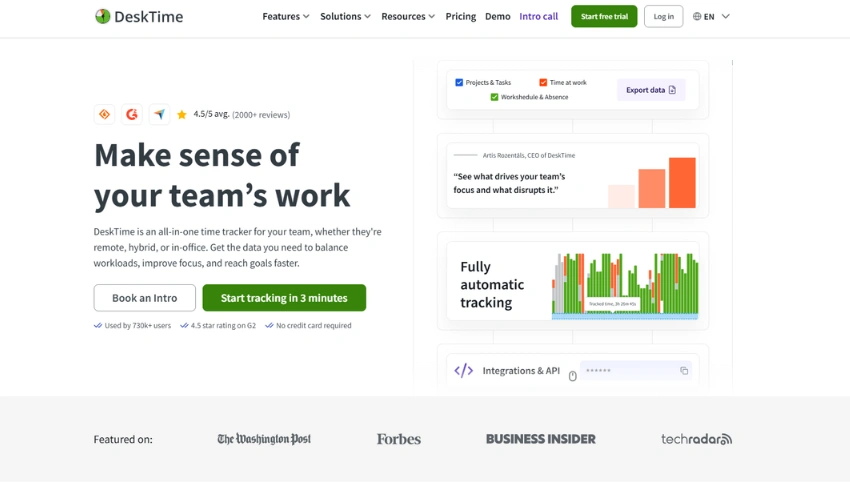
Best for: Businesses looking for automatic productivity tracking.
For businesses that prioritize productivity reports, DeskTime can automatically track users’ activity and generate detailed productivity reports.
For comparison, you could also check out the detailed Tivazo vs DeskTime comparison.
Pros
- Automatic tracking
- Productivity analytics
- Offline tracking
Cons: Some advanced features will come with higher-tier plans.
7. Harvest
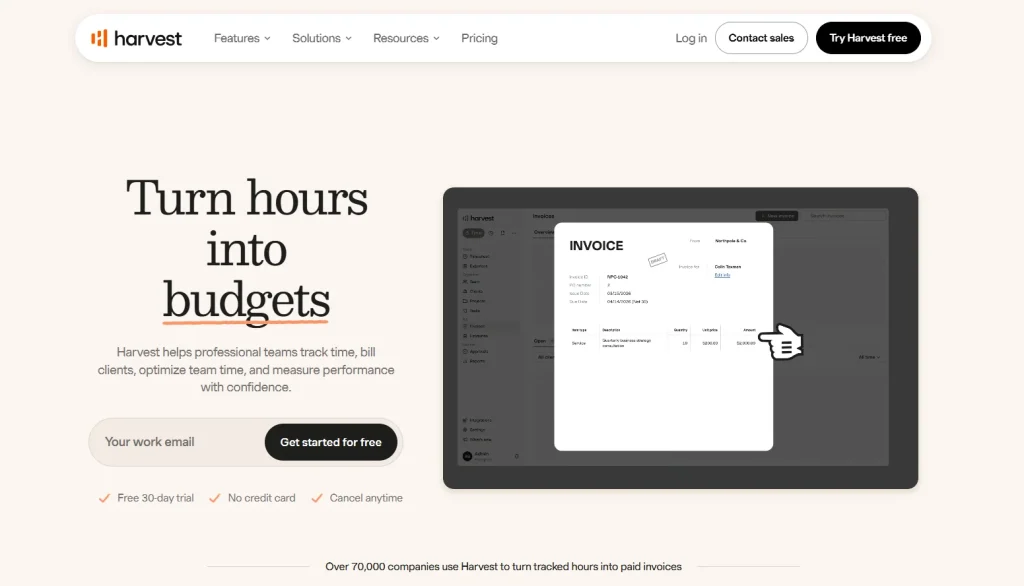
Ideal for: Client companies and agencies.
Harvest integrates time tracking with invoicing, expense tracking, and project budgeting, which is why it’s a favorite among businesses that charge clients by the hour.
For companies weighing both options, the Tivazo vs Harvest comparison might be useful.
Pros
- Invoicing
- Budget tracking
- Client reporting
Cons: Less focus on employee productivity monitoring.
8. RescueTime
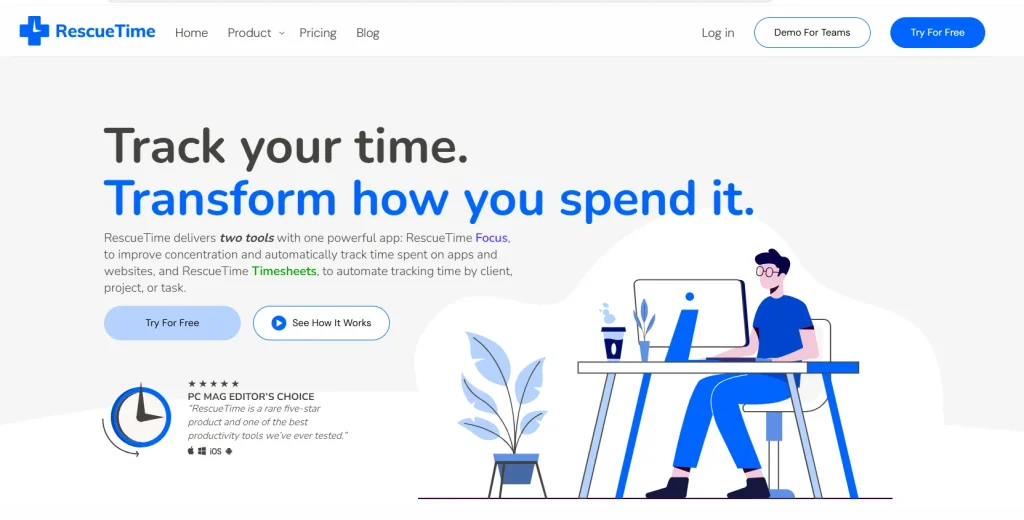
Ideal for: Knowledge Workers & Individuals.
RescueTime automatically monitors digital use and delivers comprehensive productivity report data that aids users in focusing better. To compare in-depth, read 8. RescueTime
Ideal for: Knowledge Workers & Individuals.
RescueTime automatically monitors digital use and delivers comprehensive productivity report data that aids users in focusing better. To compare in-depth, read Tivazo vs RescueTime.
Pros
- Automatic tracking
- Productivity reports
- Focus tracking
Cons: More appropriate for persons than large organizations.
9. ActivTrak
Ideal for: companies looking for workforce analytics.
ActivTrak includes employee monitoring, productivity reporting, behavioral analytics, and workforce planning tools.
Pros
- Workforce analytics
- Productivity insights
- Employee monitoring
Cons: May be challenging for smaller groups.
10. TimeCamp
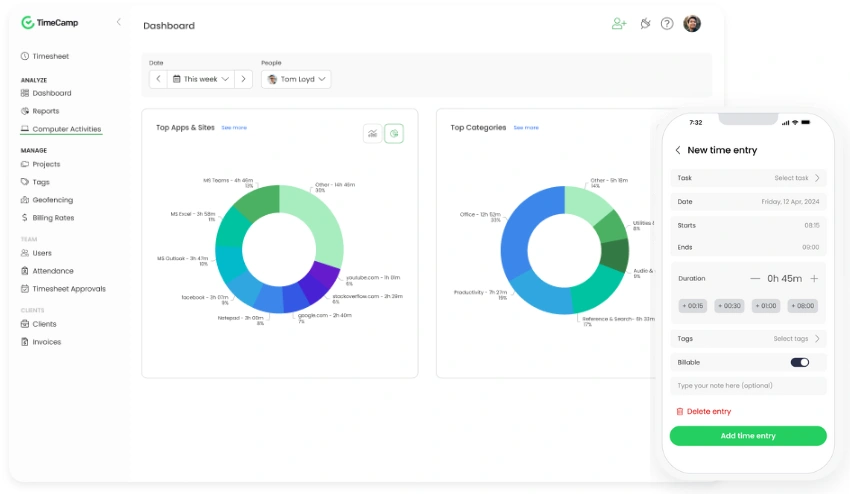
Ideal for: Companies with several projects.
TimeCamp is an affordable solution that automates time tracking and invoicing, along with budgeting and reporting on projects.
Pros
- Automatic tracking
- Budget management
- Project reporting
Cons: It may take some time for the interface to pick up on learning.
Which Windows Time Tracking Software Is Right for You?
The best software depends on your team’s size, workflow, and business goals.
- Choose Tivazo if you want an easy-to-use Windows time tracking solution with automatic tracking, productivity insights, and team management features.
- Choose Time Doctor if detailed employee monitoring is a priority.
- Choose Hubstaff for field teams and GPS tracking.
- Choose Clockify if you need a generous free plan.
- Choose Toggl Track for simple project time tracking.
- Choose Harvest if client invoicing is essential.
- Choose DeskTime if automatic productivity tracking is your main focus.
- Choose RescueTime for personal productivity improvement.
- Choose ActivTrak if workforce analytics is important.
- Choose TimeCamp if you need project tracking with budgeting tools.
Windows Time Tracking Software Comparison Table
If you’re still wondering which one is right for your business, this quick comparison will highlight the key differences between the most popular Windows time tracking software.
| Software | Best For | Automatic Time Tracking | Employee Monitoring | Free Plan | Windows Desktop app |
| Tivazo | Growing teams & SMBs | Yes | Yes | Yes | Yes |
| Toggl Track | Freelancers & agencies | Yes | No | Yes | Yes |
| Time Doctor | Remote teams | Yes | No | No | Yes |
| Hubstaff | Field & remote teams | Yes | No | No | Yes |
| Clockify | Freelancers & startups | Yes | Limited | Yes | Yes |
| DeskTime | Productivity tracking | Yes | Yes | Limited | Yes |
| Harvest | Client billing | Yes | Limited | Limited | Yes |
| Rescue Time | Personal productivity | Yes | Limited | Limited | Yes |
| ActivTrak | Workforce analytics | Yes | Yes | Limited | Yes |
| TimeCamp | Project tracking | Yes | Limited | Yes | Yes |
Tip: Make use of free trials/demos before making a final decision. It is the best way to see if it fits into your workflow and to test the usability with your own team.
How to Choose the Right Windows Time Tracking Software?
Making an appropriate software selection goes beyond feature comparison. The ideal answer depends on your personnel, work process, and long-term business objectives.
Here are a few factors to consider before making your decision.
1. Team Size
Simple time tracking and reporting might be adequate for a small business, whereas more of these features and advanced team management, permissions, and analytics would be necessary for larger businesses.
Select software that is scalable to your business.
2. Ease of Use
Frequently, complicated software results in low adoption.
Seek a clean user interface that is easy to pick up by employees with minimal training.
The more user-friendly it is, the more accurate the time information will be.
3. Automatic Tracking
Manual timers tend to get lost.
Automatic time tracking software saves time and eliminates the need for manual time tracking, which leaves timesheets more accurate without interrupting employees during the day.
4. Reporting and Analytics
Raw time data is of little value without some context.
Seek out software that converts logged hours to useful reports that benefit managers in improving productivity, resource management, and project results.
5. Privacy and Transparency
When employees know how time tracking works, they’re more likely to accept it.
Select software that works with accountability and transparency. Describing the collection and use of the data helps to build trust and to avoid confusion.
If your organization is looking into monitoring features, it’s important to understand the difference between employee monitoring vs. employee surveillance and the difference between responsible monitoring and intrusive monitoring.
6. Budget
While free tools could suffice for freelancers or extremely small teams, larger businesses will appreciate superior features like automating reports, task monitoring, exporting payroll data, and advanced dashboards.
Be sure to prioritize value, not the lowest price.
5 Common Mistakes to Avoid When Choosing Windows Time Tracking Software
Researching software properly can prevent problems later on in life.
Here are some of the pitfalls that businesses should steer clear of.
1. Choosing Based Only on Price
Not all cheap software may be the most cost-effective.
There are many hours that can be saved in manual work each month with a solution that is more automated and has better reporting.
2. Ignoring Windows Compatibility
Some platforms are solely based on tracking the user’s movements via the browser.
If you have a lot of Windows computers in the office, opt for software that has a Windows desktop app for more accurate tracking.
3. Overlooking Reporting Features
Hour tracking is just the start of the process.
If there are no helpful reports, managers may not be able to detect any trends in productivity or make better plans for projects.
4. Not Explaining Time Tracking to Employees
Communication is a key component to successful implementation.
Talk about the purpose of implementing time tracking, the advantages it offers, and what the data will be used for.
It is far more likely to be accepted if the employees know how to use a transparent time tracking system.
5. Focusing on Monitoring Instead of Productivity
Time tracking is supposed to be a tool to facilitate the success of employees, not to place unnecessary pressure on them.
It is not about watching every click, it’s about making the workflow more efficient, finding bottlenecks, and enabling them to make better decisions.
Conclusion
The selection of the right Windows time tracking software involves more than merely clocking work hours. The right solution enables companies to be more productive, more easily process payroll, keep an eye on projects, and get insights on how teams spend their time.
Whether you’re a small business owner, a start-up in its early stages, or a large team of remote workers, the right time tracking solution can save you time and help your managers make informed choices.
If you’re mainly in the Windows environment, consider a time tracking solution that offers automatic tracking, accurate reporting, productivity data, and a simple desktop app.
Tivazo is a platform built for the Windows environment that provides businesses with the tools to accurately track time, be more efficient with team management, and have confidence in data-driven decisions.