Managing a team is one of those things that looks easy from the outside until you’re actually doing it.
One person’s hours don’t match the timesheet. A new hire spends their first week confused about who they report to. A client meeting happened, but nobody logged it. None of these feels like a big problem on its own, but together they compound and quietly erode the efficiency that makes a team work.
The answer isn’t more meetings or another status update thread. What you need is a system that gives your team structure, visibility, and the clarity to just get on with their work. That’s exactly what Tivazo’s team management feature is designed to deliver.
Why Most Teams Struggle With Management
Most team management problems aren’t about people; they’re about systems, or the lack of them. When roles aren’t defined, people duplicate work. When time isn’t tracked, projects go over budget. When managers have no visibility, small issues become big ones before anyone notices.
Here’s what that actually looks like in practice:
- Unclear roles leading to duplicated effort or dropped responsibilities
- No real-time visibility into who’s working on what
- Meeting time that never gets logged or billed
- Idle time that goes unnoticed until it becomes a habit
- Onboarding that relies on memory instead of a clear process
- Time reports that don’t reflect what actually happened
These aren’t signs of a bad team. They’re signs of a team that needs better infrastructure, and that’s exactly what Tivazo provides.
What Tivazo’s Team Management Actually Does
Tivazo isn’t a set of loosely connected tools. It’s one workspace where everything works in sync: time tracking connects to billing, roles connect to permissions, and idle alerts connect to accountability. Here’s what each core feature of Tivazo’s Team Management does and why it matters.
See how Tivazo’s team management works in action.
1. Create Teams and Define Roles
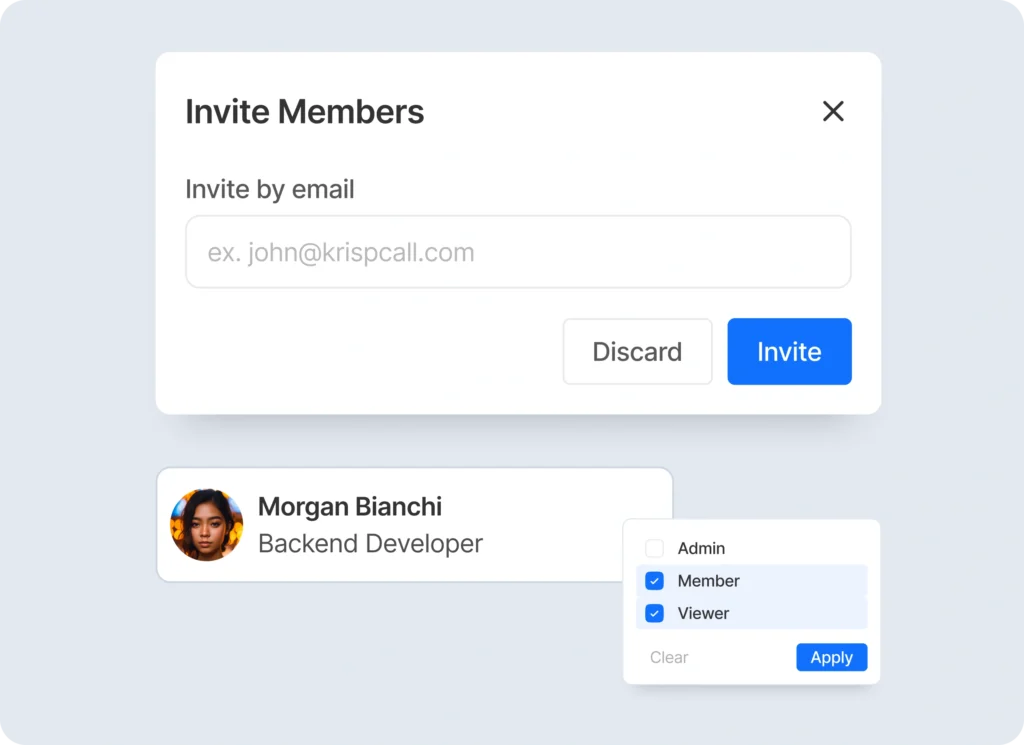
Before your team can perform at its best, everyone needs to know where they fit. Without that foundation, even talented people end up stepping on each other’s toes or leaving things undone because they assumed someone else was handling it.
Tivazo lets you create distinct teams within your organization, each aligned to a specific function or objective, and assign roles based on each person’s actual skills and responsibilities. This isn’t just an org chart exercise. It has a direct impact on how your team operates every single day.
This is what improves once the roles are defined right in Tivazo:
- Onboarding is accelerated: new employees arrive in an organized setting with a specific position, access controls, and a sense of where they belong.
- Responsibility is in-built: when each person has a clue of what they own, there is no need to say that somebody is doing it.
- Access is by default: permissions are role-based, and therefore, the right people will always have the right access without anyone having to manage it manually.
- Managers get clarity: You do not need to mentally follow who does what, you have a live and correct picture of the structure of your team all the time.
- Scaling is also cleaner: it is easy to add new people to an existing structure, as it already exists and it is well-defined.
2. Idle Employee Alerts: Catch Problems Before They Become Patterns
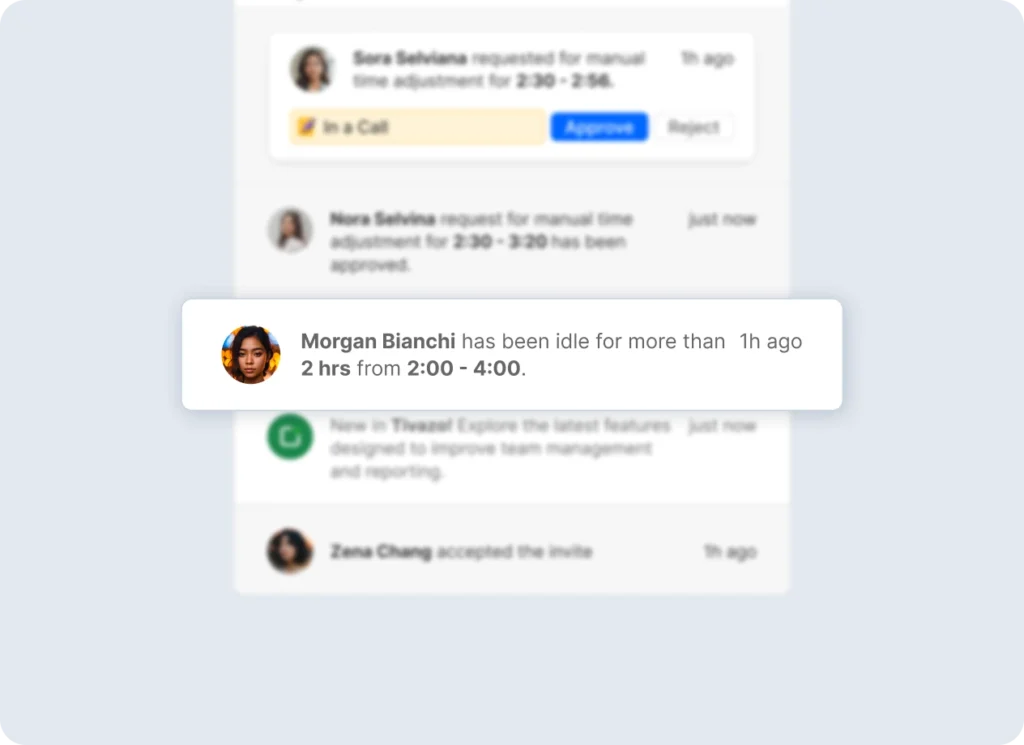
One of the hardest parts of managing a team, especially remotely, is knowing when someone has genuinely stalled. Without visibility, you’re left guessing, and guessing is expensive.
Tivazo’s automatic idle detection monitors activity in real time and sends you an instant notification the moment an employee goes idle during work hours. No waiting for end-of-day reports. No finding out too late that a task sat untouched for hours.
What this actually means for your team day to day:
- Early intervention is possible: you can check in while the situation is still small, before it turns into a missed deadline
- Stuck employees get help faster: someone who’s blocked but doesn’t want to speak up gets surfaced through the alert, not discovered at the end of the day
- Patterns become visible: if someone goes idle regularly at the same time, that’s a data point worth a conversation
- Managers stay informed without micromanaging: you’re not watching anyone’s screen; you’re just getting notified when something is off
- Remote teams feel more connected: knowing that inactivity gets noticed creates a gentle, healthy layer of accountability without pressure
3. Time Tracking Real Visibility Into Where Work Actually Goes
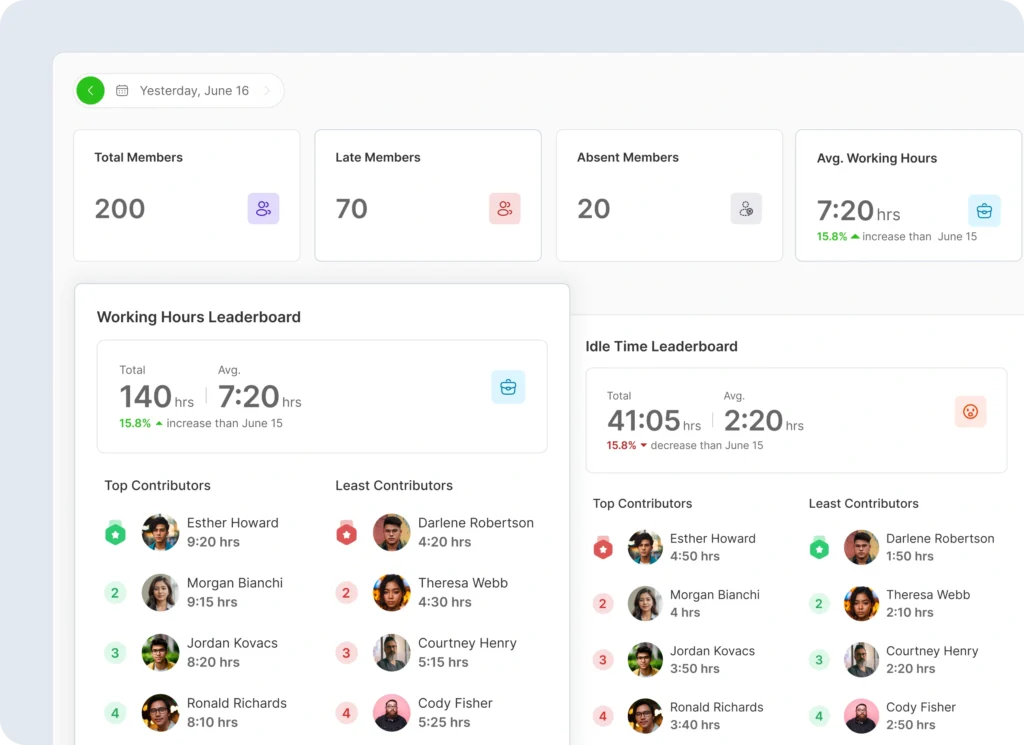
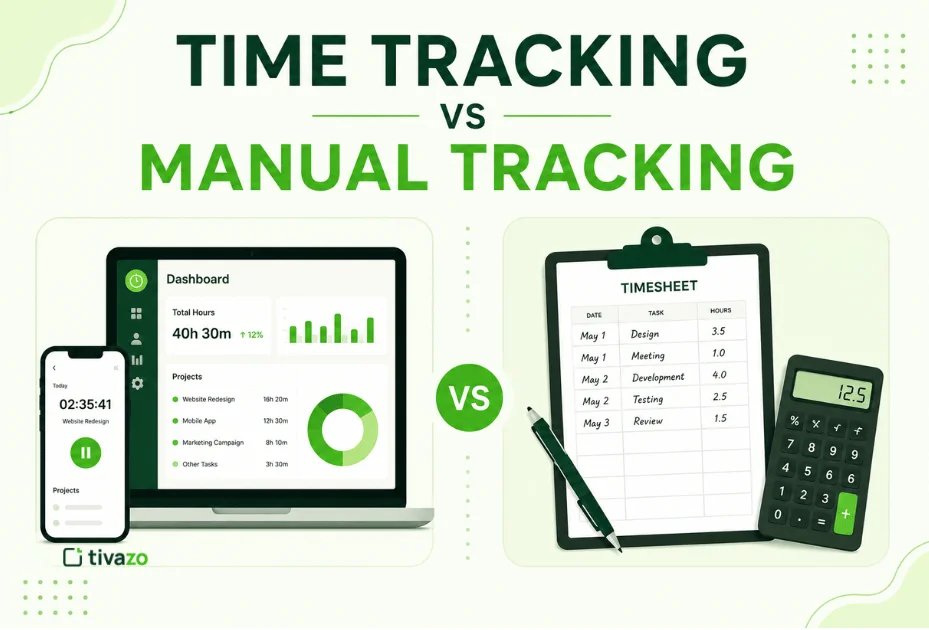
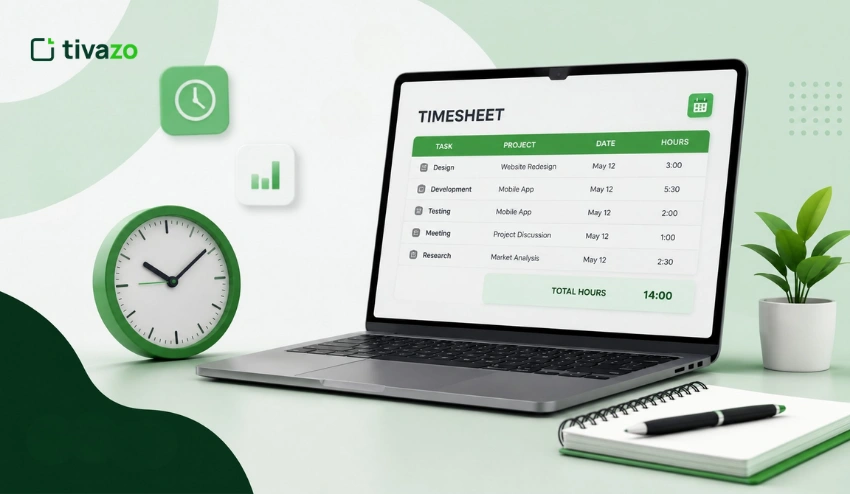
Most time tracking is done badly, hours logged from memory, tasks lumped together, and estimates used instead of actuals. The result is data that looks complete but isn’t useful for anything. Tivazo builds time tracking directly into the workflow so every hour is captured as it happens, tied to the right task and the right person.
The difference between time tracking when it is properly done is as follows:
- Contributions are transparent and equitable: all the hours logged by each of the team members are accurate to what they actually did, and there is no ambiguity at the review time.
- Estimates become better: as you get actual data from the previous projects, the estimates of the future can no longer be guesswork.
- Distribution of resources becomes smarter: you can see who is overloaded and who has enough capacity in a team in real-time.
- Billing is airtight: in the case of client-facing teams, all hours spent billable are automatically recorded, not only those hours a person recalls recording.
- The responsibility is not an imposition: time tracking is an established practice when it is regular and truthful, and it becomes a cultural norm instead of a thing that causes resentment among people.
- Over-servicing is easy to detect at an early stage: you can tell when a project is burning more time than it should be before it turns into a margin issue.
4. Time Approvals Log Every Meeting, Bill Every Minute
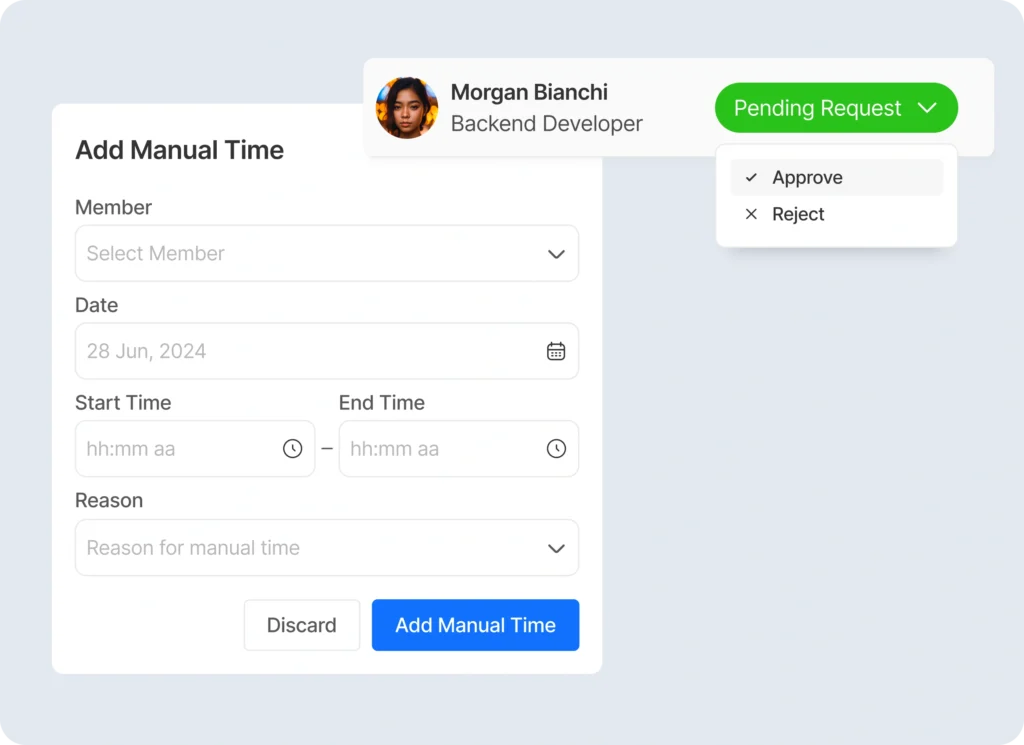
Meeting time is the most consistently untracked time in any organization. Client calls, internal syncs, project kick-offs, and weekly reviews happen constantly, and they rarely make it into the timesheet properly. For agencies and consultants, that’s unbilled revenue walking out the door. For internal teams, it creates a false picture of how much real execution time people actually have.
Tivazo’s time approval feature lets you log the exact duration of every meeting and route it through an approval workflow before it’s finalized.
What that means in practice:
- Client billing becomes accurate: every meeting is logged with a timestamp, so invoices reflect reality and disputes are easy to resolve
- Your team’s actual day becomes visible: you can finally see how much time is going into meetings versus deep work versus admin tasks
- Approval workflows add a layer of verification: logged time gets reviewed before it’s finalized, catching errors before they hit the books
- No more end-of-month scrambles: time is logged in the moment, so reconciliation at billing time takes minutes rather than hours
- Planning improves: when you know how much time meetings are actually consuming, you can make smarter decisions about which ones are worth having
5. Seamless Workspace Management Built to Scale With You
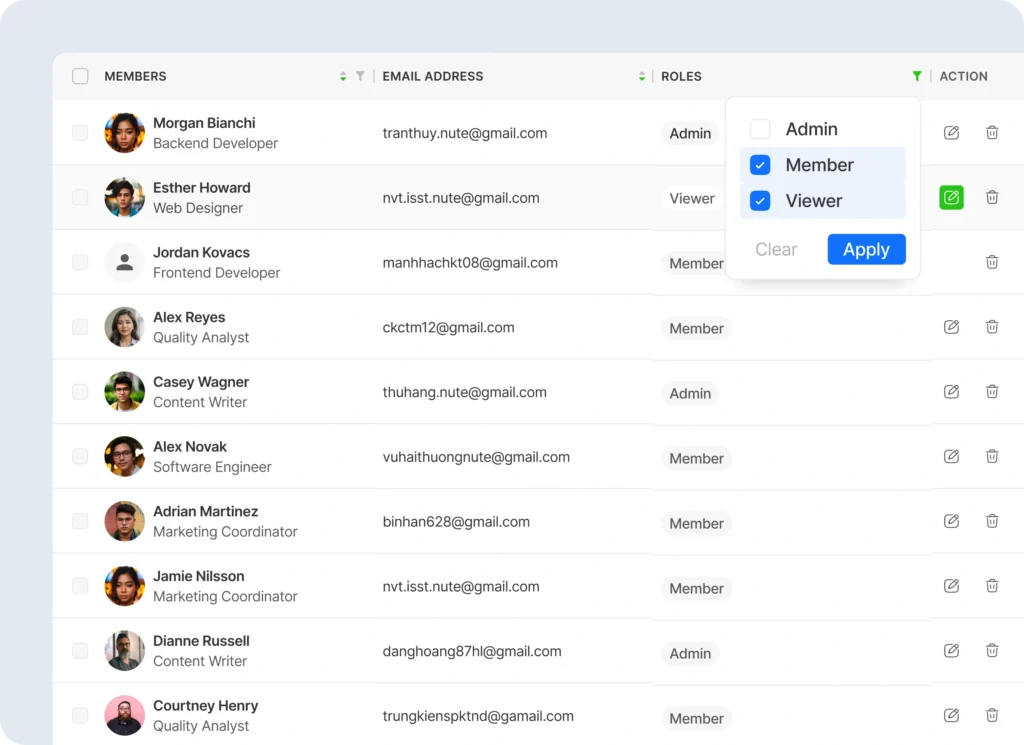
Small teams run on instinct. Everyone knows what everyone else is doing, and informal systems are enough to hold things together. But the moment you start growing more people, more projects, more departments, those informal systems crack under the pressure.
Permissions get messy. Onboarding takes a week instead of a day. Restructuring one team means manually updating things across multiple places. Tivazo’s workspace management is designed to handle all of that from one central place.
This is what seamless workspace management can actually be:
- The process of onboarding is designed around day one: the new team members enter a workspace that is already configured for them, and the appropriate access and the appropriate role are ready to use.
- Role and access permissions remain simple to maintain as you scale: permissions are centrally managed, allowing you to never worry about who has access to what.
- The restructuring of teams does not shred things: as teams change their form, you change it once, and the rest follows suit.
- Collaboration is simpler to set up: it is possible to create workspaces designed to suit particular teams or projects and ensure that things are organized without unnecessary overhead.
- Stability of operations is established: instead of informal processes to hold your structure together, you have a system that can support you when under pressure and expand with you.
How Tivazo Compares to Managing Without a System
Most teams without a dedicated tool end up with a patchwork of spreadsheets for time, email for approvals, Slack for role clarity, and a lot of institutional memory holding it together. That works until someone leaves, the team doubles in size, or a client disputes an invoice and nobody can find the records.
Tivazo replaces that patchwork with something reliable. Everything is connected, everything is in one place, and nothing depends on one person remembering to update a spreadsheet. The difference isn’t just convenience, it’s the kind of operational reliability that lets your team focus on the work instead of the admin around it.
The Teams That Benefit Most From Tivazo
Tivazo is flexible enough to work across different team types, but it delivers the most value for:
- Remote and hybrid teams where visibility and time tracking matter more than ever
- Agencies and consultancies where billing accuracy directly affects the bottom line
- Growing startups that need infrastructure to scale as fast as they do
- Freelancers managing multiple clients who need clean records without a complicated system
- Project-based teams where time, roles, and accountability all tie directly to outcomes
What Changes When Your Team Uses Tivazo
Managers stop chasing information; they have it. Team members stop second-guessing their role; it’s defined. Invoices go out accurately. Idle time gets flagged before it becomes a pattern. Meetings are logged without anyone having to chase records down.
The team doesn’t work harder. They work with more clarity. And that clarity compounds better estimates, smoother onboarding, cleaner billing, and fewer things falling through the cracks. That’s what Tivazo actually delivers.