One of the major productivity problems facing today’s business is how best to manage time. With remote jobs, hybrid teams, client work, and various digital tools, it’s no longer feasible to keep track of work hours.
This is one of the reasons why businesses are opting for automated time tracking solutions to boost their productivity, save administrative tasks, and generate accurate timesheets automatically.
Unlike timers and spreadsheets, automated time tracking software tracks work activity in the background and compiles it into valuable reports.
This saves time, minimizes billing mistakes, and boosts accountability for teams without impacting their daily work.
According to Microsoft’s Work Trend Index, employees spend a significant portion of their workweek managing administrative tasks and digital communication, making productivity optimization more important than ever.
In this guide, you’ll learn how automated time tracking works, its key benefits, the difference between automatic and automated tracking, the best tools in 2026, and how to implement a smarter time tracking system for your business.
What Is Automated Time Tracking?
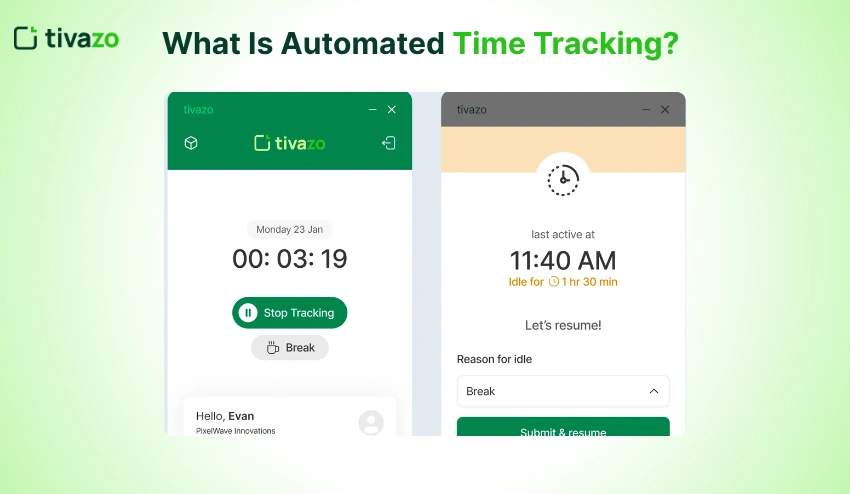
Automated time tracking is a system that automatically logs how much time employees spend on their projects, tasks, and app activities without any manual effort required.
Modern automated time tracking software is based on AI, activity monitoring, and workflow automation, which ensures the production of accurate timesheets and productivity reports.
Automated systems operate in the background, in contrast to traditional manual tracking methods. Staff doesn’t have to manually start timers, stop timers, and remember to update spreadsheets.
For example:
- If you are a designer using Figma, you could be automatically assigned “Design Tasks” time.
- Billable client work can be followed up on through a Zoom meeting.
- Project hours can be synced straight to payroll or invoicing systems.
Many companies that implement automated tracking solutions will also integrate other applications with them, such as a time tracking solution, which assists them in tracking project progress and managing operational efficiency.
Why Automated Time Tracking Matters in 2026?
Today’s workplaces are fast-paced. They alternate from tool to meeting, and from project to communication platform.
Manual time tracking introduces friction and waste in the process and can result in inaccurate data.
Automated time tracking eliminates these issues by enhancing accuracy and transparency.
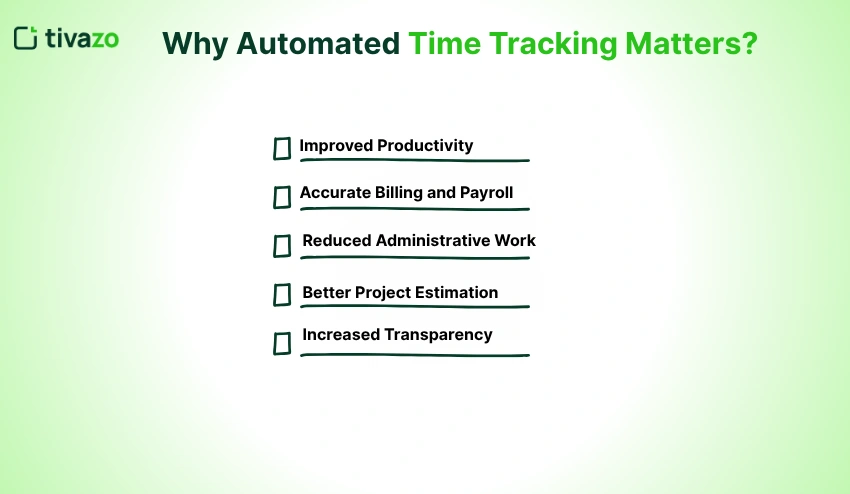
There are several advantages to automated time tracking. Here are some of the benefits of automated time tracking.
1. Improved Productivity
Staff have more time to complete timesheets and more time dedicated to valuable work. Managers also get insight into workflows, without needing to check in all the time.
Companies that utilize Employee Monitoring platforms have integrated automated tracking with productivity analytics to discover work procedure obstruction points.
2. Accurate Billing and Payroll
Accurate billable hours are vital to freelancers, agencies, consultants, and service companies. Manual systems are unnecessary and are replaced by automated systems that record all times accurately.
Businesses can also use tools such as the hourly to salary converter to more accurately calculate labor expenses by monitoring employee hours.
3. Reduced Administrative Work
Weekly timesheets can end up being time-consuming. Repetitive administrative tasks are eliminated, and reporting overheads are reduced by automation.
4. Better Project Estimation
Historical time data can be used to help teams accurately estimate future projects and allocate resources accordingly.
5. Increased Transparency
Automated tracking fosters accountability without micromanagement. Teams get a better understanding of time utilization by projects and departments.
Organizations implementing a transparent time-tracking system employee strategy often see better trust and collaboration within teams.
How Does Automated Time Tracking Work?

Several technologies, such as automated time tracking software, are leveraged to intelligently track work activity.
Background Activity Monitoring
The software tracks:
- App usage
- Website activity
- Active work hours
- The mouse and keyboard are used.
- Idle time
Advanced systems analyze patterns and organize work automatically, whereas simple timers cannot.
AI-Based Categorization
AI-powered tools categorize activities into projects, departments, or clients in modern tools. This cuts down on the work that needs to be done manually and makes timesheet accuracy more accurate.
Automatic Timesheet Creation
Employees get automated work logs based on tracked activity, rather than having to fill in timesheets manually.
Companies that have hourly workers often use the Time Card Calculator in conjunction with their automated time tracking solution to make payroll easier.
Productivity Insights & Reports
Managers get in-depth data such as:
- Productive hours
- Team workload
- Project progress
- Attendance patterns
- Time utilization trends
This is particularly helpful for teams working remotely and from home, with the ability to manage them via team management solutions.
Automatic vs Automated Time Tracking
Many people confuse automatic and automated time tracking, but they are different systems.
| Feature | Automatic Time Tracking | Automated Time Tracking |
| Tracks Activity Automatically | Yes | Yes |
| AI Categorization | No | Yes |
| Generates Smart Timesheets | Limited | Yes |
| Productivity Insights | Basic | Advanced |
| Requires Manual Review | Often | Minimal |
| Best For | Basic Monitoring | Modern Workflows |
Automatic tracking logs all of the activity data, and automated tracking interprets and intelligently organizes all of the activity data.
For instance, a user can spend 2 hours in Google Docs, and the automatic tracking will only record that time.
Automated tracking helps determine whether the work is part of a specific client, project, or whether it fits within a specific category of work.
Manual vs Automated Time Tracking
While manual tracking is still common, it poses a number of issues for today’s teams.
Several common problems come with manual time tracking:
1. Employees Forget to Track Time
Timers can be accidentally turned on or off during hectic work days.
2. Timesheets Become Estimates
There are many workers who are filling in their timesheets at the end of the week without referring to any real activity.
3. Administrative Work Increases
Manual systems distract employees and managers from focus and generate more work.
4. Billing Errors Become Common
If time is entered incorrectly, you could miss out on revenue or end up with payroll errors.
Companies that struggle with challenges such as time theft may opt for automated solutions to boost accountability and transparency.
5 Best Automated Time Tracking Software in 2026
The type of automated time tracking software you need depends on your company size, business workflow, and reporting needs.
1. Tivazo
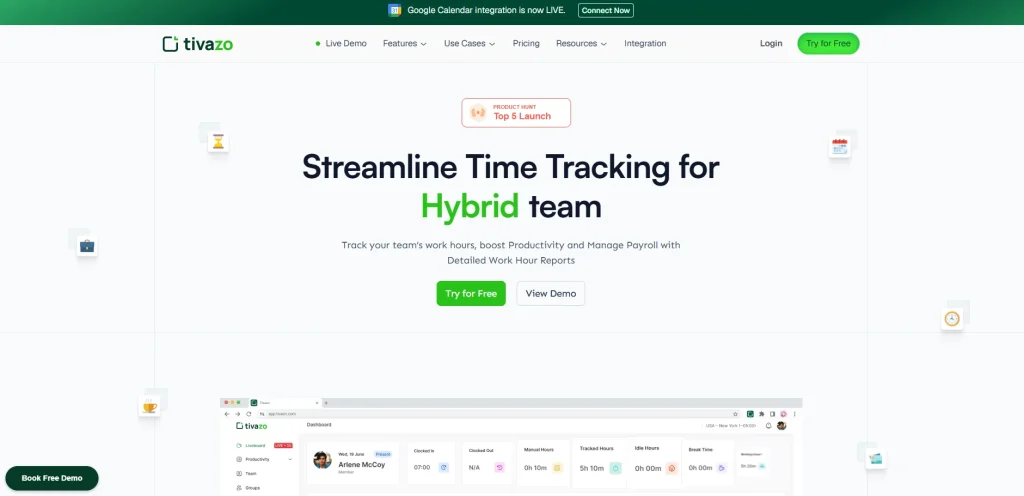
Tivazo Free Trial provides time tracking automation, employee monitoring, productivity analytics, live screenshots, and timesheet reporting all in one.
Key features include:
- Automated activity tracking
- Real-time productivity insights
- Smart timesheets
- Team performance analytics
- Remote workforce management
- Workflow reporting
Performance Insights dashboards may also be utilized to review the performance of teams and recognize productivity trends.
2. RescueTime
RescueTime is known to monitor digital habits, and it provides detailed reports on focus time, distractions, and productivity. It operates silently in the background and assists you in maximizing your working time.
3. Time Doctor
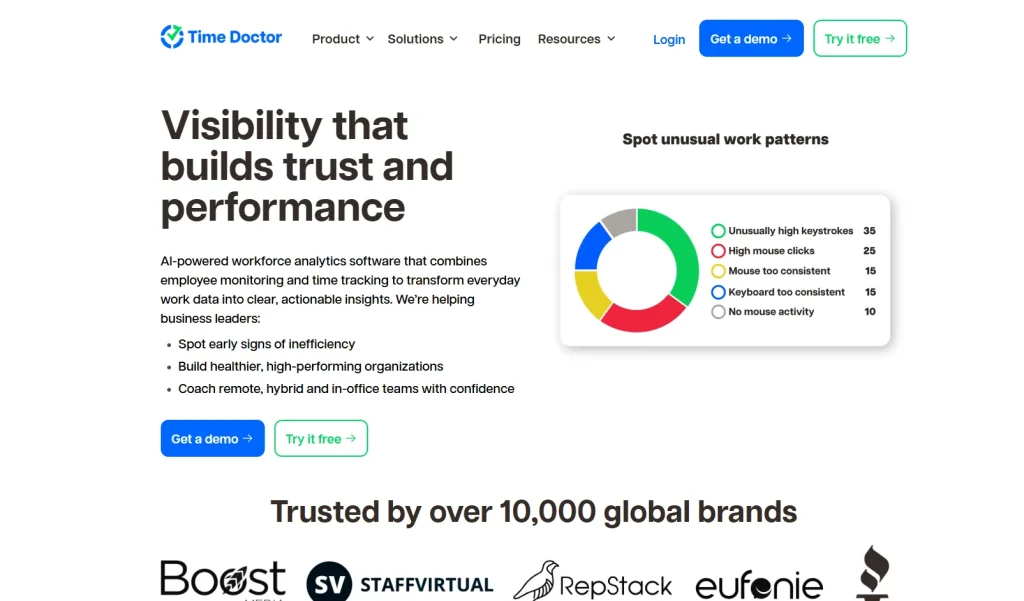
Time Doctor integrates app tracking, screen monitoring, and productivity tracking. It is also the favorite one among remote teams and has good integrations with project management tools.
4. Hubstaff
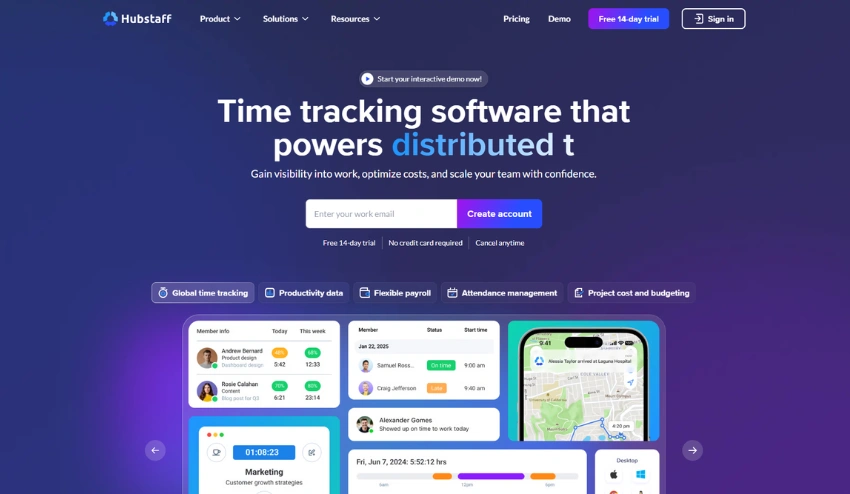
Hubstaff has been integrated with activity tracking, GPS tracking, and automatic payroll. It works well with field teams, freelancers, and agencies that bill on a time basis.
5. Timely by Memory
Timely has an AI-based auto-categorization of work across apps and calendars. It creates schedules for your day and minimizes the requirement for manual inspection. Perfect to use by consultants and creatives.
The tools have various uses. Select depending on the size of your team, your workflow, and industry.
Who needs to use time tracking software?
Auto-tracking times is beneficial for numerous work environments and teams.
1. Remote Teams
For remote businesses, there is better visibility and accountability into productivity.
Businesses with remote teams tend to integrate tracking systems with employee monitoring software solutions for enhanced operational efficiency.
2. Agencies and Consultants
An accurate billable hours and project tracking system is crucial for service-based businesses.
3. Law Firms
Precise client billing and time records are a must for legal professionals. Time tracking software for law firms can make compliance and invoicing easier.
4. Software Development Teams
Automated tracking benefits developers and IT teams by enhancing sprint planning, workload management, and resource allocation.
How to Implement Automated Time Tracking Successfully?
Requires team communication and careful planning to get to automated tracking.
1. Define Clear Goals
Recognize if you are focused on:
- Productivity improvement
- Accurate payroll
- Better project management
- Attendance tracking
- Reducing administrative work
2. Choose the Right Software
When searching for software, you should check to see that it comes with the following:
- AI-powered automation
- Timesheet generation
- Reporting dashboards
- Team analytics
- Seamless integration with payroll and project systems.
3. Communicate Transparently With Employees
Employees should understand:
- The data that is collected
- Why tracking matters
- The extent to which reports are used
- Privacy protections
Clear implementation leads to increased adoption and trust.
4. Start With a Trial Period
Before rolling the new system out to the company, the system can be tested out to help the teams transition slowly.
Common Challenges of Automated Time Tracking
Despite the advantages of automation, businesses need to understand and address any concerns early on.
1. Privacy Concerns
Staff might be concerned about too much surveillance. It’s important to have clear policies and transparency.
When examining cloud vs on-premise employee monitoring solutions, organizations should consider privacy, security, and compliance.
2. Over-Monitoring Risks
The aim of tracking should not be micromanagement but to find out the insights on productivity.
3. Integration Issues
Time tracking systems can be difficult to integrate with payroll or project management software for some businesses.
4. Employee Resistance
Initially, teams may not embrace changes in workflow. Onboarding and communication help to minimize friction.
Best Practices for Automated Time Tracking
To maximize results:
- Focus on productivity improvement instead of surveillance
- Use automated reports for workflow optimization
- Review analytics regularly
- Create clear time tracking policies
- Avoid excessive monitoring
- Train teams properly
- Integrate tracking with project management systems
When businesses are driven to grow, they tend to couple productivity monitoring with articles such as employee strengths examples to aid in the development of their employees.
Conclusion
Time tracking has become a necessity for any modern business. The world of teams is becoming more distributed, and working processes are becoming more digital, which means that businesses must become smarter in order to enhance the accuracy, productivity, and visibility of their operations.
The benefits of having the right automated timesheet software are far-reaching and enable businesses to minimize manual time tracking, minimize billing mistakes, enhance project planning, and help to build a more efficient work environment.
From remote teams and agencies to growing startups, automated time tracking can help your business operate smarter, save time, and scale more effectively in 2026.