So keeping a time tracking for construction site in order is already challenging enough without having to run around and try to find smeared, illegible paper timesheets at the end of each week! Time tracking for general contractors and project managers is more than just a hassle. It causes inaccuracy in job costing, excessive payroll, human error, compliance risks, and numerous other issues.
Digital time tracking is an effective solution for construction that connects the field and the office.
You can start monitoring the exact location in the field, manage certified payroll automatically, and secure your project’s profit margin with digital labor hour tracking. It explains the concept of how a modern construction time clock operates, the compliance requirements you shouldn’t overlook, and how to select the right platform for your crew.
What is Construction Time Tracking?

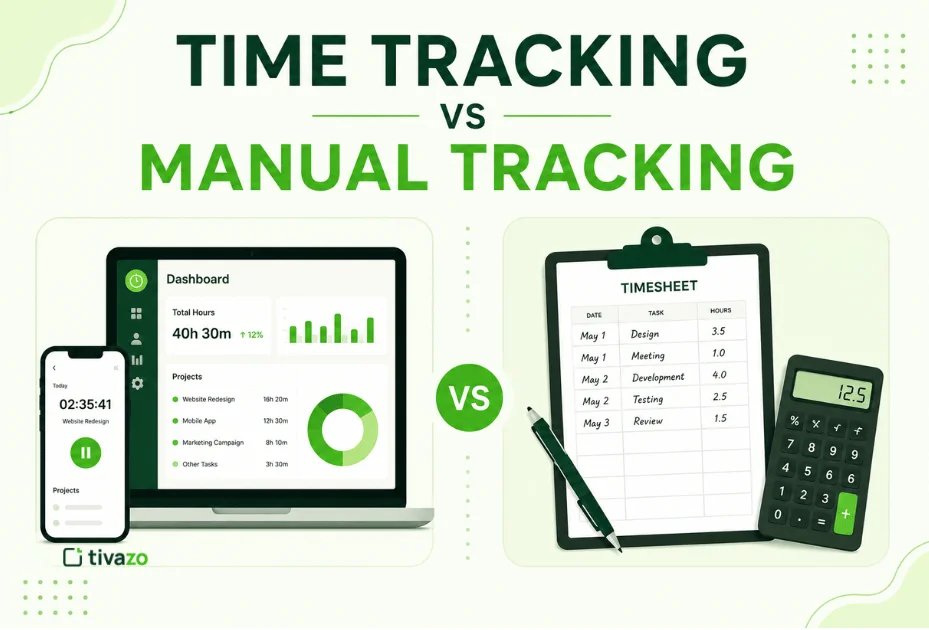
Construction time tracking is logging the actual hours that field crews work on a given job site and project task. Traditionally, this was done using paper time sheets or manually punching time cards. At the end of the day/week, the workers would record their hours and hand the sheets to the supervisor, who would then submit them to the office for payroll processing.
Paper timesheets are a hindrance in today’s fast-paced time tracking for construction sector. Manual tracking results in a disjointed process between the job site and the back office. This system will not work for modern contractors because of the following points:
1. This is the Guesswork Factor
Laborers do not often complete timesheets daily. Most wait till Friday afternoon and remember from memory what they had done that week. This will create a lot of inaccuracies in your labour records.
2. Paper Cards are on an honor system
Time Theft and Buddy Punching. When employees are late, it is very easy for them to bump into colleagues’ time cards or for their colleagues to punch them in.
3. Payroll Administrative Bottlenecks
Payroll administrators spend hours on end trying to track down missing sheets. They have to manually enter handwritten data and re-enter the information on the accounting software, which can lead to data entry errors.
Paper sheets do not contain accurate cost codes; this is Blind Job Costing. You can’t bid on your next job if you don’t know exactly how many hours you spent framing as opposed to drywalling.
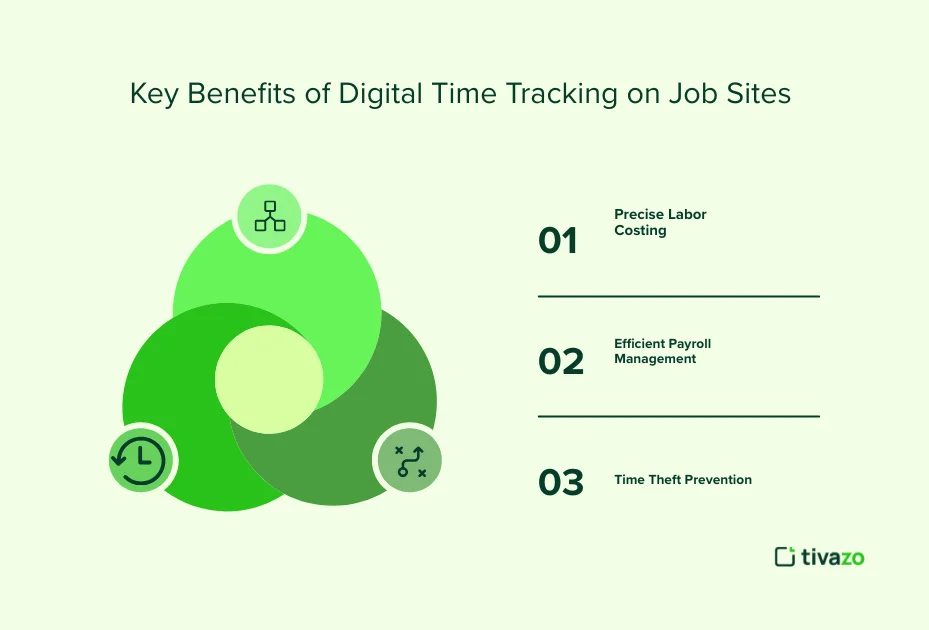
Key Benefits of Digital Time Tracking on Job Sites
The top advantages of Digital Time Tracking on Job Sites
A digital time tracking for construction time clock app reduces these system-wide field mistakes. Transforms labour tracking from a tedious task to a strategic asset.
1. Precise Labor Costing: Real-time tracking enables crews to record their hours to a particular job site or cost code with one tap. You can watch where your money is going during the job.
2. Efficient Payroll Management: Digital data is transmitted to accounting software in real-time. Platforms are connected to software such as QuickBooks, Sage, or Procore, which streamlines payroll from a day to minutes.
3. Time Theft Prevention: GPS tracking and biometric facial recognition are just some of the features that ensure that workers are physically present when they clock in. This eliminates time fraud and saves thousands of earned wages.
Automated, bulletproof documentation with ironclad compliance: Digital footprints. This will safeguard your business in an automated FLSA wage audit, workers’ comp case, or a certified payroll review for government contracts.
Must-Have Features of Modern Construction Time Tracking Software
There are not all time tracking software that can function in the harsh time tracking for construction site environments. In the field, the generic office time clock fails. If you’re considering your options, search for the following construction-specific attributes:
- Geofencing & GPS Tracking: Set up a virtual perimeter around your job site. The app may also automatically inform employees to clock in when they enter and clock out when they cross the boundary line.
- Cost Codes & Labor Metrics: Workers need to be able to change tasks, like switch from electrical to plumbing and back again, with a tap. This puts their hours on the same line as the budget line items for your project.
- Offline Mode: Construction when there is no Internet. The app should be able to store the GPS location, time stamp, and task data on the smartphone and sync automatically when a cellular connection is restored.

Mobile facial recognition or site kiosks are employed to end buddy punching altogether. A photo is taken of the person with the front-facing camera when they clock in to validate their identity.
Why Tivazo is the Complete Solution for On-Site Construction Teams
There are a number of standard tools available, but Tivazo provides a powerful cloud-based platform tailored to time tracking for construction teams’ coordination challenges. See how software connects field operations to a single view:
Tivazo was designed to improve cross-functional productivity and includes real-time interactive dashboards that bring together project progress.
How Tivazo Addresses Construction Challenges:
- Centralized Live Board: Foremen and project managers can now see in real time what is going on in the field with active crews, shifts, and task allocations, without having to make countless check-in calls.
- Cell Network Offline Time Tracking Protection: If cell networks go down on deep-infrastructure or remote builds, Tivazo still tracks accurate clock-in, clock-out, and attendance time off-site.
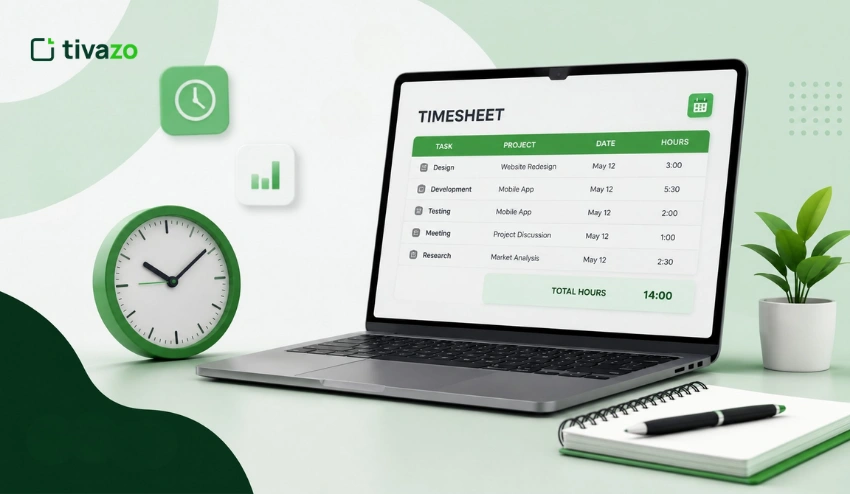
- Simplified Worksheets & Job Distribution: Manual paper entry replaced by instant timesheet generation in a simplified format & exportable to Accurate Timesheet. This does away with manual math in weekly accounting sprints.
How to Choose the Best Time Clock App for Your Crew
When selecting time tracking for construction software, it’s important to weigh the accounting demands of the company against the practicality of the application in the field. Too complex an application, and your field crews won’t use it.
Use the following guidelines to choose a tool:
1. Evaluate Your Crew Layout
When you have mobile or scattered sub-contractors it is best to have individual mobile applications with GPS tracking. A tablet kiosk with a ruggedized design and controlled by the job site foreman is immensely effective for large, static job sites.
2. Confirm Accounting Integration
Select a software that integrates seamlessly with your current technology (such as QuickBooks Desktop/Online, Sage 100 Contractor, Sage Foundation, or Sage Procore). Double data entry destroys the ROI of the software.
3. Review Certified Payroll Capabilities
If you are bidding on any government infrastructure project, then you need to follow the requirements in the Davis-Bacon Act. Make sure the app is capable of assigning labor hours to the accurate local prevailing wage and workers’ compensation rates.
Managing Remote Construction Sites Without Cell Service

The time tracking for construction is often in newly developed areas, deep infrastructure subsurface, or areas where there is no network infrastructure at all. In generic cloud applications, these dead zones lead to loss of data, billing inaccuracies, and administrative confusion. The problem is addressed by using top-tier industry-specific tools that implement local storage caching loops and data decentralization.
Once a field employee steps into a zero connectivity location, the software securely records, locks, and timestamps all the work hours, cost-code transitions, and geofenced coordinates into the user’s smartphone’s built-in flash memory.
Field Device Offline – – – – – – – – – – – – – – – – – – – – > Records Local Storage Caching Loop (Time + Cost Code + GPS)
│
▼ (Crew moves into network zone)
Cloud Ledger Sync automatically populates Back-Office Payroll & ERP Platforms.
The moment that the crew truck connects to an active cellular LTE, 5G, or local Wi-Fi, the device automatically performs a packet handshake, securely transferring the structurally encrypted packet to the main cloud ledger. This is an unbroken offline loop that ensures that all off-grid labor is recorded as accurately as the second, with no lost billable hours and no lost audit trail.
Navigating Certified Payroll Regulations and Government Compliance
Whether you’re a construction company that bids on public construction projects, municipal projects, or federal public works projects, you’re vulnerable to severe legal consequences if you’re doing manual calculations. Labor verification sheets must be submitted weekly to the contractor by federal government projects, under strict statutory requirements of the Davis-Bacon Act.
Digital time tracking for construction time clocks reduces this audit risk by automating compliance mapping at the time the data is captured. The software correlates the prevailing wage brackets and automatic overtime thresholds in the field with the prevailing wage rates of the local area to the appropriate industry or trade classifications and workers’ compensation risk codes.
If running accountants, the engine checks hours with country labour standards, automatically subtracting unpaid hours and applying union wage adjustments. The software then enforces clean data structures that you can export to a certified payroll format, eliminating dozens of hours of manual administrative work necessary to pass the Department of Labor audits.
The Landscape of Construction Time Tracking Software in 2026
Simple punch-in/punch-out mobile applications are a thing of the past. The best time tracking for construction software in 2026 will have AI-powered validation layers, comprehensive ERP system integrations, and hardware-software hybridization to eliminate payroll leaks.
These are the top platforms that contractors can leverage in 2026 to enhance their tech stack:
1. Workyard
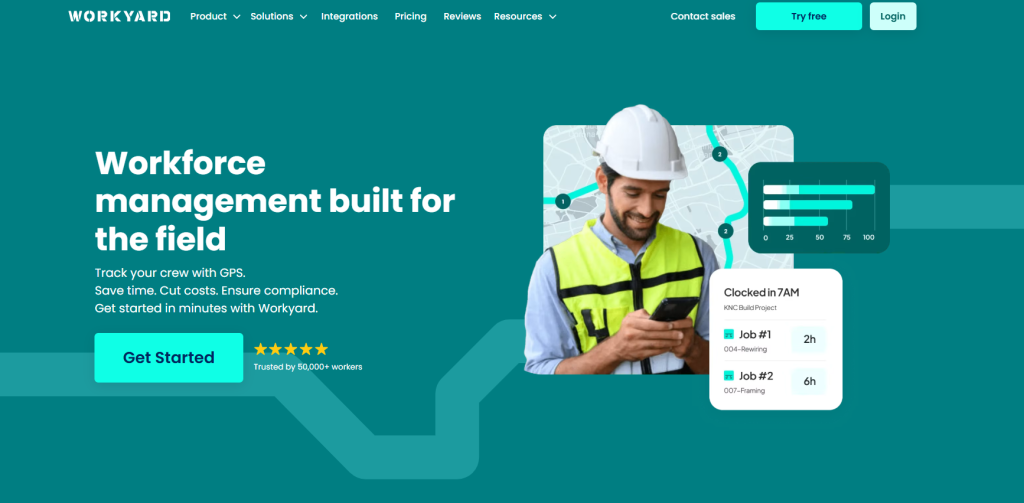
Remaining one of the best options for high-precision GPS tracking. One of its best features is an automated mileage logger that associates driving time with project phases for automated expense reimbursements.
2. SmartBarrel
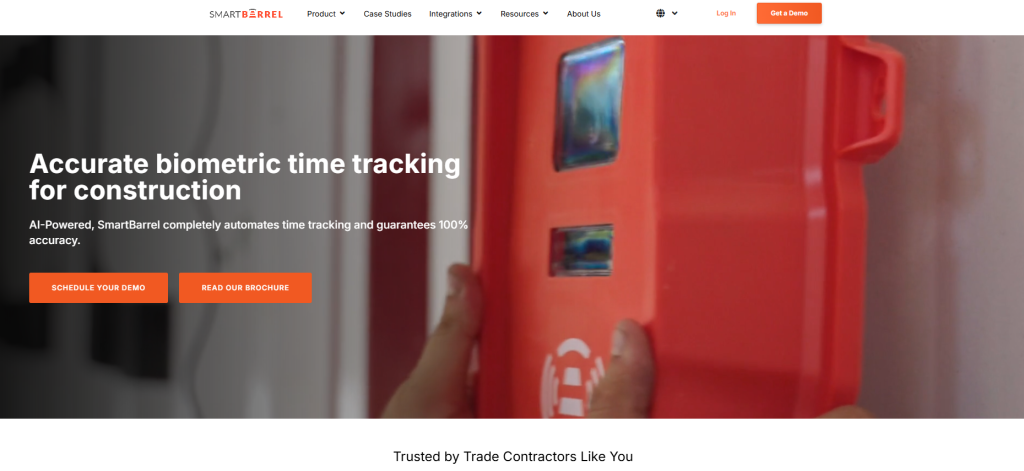
The benchmark for big civil and commercial projects. By replacing a costly and resource-intensive personal application with an on-site, solar-powered, ruggedized LTE hardware kiosk that leverages AI facial detection, it helps to completely eradicate buddy punching without having field workers download personal applications.
Designed for complex enterprise environments,
3. WorkMax
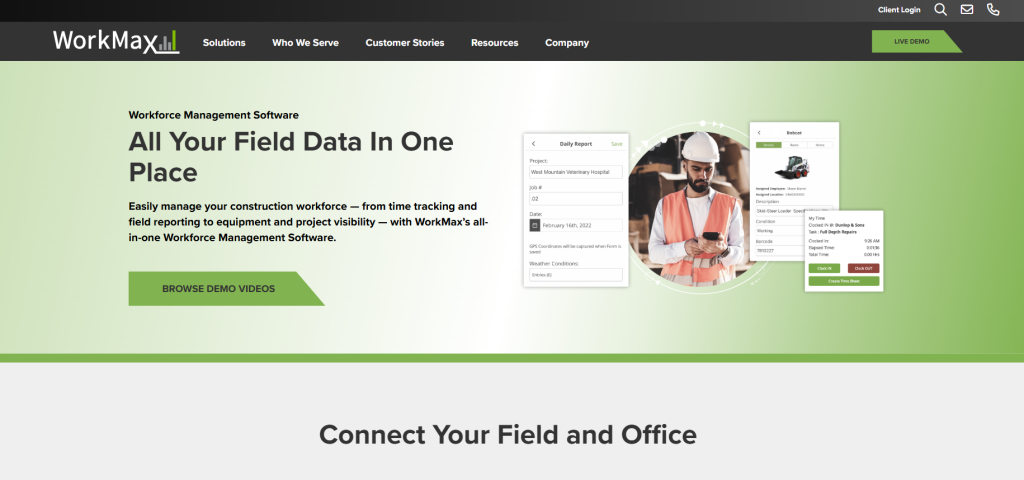
The solution. It offers detailed multi-tier coding for costs and automatically addresses complex union labor compliance regulations, reducing field labor costs by up to 32%.
4. ClockShark
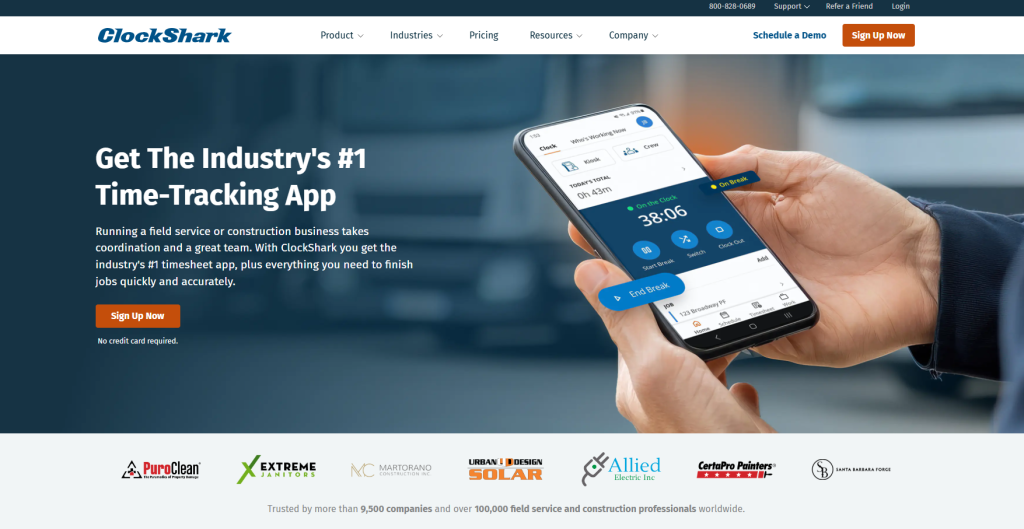
For specialty trade contractors (HVAC, plumbing, electrical) that need an easy-to-use drag-and-drop crew scheduling matrix with integrated job costing, this is the one software they prefer.
5. Tivazo
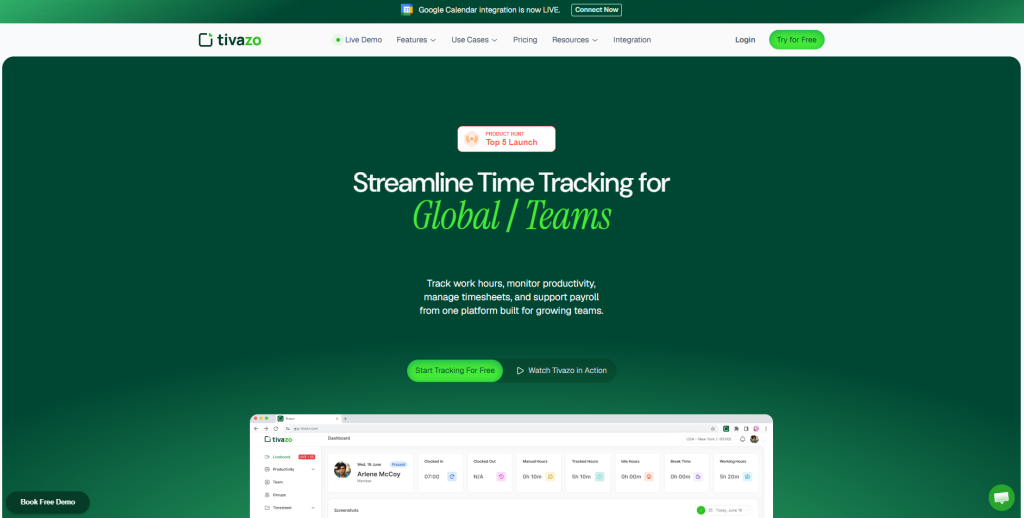
The far better cross-functional coordination platform, Tivazo, integrates local, offline time recording together with a central, real-time board view so management can immediately see project velocity whilst also viewing labour use.
Conclusion
Going paperless with timesheets isn’t just about saving paper any longer. It’s about safeguarding your business against labor expenses, demanding compliance inspections, and operational inefficiency. Time tracking for Construction digital time tracking provides your business with visibility in the field. It guarantees that all logged hours link directly to the correct costs and proper payroll systems.
On a small scale with a handful of specialty trades or on a large scale with several federal infrastructure projects, having the right time tracking for construction software means that your field work data will be accurate with the financial facts in the back office.
For platforms such as Workyard, SmartBarrel, and Tivazo, the power of automation, reliability in the absence of an internet connection, and accuracy in tracking are essential to bidding smarter, scaling with confidence.